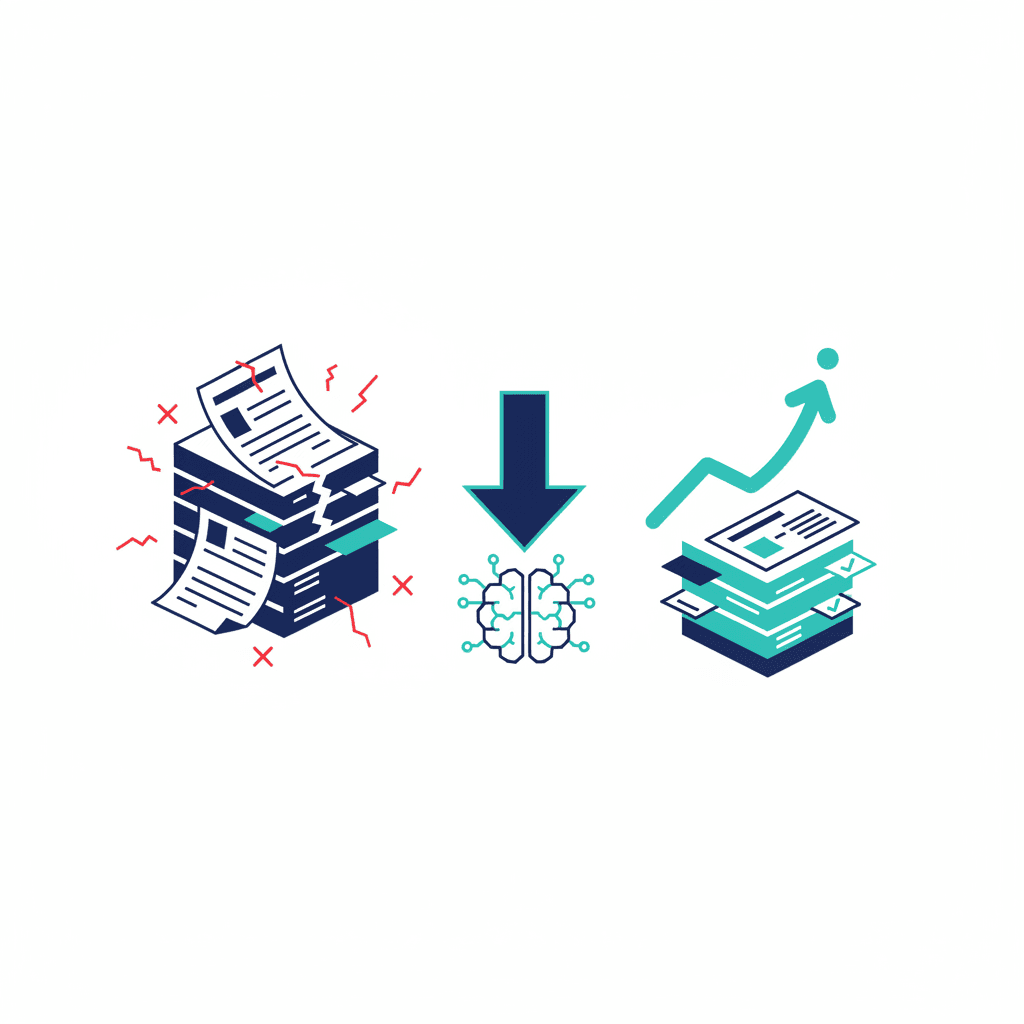
Processing supplier invoices, purchase orders, or client contracts by hand — reading line items, extracting the numbers, keying them into another system — is expensive, slow, and quietly error-prone. (It's one of the business tasks worth automating; here's what automation costs.) Manual entry error rates typically run 4 to 8%. AI extraction tools cut processing time by 75 to 90% and bring error rates down to under 0.5%.
This is one of six tasks we consistently see deliver real ROI when automated — see the full list in 6 Business Tasks Worth Automating with AI in 2026.
Why this task is a good fit for AI
Document data extraction is exactly the kind of task AI handles well: structured input (an invoice has predictable fields — vendor, date, line items, total), repetitive volume, and clear rules for what "correct" looks like. It's also exactly the kind of task humans handle badly at scale — not because people aren't capable, but because reading the 40th invoice of the day with the same care as the first one is genuinely hard.
What the automation actually does
Modern extraction tools read a PDF, scanned image, or emailed invoice, identify the relevant fields regardless of the layout (a skill that used to require rigid templates per vendor), and push structured data into your accounting or ERP system. The better tools flag low-confidence extractions for human review rather than silently guessing — this is the detail that determines whether error rates actually drop or just move somewhere less visible.
A realistic before-and-after
Before: an accounts payable clerk opens each invoice, manually types vendor, date, and line-item totals into the accounting system, and periodically discovers a transposed number weeks later during reconciliation. After: invoices land in a shared inbox, get processed automatically within minutes, and the clerk's job shifts to spot-checking a short queue of flagged, low-confidence extractions rather than typing every field on every document by hand.
What good looks like
A queue where 90%+ of documents process automatically with no human touch, and the remaining 10% — genuinely unusual formats, poor scans, ambiguous line items — get routed to a person with the extraction pre-filled for a quick check rather than a blank form. The person's job becomes verification, not data entry.
The most common mistake
Turning off human review too early. The error-rate improvements are real, but they depend on catching the tool's mistakes during the first few months while it's still learning your specific document types and vendors. Businesses that skip this validation period sometimes discover a systematic extraction error (a currency field misread for months) well after it should have been caught.
For any business processing more than a handful of invoices or contracts a week, this is usually one of the fastest-paying-back automations available — the volume alone makes the math work quickly.
Frequently asked questions
What document formats can AI extraction tools handle?
PDFs (native and scanned), images, and increasingly emailed invoices directly from an inbox — most modern tools handle all three without needing a fixed template per vendor.
How long does it take to set up?
A basic setup connecting an extraction tool to your accounting system typically takes 1 to 2 weeks, most of which is validating extraction accuracy against your specific document types before turning off manual review.
Is this only useful for high invoice volumes?
It pays back fastest at higher volume, but even 20-30 documents a week is often enough to justify it once you count the cost of the person currently doing manual entry.
Yash
Founder & Principal Consultant, Ynexgen
Yash leads Ynexgen, helping small and mid-sized businesses turn technology into a stronger foundation for growth — 7+ years across Salesforce CRM, websites, and AI adoption.