The promise of AI automation is real. But so is the graveyard of AI projects that cost time and money and produced nothing useful — and 47% of US small businesses now use AI in some form, so the gap between the two groups matters.
The difference between the ones that work and the ones that don't comes down to task selection. (A quick sanity check for any candidate task: the free automation ROI calculator tells you in 30 seconds whether its payback justifies a build.) The right tasks for automation share three characteristics: they're repetitive, they follow clear rules, and they process structured inputs. The wrong tasks involve nuance, relationship, or genuine judgement.
Here's the honest list.
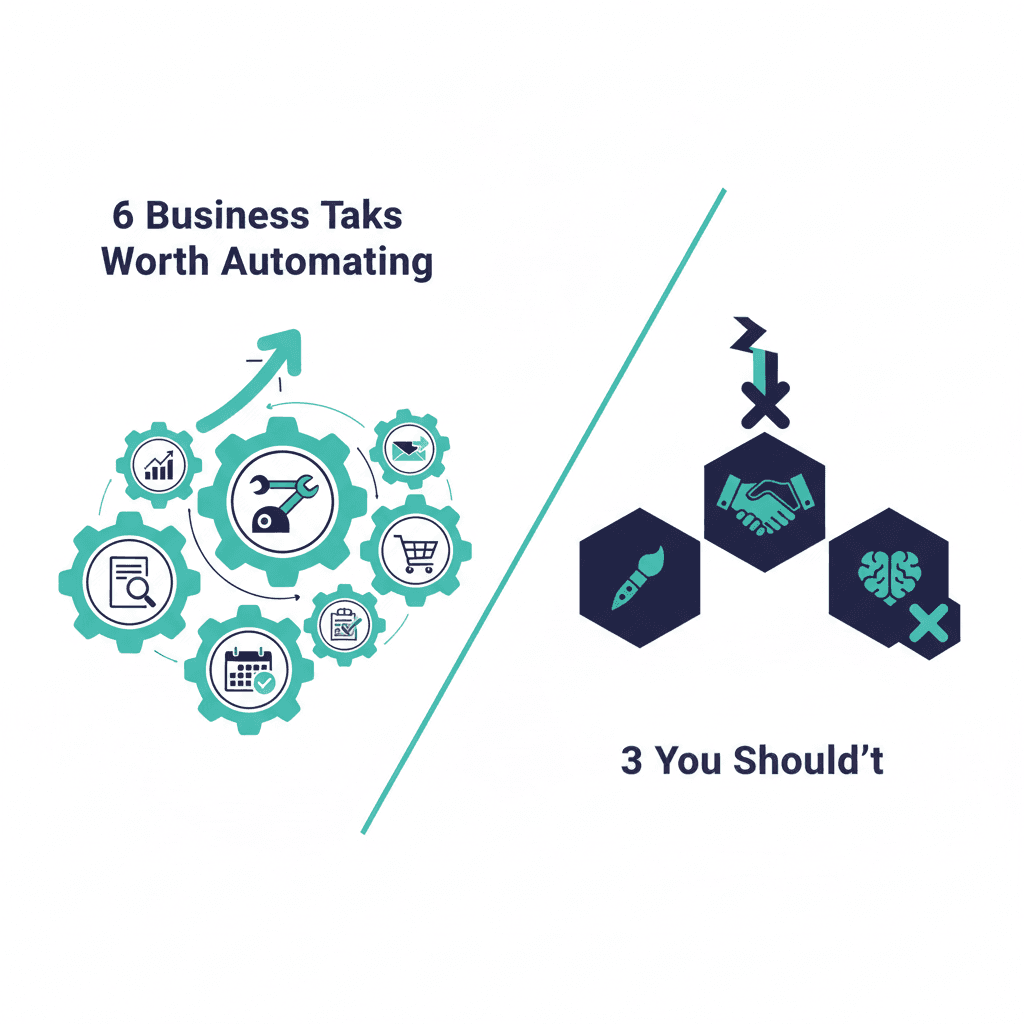
Worth automating
1. Lead response and initial qualification
The average business takes 47 hours to respond to a new inbound lead. Companies that respond within 5 minutes are 21 times more likely to qualify that lead. An AI that sends a personalised response within 2 minutes, asks 3 qualification questions, and routes based on the answers closes this gap completely. This is consistently the highest-ROI automation for service businesses.
Sales reps lose 6.5 hours per week on CRM hygiene — logging calls, updating records, adding notes. AI tools that transcribe calls and automatically update CRM fields, or that extract action items from emails and create tasks, recover most of that time. This makes the CRM more accurate and the rep more efficient simultaneously.
3. Invoice and document data extraction
Processing supplier invoices, purchase orders, or client contracts manually — reading line items, extracting data, entering it into another system — is expensive, slow, and error-prone. AI extraction tools reduce processing time by 75–90% and cut error rates from 4–8% down to under 0.5%.
4. Customer support tier-one queries
Order status. Basic account questions. Standard troubleshooting. These 20 to 30 question types typically account for 60 to 70% of support volume. Automating them removes the routine burden from your team and gives customers faster answers. The key is routing anything non-standard to a human immediately.
If you create a blog post, that content can automatically become a LinkedIn post, a short email to your list, and a FAQ entry on your website — with AI doing the adaptation and a human doing a 5-minute review. The creation still requires human expertise; the distribution doesn't.
6. Meeting scheduling and follow-ups
AI scheduling tools that find available times, send calendar invites, and send pre-meeting preparation notes and post-meeting summaries save 3 to 5 hours per week for anyone who takes a lot of meetings.
Don't automate these
Anything requiring genuine relationship judgement. A long-term client who's frustrated about something needs a human response, not a template. The automation that sends them a "thanks for your message, we'll be in touch!" reply is the automation that loses you the client.
Pricing and negotiation. Don't automate pricing decisions. The context that makes a pricing conversation work — relationship history, strategic fit, how badly they need this, how badly you need the deal — can't be encoded in a rule. AI can prepare you for the conversation; it can't have it.
First impressions with high-value prospects. The first touchpoint with a high-value prospect should have human fingerprints on it. Automation optimises for volume and consistency. High-value relationships require individual attention. Use automation to handle volume; save your attention for the deals that matter. For a week-by-week plan to sequence this without stalling, see How to Automate Your Business in 30 Days.
Frequently asked questions
What tools do I need to automate business tasks with AI?
For most simple automations, Zapier or Make (formerly Integromat) connected to an AI API (OpenAI or Anthropic) is sufficient. For more complex workflows, n8n offers more flexibility. The subscription costs run $20 to $100 per month for small volumes. Most businesses don't need custom development for their first five automations.
How long does it take to set up a business automation?
Simple automations (email classification, follow-up triggers, data extraction from forms) take 2 to 8 hours to set up with tools like Zapier or Make. More complex multi-step workflows with AI reasoning take 1 to 4 weeks. The setup time is almost always recovered in the first month of operation.
What's the ROI of AI business automation?
AI-driven automation delivers a median 300% ROI over three years for businesses that implement it well. Customer-facing automation delivers 300 to 800% ROI; back-office automation delivers 400 to 1,000% ROI. Most payback periods are 2 to 6 months for straightforward workflows.
What happens when an automation breaks?
All automations break eventually — an API changes, a form field is renamed, a service goes down. Build monitoring in from the start: email alerts when a workflow fails, a weekly check of automation logs, and a designated person who owns each automation and knows how to restart it.
Yash
Founder & Principal Consultant, Ynexgen
Yash leads Ynexgen, helping small and mid-sized businesses turn technology into a stronger foundation for growth — 7+ years across Salesforce CRM, websites, and AI adoption.