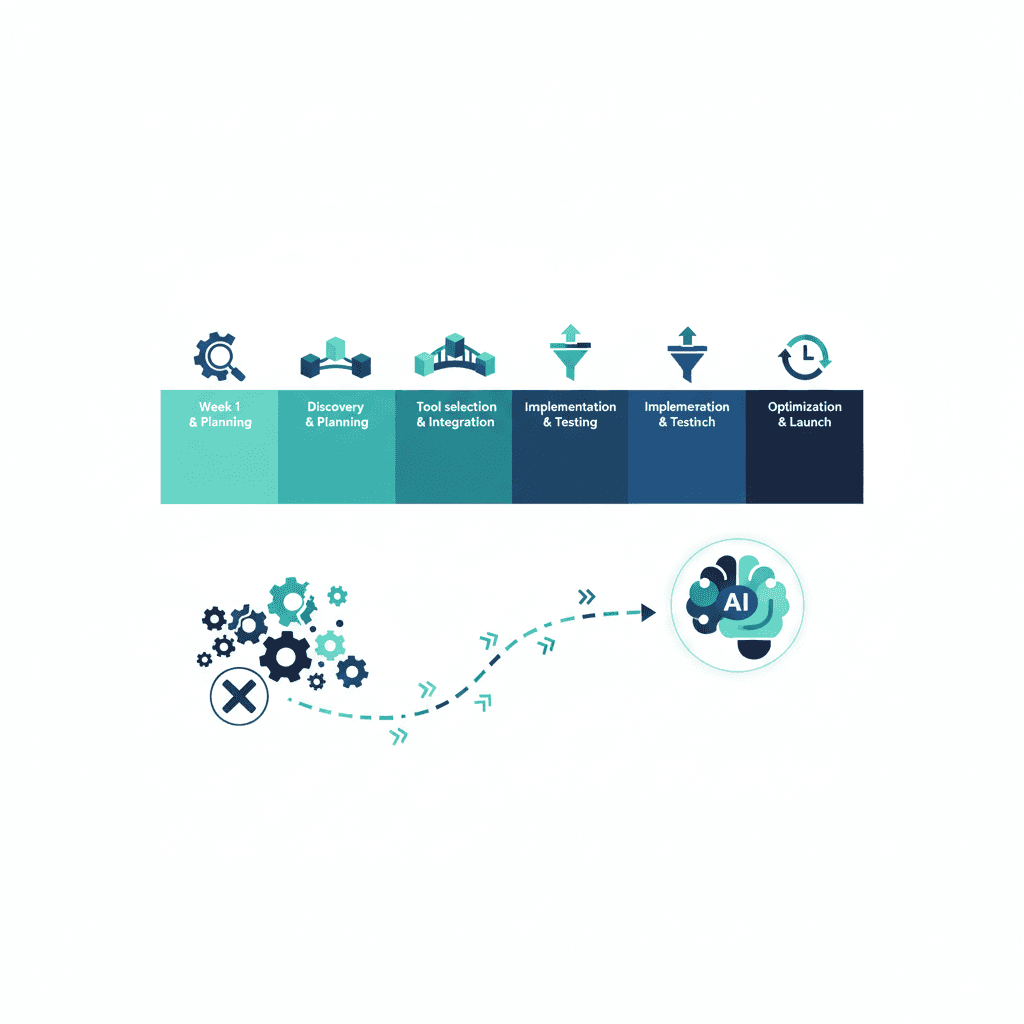
Most business automation projects don't fail because the wrong tool was chosen — they fail because the business tried to automate everything simultaneously, got overwhelmed, and abandoned the effort — pick one task and check its ROI first with three half-built workflows and nothing actually running. (For the fuller measurement framework, see how to measure AI automation ROI.) A narrower, sequential plan finishes — meeting scheduling and follow-ups is often a good first pick. Here's one that fits in 30 days.
Week 1: Find the actual bottleneck
Before opening any automation tool, spend the week tracking where time actually goes. Ask your team (or track yourself) which repetitive task eats the most hours weekly — this is almost never what you'd guess from memory. Common answers: manually copying leads from a form into a CRM, sending the same follow-up email individually to each new customer, or re-entering data that already exists in one system into another.
Output of week 1: one specific, well-defined task to automate first — not a list of ten.
Week 2: Build the first automation
Pick a tool that matches your team's technical comfort (see our comparison of Zapier vs Make vs n8n if you haven't chosen one). Build exactly one automation solving the week 1 bottleneck. Keep it simple — a single trigger and one or two actions is enough for a first attempt. Test it with real data, not just a demo scenario.
Output of week 2: one automation live and running on real business activity.
Week 3: Confirm it's actually working and expand
Don't move to the next automation until you've confirmed the first one is reliably doing its job — check it daily for a week, fix any edge cases it missed (a lead with a blank field, a duplicate entry), and only then consider it done. Once confirmed, pick the second-highest-value repetitive task and build that automation using what you learned in week 2.
Output of week 3: first automation confirmed reliable; second automation built.
Week 4: Document and decide what's next
Write down, in plain language, what each automation does and why — future you (or whoever takes over this system) needs this more than you'd expect. Then honestly assess: is there a third automation worth building now, or is it better to let the team adjust to the first two before adding more? Automation fatigue is real; two automations that are trusted and used beats five that nobody fully understands.
Output of week 4: documented automations, and a clear decision on whether to continue immediately or pause and consolidate.
The most common mistake
Building five automations in week one out of enthusiasm, then discovering in week three that two of them are quietly failing on edge cases nobody tested for — because there wasn't time to properly verify each one before moving to the next. Sequential, verified automation beats parallel, unverified automation every time.
The honest recommendation
Thirty days is enough time to get two or three genuinely reliable automations running if you resist the urge to automate everything you can think of. That's a better outcome than an ambitious ten-automation plan that stalls at "half-built" indefinitely. If you'd rather have this roadmap run by someone who does it daily, see our AI consulting services.
Frequently asked questions
What should I automate first?
Whatever repetitive task currently costs the most human hours per week and has the clearest, most predictable steps — lead routing, follow-up emails, and data entry between two systems are the most common high-value starting points.
Do I need a developer to automate my business?
Usually not for the first several automations — tools like Zapier and Make are built for non-technical use. A developer or consultant becomes valuable once you need custom logic or are automating something with many edge cases.
Why do most automation projects stall?
Trying to automate everything at once, rather than shipping one working automation, confirming it actually saves time, and building the next one on top of that confidence.
Yash
Founder & Principal Consultant, Ynexgen
Yash leads Ynexgen, helping small and mid-sized businesses turn technology into a stronger foundation for growth — 7+ years across Salesforce CRM, websites, and AI adoption.