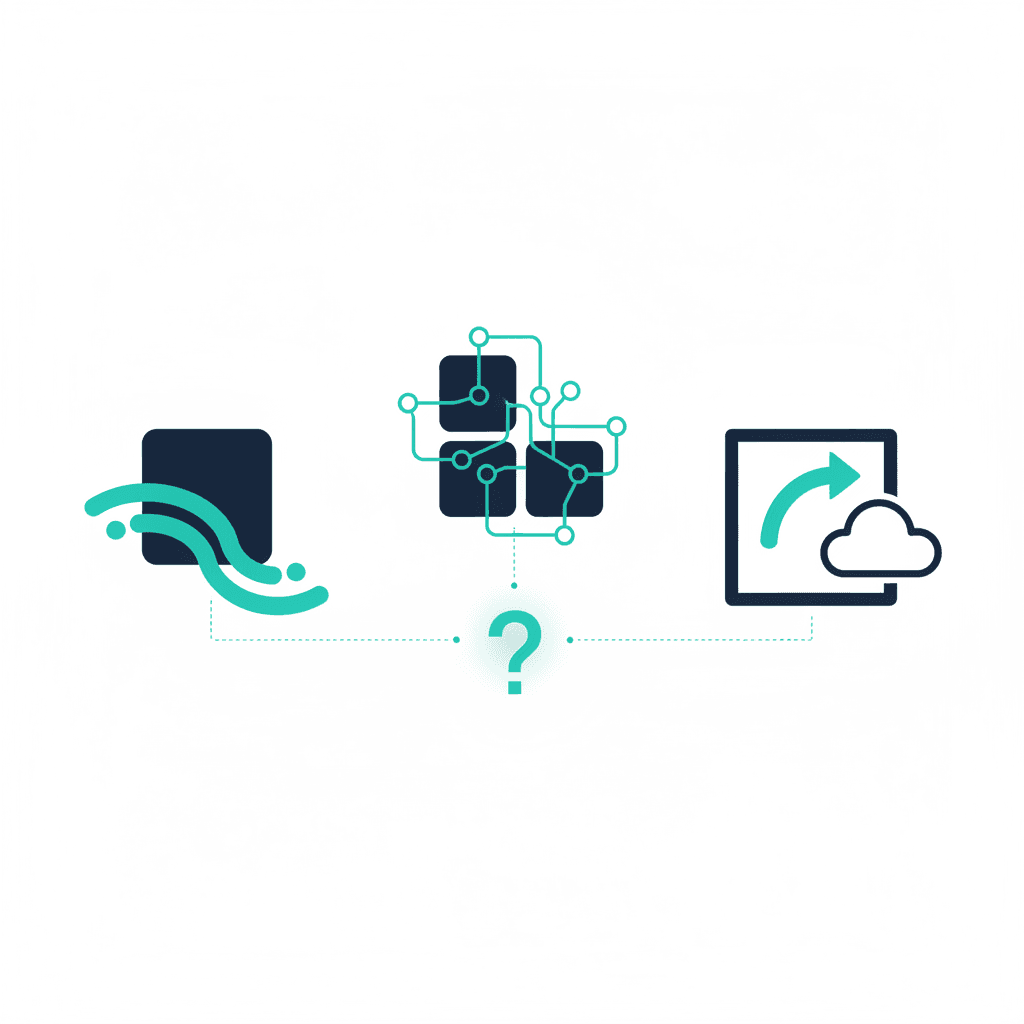
Zapier, Make, and n8n all do the same basic job: connect apps you already use and automate the steps between them, so a new lead in your form doesn't need a human to manually copy it into your CRM. Past that basic job, they diverge quite a bit, and picking based on a feature checklist misses what actually matters. (Whichever you pick, here's what an automation build costs.)
Zapier — the easiest starting point
Zapier's interface is the most linear of the three: trigger, then action, then action, in a straight line. It has by far the largest library of app integrations, which matters more than it sounds — the automation you can't build because your app isn't supported is worse than any pricing difference. It's also the most expensive per task at scale, since pricing is based on the number of automated actions ("tasks") run per month.
Best for: a small team with no dedicated technical person, running a modest number of straightforward automations (lead routing, notification alerts, simple data sync).
Make (formerly Integromat) — more power, more complexity
Make's visual builder shows automations as a flowchart rather than a straight line, which lets you build branching logic, loops, and error handling that Zapier's linear model struggles with. It's generally cheaper than Zapier for the same volume of work, but the visual complexity means someone on the team needs to actually understand how to read and build a flowchart-style automation — it's not as immediately intuitive.
Best for: a business with moderately complex workflows (multiple conditional branches, data transformation steps) and at least one person willing to learn the tool properly.
n8n — the technical, cost-effective option
n8n is open source and can be self-hosted, which removes the per-task pricing ceiling entirely — once you're running high automation volume, this is usually the cheapest option by a wide margin. The tradeoff is real: self-hosting means someone needs to maintain a server, handle updates, and troubleshoot infrastructure issues, not just build automations. n8n also has excellent support for custom code steps, which Zapier and Make gate behind premium tiers.
Best for: a business with technical capacity in-house (or a consultant who can set it up and hand it off) and high automation volume where Zapier's or Make's task-based pricing has become a real cost.
The most common mistake
Choosing based on which tool a blog post ranked "best" rather than which one matches your team's actual technical comfort level. A non-technical team struggling with Make's flowchart builder loses more time fighting the tool than they'd save from its extra power — Zapier's simplicity would have been the faster path to actual automation, even at a higher per-task cost.
The honest recommendation
Start with Zapier if you're not sure yet — it's the fastest way to get real automations running and validate that automation is worth the investment before committing to a more complex or infrastructure-heavy tool. Move to Make when you hit workflows Zapier's linear model can't handle. Consider n8n only once volume genuinely justifies the infrastructure overhead, or when working with a consultant who'll maintain it for you. For a practical roadmap on sequencing your first automations, see How to Automate Your Business in 30 Days. If you'd rather have someone set up and maintain the right tool for your workflows, see our AI consulting services.
Frequently asked questions
Which is easiest for a non-technical team?
Zapier — its interface is the most linear and forgiving, and its app library is the largest, so you're less likely to hit a connector that doesn't exist.
Which is cheapest at scale?
n8n, especially self-hosted — it's open source, so once you're running enough automations that Zapier's or Make's per-task pricing gets expensive, self-hosting n8n removes that ceiling entirely, in exchange for needing someone to maintain it.
Can I switch between them later?
Not directly — each platform's automations ("Zaps," "scenarios," "workflows") are built in that platform's own format, so switching means rebuilding, not exporting. Choose based on where you'll be in a year, not just today.
Yash
Founder & Principal Consultant, Ynexgen
Yash leads Ynexgen, helping small and mid-sized businesses turn technology into a stronger foundation for growth — 7+ years across Salesforce CRM, websites, and AI adoption.