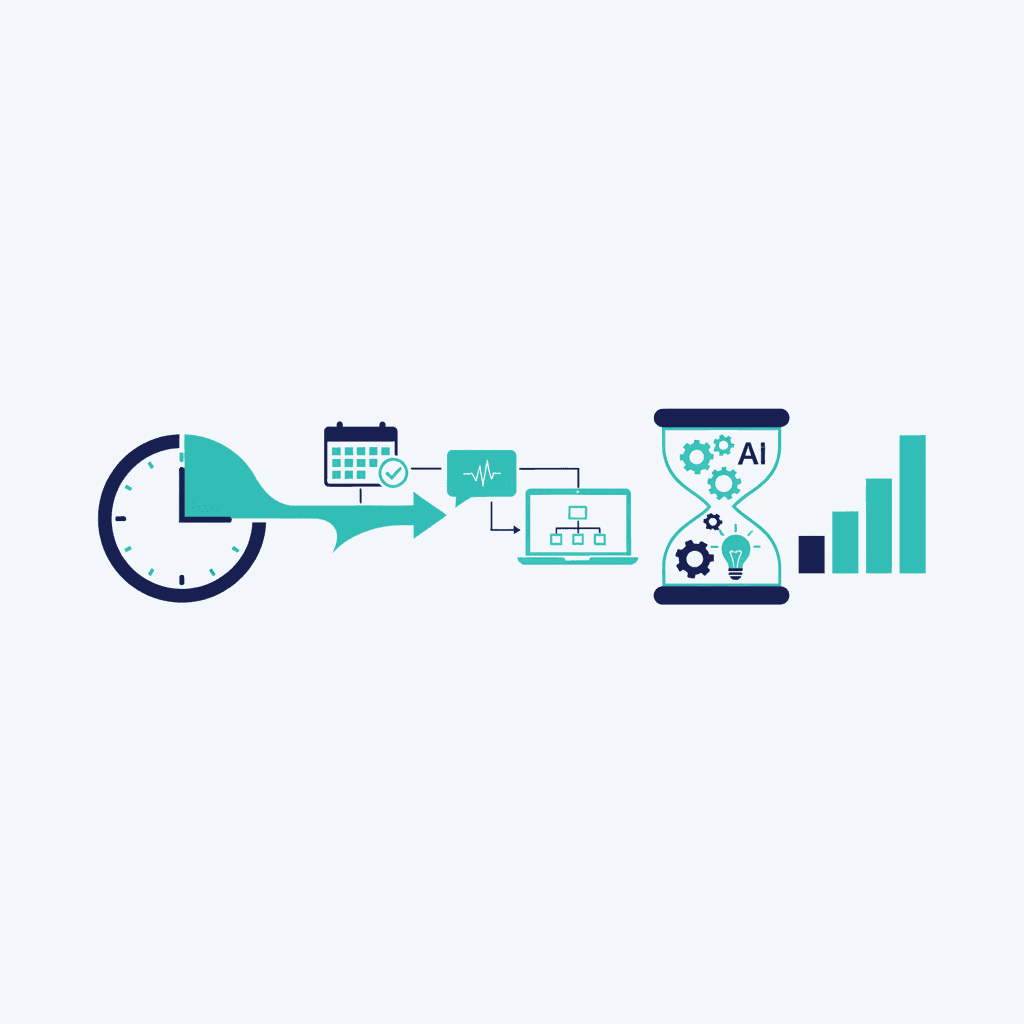
Finding a time that works for everyone, sending the calendar invite, preparing notes before the call, writing the summary and follow-up after — none of it is hard, but all of it adds up. AI scheduling and follow-up tools save 3 to 5 hours a week for anyone who takes a meaningful number of meetings, which in most client-facing roles is nearly everyone. (For how to verify that payoff yourself, see how to measure AI automation ROI.)
This is one of six tasks we consistently see deliver real ROI when automated — see the full list in 6 Business Tasks Worth Automating with AI in 2026.
Why this adds up faster than it looks
Individually, each step takes a few minutes: checking availability, sending a link, jotting pre-meeting context, typing up notes afterward. Multiply that by the number of meetings someone takes in a week, and it's easily 3 to 5 hours of small, low-value tasks surrounding the actual value-generating part — the conversation itself.
What the automation actually does
A good setup covers the full loop: an AI scheduling assistant finds available times and sends the invite without the back-and-forth email chain; a pre-meeting note pulls relevant context (last interaction, open items, recent account activity) so the person walks in prepared without digging through old emails; a post-meeting summary captures what was discussed and decided, and drafts the follow-up email for a quick edit and send.
A realistic before-and-after
Before: a rep spends 10 minutes over email agreeing on a time, walks into the call without checking the account's history, spends 15 minutes after the call writing up notes from memory (sometimes a day later, once details have already blurred), and the follow-up email goes out the next morning if it goes out at all. After: the invite goes out in one exchange, the rep opens a one-page brief before the call, and a drafted follow-up is ready to send within minutes of hanging up — while the conversation is still fresh for both sides.
What good looks like
Meetings that get booked in one exchange instead of five. Nobody walking into a call cold because they forgot to check the account history. Follow-up emails that go out the same day, not three days later when the details have gone fuzzy — which is often the actual reason deals stall after a good meeting.
The most common mistake
Automating the scheduling but not the follow-up, or vice versa. The two halves reinforce each other: a well-prepared meeting produces a follow-up that's easy to write accurately, and a fast, accurate follow-up is what keeps momentum from a good meeting instead of losing it to a slow response. Automate the full loop, not just the easy half.
None of this replaces the meeting itself — the conversation still needs to be good. It just removes the friction on either side of it, which is often where momentum quietly leaks out of a sales or client relationship process.
Frequently asked questions
Do AI scheduling tools integrate with calendars I already use?
Yes — most integrate directly with Google Calendar and Outlook, and most also connect to common CRMs so meeting context and follow-ups sync automatically.
How accurate are AI-generated meeting summaries?
Good tools are quite accurate for factual content (what was said, decisions made) but should still get a quick human scan before the follow-up goes out, especially for anything with financial or contractual detail.
Is this worth it if I only take a few meetings a week?
The time savings scale with meeting volume, so it matters most for people with meeting-heavy schedules — but even a handful of meetings a week benefits from never losing a follow-up to a busy day.
Yash
Founder & Principal Consultant, Ynexgen
Yash leads Ynexgen, helping small and mid-sized businesses turn technology into a stronger foundation for growth — 7+ years across Salesforce CRM, websites, and AI adoption.