Most businesses adopt an AI tool, use it for a while, and never actually determine whether it's paying for itself. That's not because the math is hard — it's because nobody set up the simple before/after comparison at the start. (Start from the cost side with how much AI automation costs and the hidden costs.)
Want the math done for you? The free automation ROI calculator runs this exact framework — enter hours, people and hourly cost, get the yearly waste, payback period and an honest verdict. No signup.
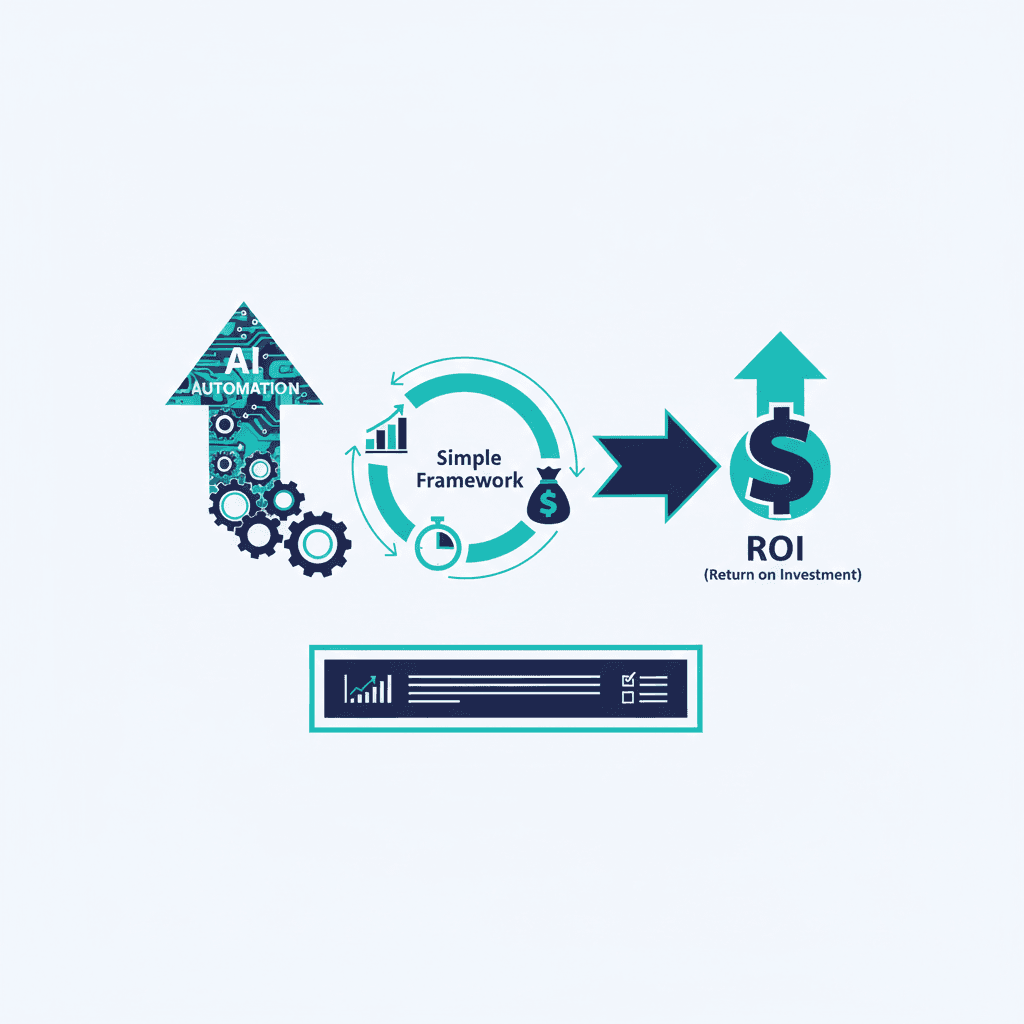
The framework: time saved × frequency × rate, minus cost
Step 1: Measure the baseline. Before adopting the tool, track how long the target task actually takes and how often it happens. Be honest here — most people overestimate how long a task took before automation, once they're comparing it against a faster new process.
Step 2: Measure after adoption. Once the tool is in full use (not during the learning-curve period — see below), track the same task's time again.
Step 3: Calculate time saved. (Baseline time − new time) × frequency per month = hours saved per month.
Step 4: Convert to dollars. Hours saved × a reasonable hourly rate for the person doing the task = monthly dollar value.
Step 5: Compare against cost. Monthly dollar value − tool's monthly cost = net ROI. If this is meaningfully positive, the tool is earning its keep.
What counts as good ROI? The payback bands
Once you have the monthly net value, divide the build cost by it to get the payback period. Payback inside three months is a strong candidate — automate it. Payback inside a year is still a solid business case, because the economics of automation are one-sided: the build cost is paid once, while the savings recur every month after. That's why the 3-year number, not the first month, is the honest measure of what an automation is worth. Only when payback stretches past a year is the task genuinely too small — and even then, read the next section before writing it off.
Too small to pay back alone? Bundle it
A task that takes one person an hour a week usually can't carry a build cost by itself — but almost no business has just one of those tasks. Three or four small, related tasks bundled into a single build share one cost and pay back several times faster than any of them would alone. If your list of small annoyances is long, the bundle is often the strongest automation case you have.
The mistake that skews this: measuring too early
The first 2-4 weeks after adopting any new tool usually show a temporary productivity dip — people are learning the interface, second-guessing outputs, and moving slower than their old, familiar process. Measuring during this window makes a genuinely useful tool look like a bad investment. Wait until the team has actually adjusted (4-6 weeks is a reasonable minimum) before drawing conclusions.
What this framework misses (and why that's okay)
This doesn't capture quality improvements, error reduction, or capacity freed up for higher-value work that doesn't have an obvious dollar figure. That's fine — the time-saved calculation is a floor, not a ceiling, on the tool's actual value. Use it as a baseline sanity check, not the complete picture.
The most common mistake
Adopting five AI tools at once and never isolating which ones are actually contributing value versus which ones people quietly stopped using. Measure one tool's impact on one specific task at a time — lumping every tool's effect into one number makes it impossible to know what's actually working. (Bundling small tasks into one build, as above, is different: that's one tool, one build cost, one measurable impact.)
The honest recommendation
Before adopting any new AI tool, write down the baseline time for the task it's meant to help with. This five-minute step is the difference between "I think this is helping" and actually knowing — see How Much Does AI Consulting Cost? if you're weighing this against a bigger investment. If you want help identifying which tasks are worth automating and tracking the results properly, see our AI consulting services.
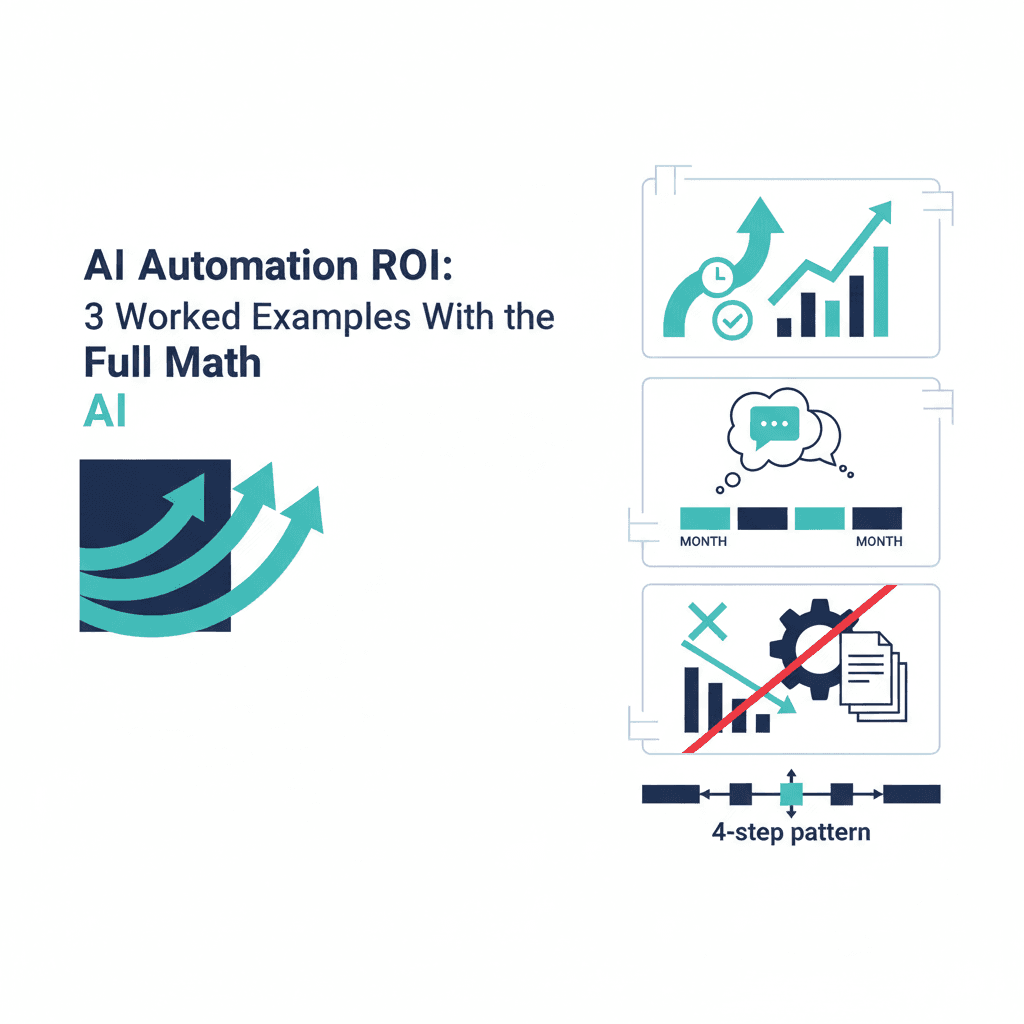
Want this framework applied? Three worked examples with the full math — including one where the honest answer is don't automate.
Frequently asked questions
What's the simplest way to measure AI automation ROI?
Time saved per task multiplied by how often the task happens, converted to a dollar value using a reasonable hourly rate, then compared against the tool's cost — this doesn't require sophisticated analytics, just consistent before/after tracking.
How long should I wait before measuring ROI?
At least 4-6 weeks after full adoption — shorter windows get skewed by the learning curve of adjusting to the new tool, which temporarily looks like lower productivity even when the tool is working.
What if the ROI isn't clearly positive after a few months?
That's useful information, not a failure — it tells you either the tool doesn't fit the task, adoption didn't actually happen, or the task wasn't as costly as assumed. Any of those is worth knowing before renewing.
Yash
Founder & Principal Consultant, Ynexgen
Yash leads Ynexgen, helping small and mid-sized businesses turn technology into a stronger foundation for growth — 7+ years across Salesforce CRM, websites, and AI adoption.