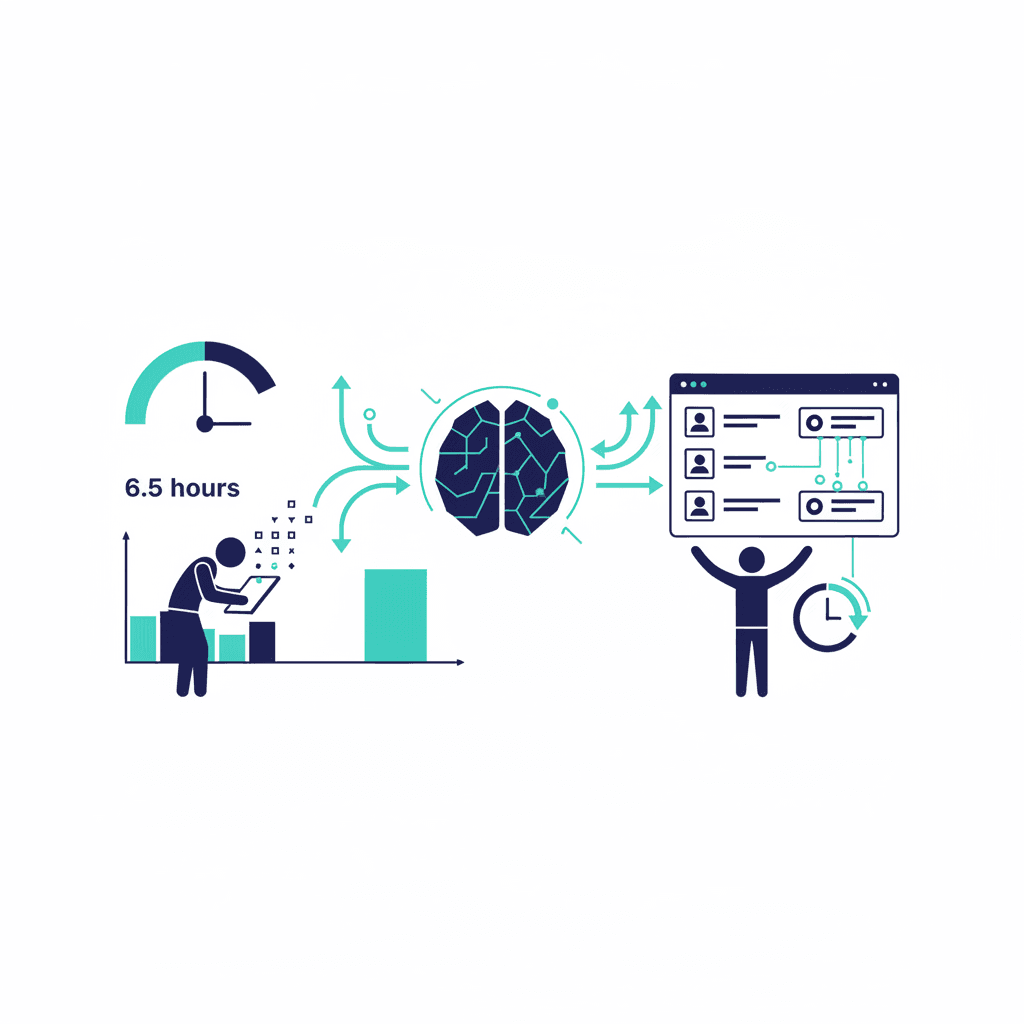
Sales reps lose 6.5 hours per week on CRM hygiene: logging calls, updating deal stages, adding notes, chasing down contact details that changed three months ago. That's roughly 16% of a standard work week spent on data entry instead of selling — and it's also the single biggest reason CRMs end up half-empty and out of date within a year of rollout.
This is one of six tasks we consistently see deliver real ROI when automated — see the full list in 6 Business Tasks Worth Automating with AI in 2026.
Why CRM hygiene falls apart
Nobody dislikes having a CRM. People dislike updating one. The gap between a call ending and a rep opening the CRM to log it is exactly where most of that discipline breaks down — by the time they get to it, the details are fuzzy, so the note is short and generic, and the CRM slowly becomes less useful than the rep's own memory.
What the automation actually does
Two patterns cover most of the value here:
Call transcription and auto-logging. A tool listens to (or transcribes a recording of) a sales call, summarises it, and writes the summary directly into the relevant CRM record — no manual note-taking required. The rep reviews and edits rather than writing from scratch.
Email-to-task extraction. AI scans incoming emails, identifies action items ("send the proposal by Friday," "follow up after their board meeting"), and creates CRM tasks automatically, tagged to the right contact and deal.
Both changes shift the rep's job from "remember to log this" to "review what's already logged" — a much smaller ask that people actually do.
What good looks like
CRM records that update within minutes of a call ending, not days later. Notes that reflect what was actually discussed, not a one-line placeholder. Deal stages that move because the AI flagged a clear signal in the conversation, not because someone remembered to click a dropdown during a quiet afternoon.
The most common mistake
Automating the logging without also fixing why reps weren't logging in the first place. If your CRM has 40 required fields and a clunky interface, AI-assisted note-taking helps, but it's treating a symptom. Pair this automation with cutting the CRM down to the fields your team actually uses — see Your CRM Is Not Your Problem. Your Process Is. for the fuller argument.
Done well, this is one of the few AI automations that makes a system more accurate and a person more efficient at the same time — most automations trade one for the other.
Frequently asked questions
Does call transcription work for phone calls, not just video meetings?
Yes — most modern call transcription tools work with standard phone/VoIP calls as well as video meetings, either via a dialer integration or a recording upload.
Will reps trust an AI-written call summary?
Only if they can quickly review and edit it before it's saved — treat the AI output as a draft, not a final record, at least for the first few months.
How much of the 6.5 hours can realistically be recovered?
Most of it. The remaining time is usually genuine judgment calls (which deal stage this really belongs in) that still need a human, but the mechanical logging — the majority of the 6.5 hours — is what AI removes.
Yash
Founder & Principal Consultant, Ynexgen
Yash leads Ynexgen, helping small and mid-sized businesses turn technology into a stronger foundation for growth — 7+ years across Salesforce CRM, websites, and AI adoption.