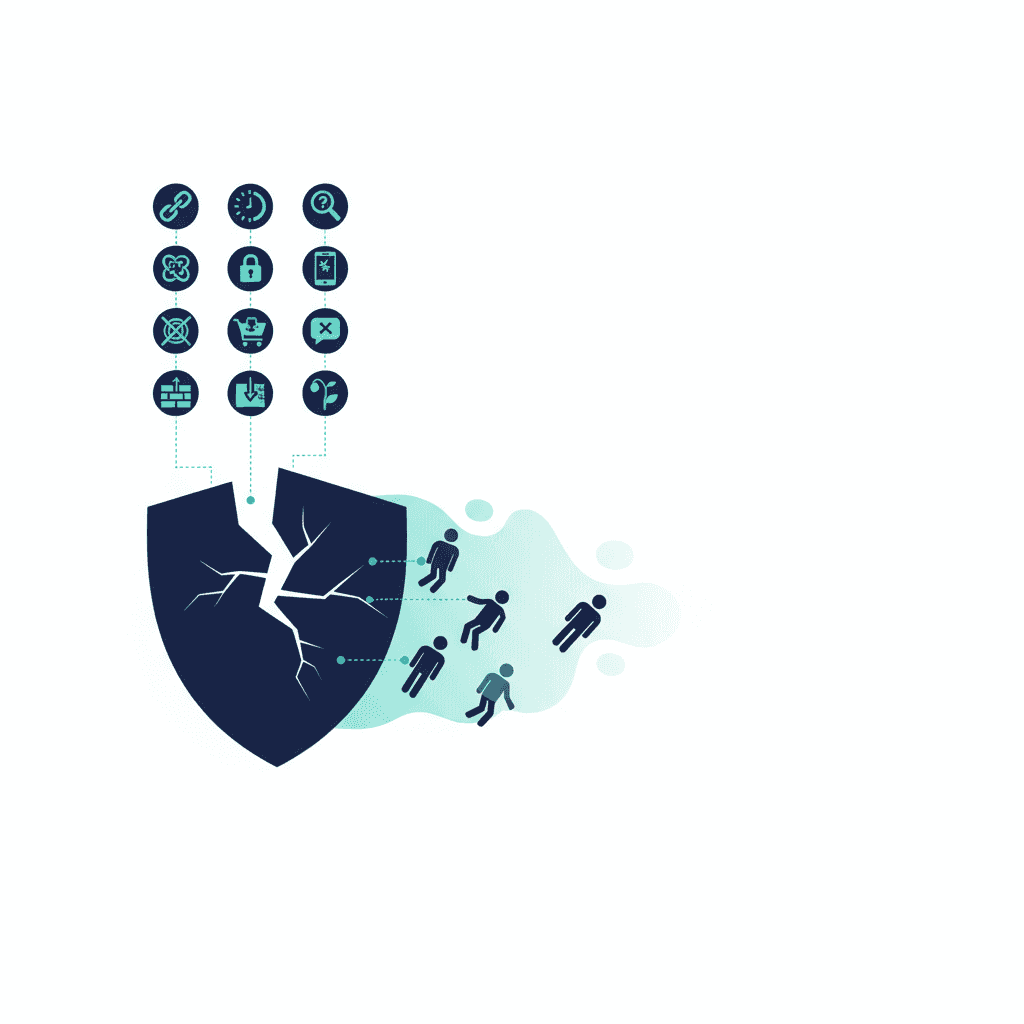
Your website won't tell you it's broken. It'll just stop converting — and since most business owners aren't watching the analytics closely, the decline is invisible until it's significant.
Here are ten warning signs that your website is working against you. (Want the fast version? Run the 15-minute website audit.)
1. It takes more than 3 seconds to load on mobile
53% of mobile visitors leave if a page takes more than three seconds to load — see what the data actually shows about speed and conversions for the full picture. If your homepage takes five, you're losing more than half of your mobile audience before they read a word. Load speed is not a technical nicety — it's the first barrier between you and every customer who found you on their phone.
2. The homepage doesn't say what you do in one sentence
You have eight seconds to communicate your value before a visitor decides whether to stay. If the first thing they read is a vague tagline like "Empowering businesses through innovative solutions," they'll leave. If it says "Salesforce CRM consulting for Indian SMBs," the right person stays.
3. There's no clear next step
What should a visitor do after reading your homepage? If the answer isn't immediately obvious from the page, you're losing the people who were ready to act. Every page needs one clear call to action — not three, not none. One.
4. It looks wrong on mobile
Over 60% of web traffic is mobile. Test your site on your phone right now — not a desktop browser resized to look narrow, but your actual phone, on a real connection. Check that buttons are tappable, text doesn't overflow, and forms work. If you find three problems in ten minutes, your visitors found them too, and they left.
5. It has no reviews or proof
People don't buy from businesses they don't trust. Without testimonials, case studies, or client logos, your website is asking visitors to trust a stranger with their money. Social proof is not decoration — it's a conversion requirement.
6. The contact form doesn't send
This sounds absurd, but it happens constantly. Forms break when hosting is changed, when plugins update, when SSL certificates expire. When was the last time you submitted your own contact form and confirmed you received it?
7. The navigation has more than 6 items
More options, more paralysis. Strip your navigation to the pages that matter — services, about, contact — and make the CTA a button that stands out. The businesses that keep adding navigation items keep thinking the problem is that people can't find what they're looking for. Usually the problem is the opposite: there's too much to look at.
8. Your images are stock photos
Generic stock photos of people in suits pointing at whiteboards signal to every visitor that there's no real person behind the website. Real photos of your office, your team, or your work convert better. Authenticity outperforms polish every time.
9. Google can't find you
If you search for your business name and your website doesn't appear in the first result, or if you search for your primary service in your city and you're not on page one, your website isn't doing its job as a lead source. Most business websites don't rank because nobody has done the basic on-page SEO work — title tags, meta descriptions, heading structure. None of it is complicated; it's just been left undone.
10. You haven't updated it in two years
A blog that stopped publishing in 2022. Service pages that reference outdated pricing. An "our team" page with photos of people who no longer work there. Stale websites communicate neglect — and potential customers read neglect as a signal about how you'll treat them.
The uncomfortable truth is that many small business websites are closer to a liability than an asset. They exist, but they actively undermine trust rather than build it. The fix doesn't always require a full redesign — sometimes addressing two or three of the above issues transforms performance. If the issue is traffic that isn't converting rather than the site itself, see Website Traffic, No Enquiries: How to Fix It.
Getting no enquiries at all? Start with the diagnosis — traffic problem or conversion problem — before fixing anything.
Frequently asked questions
How do I check if my website is slow?
Go to pagespeed.web.dev and enter your URL. Google measures your site and scores it from 0 to 100. Anything below 50 on mobile needs urgent attention. Anything below 70 on desktop is worth fixing before investing in more traffic.
Does website design really affect whether customers trust a business?
Significantly. 94% of first impressions of a business are design-driven, and 60% of consumers avoid brands with unappealing websites even if the reviews are good. A poor design isn't just aesthetics — it signals unreliability.
How much traffic do I need before website optimisation is worth it?
Even at low traffic, small conversion improvements matter. If 100 people visit your site monthly and 2% enquire, that's 2 leads. If better design lifts that to 4%, you've doubled your leads from the same traffic without spending anything on advertising.
What's the fastest thing I can fix to improve website performance?
Images. Uncompressed images are the single most common cause of slow load times. Use a tool like Squoosh to compress your images before uploading. This often cuts page load time in half with no development work required.
Yash
Founder & Principal Consultant, Ynexgen
Yash leads Ynexgen, helping small and mid-sized businesses turn technology into a stronger foundation for growth — 7+ years across Salesforce CRM, websites, and AI adoption.