WordPress runs a large share of the web — from personal blogs to enterprise sites — because it can be shaped into almost anything. That flexibility is exactly why it's the right choice for some businesses and the wrong one for others.
This is one of three platforms we compare directly in WordPress vs Webflow vs Squarespace in 2026 — see also Webflow and Squarespace on their own terms. Not sure it's the right one for you? The free website platform picker asks six questions and gives an honest verdict.
Who WordPress is actually right for
Businesses that need full customisation — a specific booking flow, a membership area, a multi-vendor marketplace, or any functionality that doesn't fit a template — benefit from WordPress's enormous plugin ecosystem and open architecture. It's also the strongest choice for a large content operation: a business publishing dozens of blog posts a month, running multiple content types, or managing a large resource library will find WordPress's content management more capable than either alternative at scale.
Businesses willing to manage hosting, security, and plugin updates — or pay someone to do it — get the most value from WordPress. That ongoing management is the platform's real cost, not its up-front price.
The plugin ecosystem, and its real cost
WordPress's plugin ecosystem is its biggest strength and its most common liability at the same time. Tens of thousands of plugins mean almost any functionality exists as a pre-built option — but each added plugin is also a piece of third-party code that needs updating, can conflict with other plugins, and expands the site's potential attack surface. A well-run WordPress site runs the minimum set of plugins actually needed, kept current, from developers with a track record of maintaining them — not the maximum set that looked useful during setup.
What it actually costs
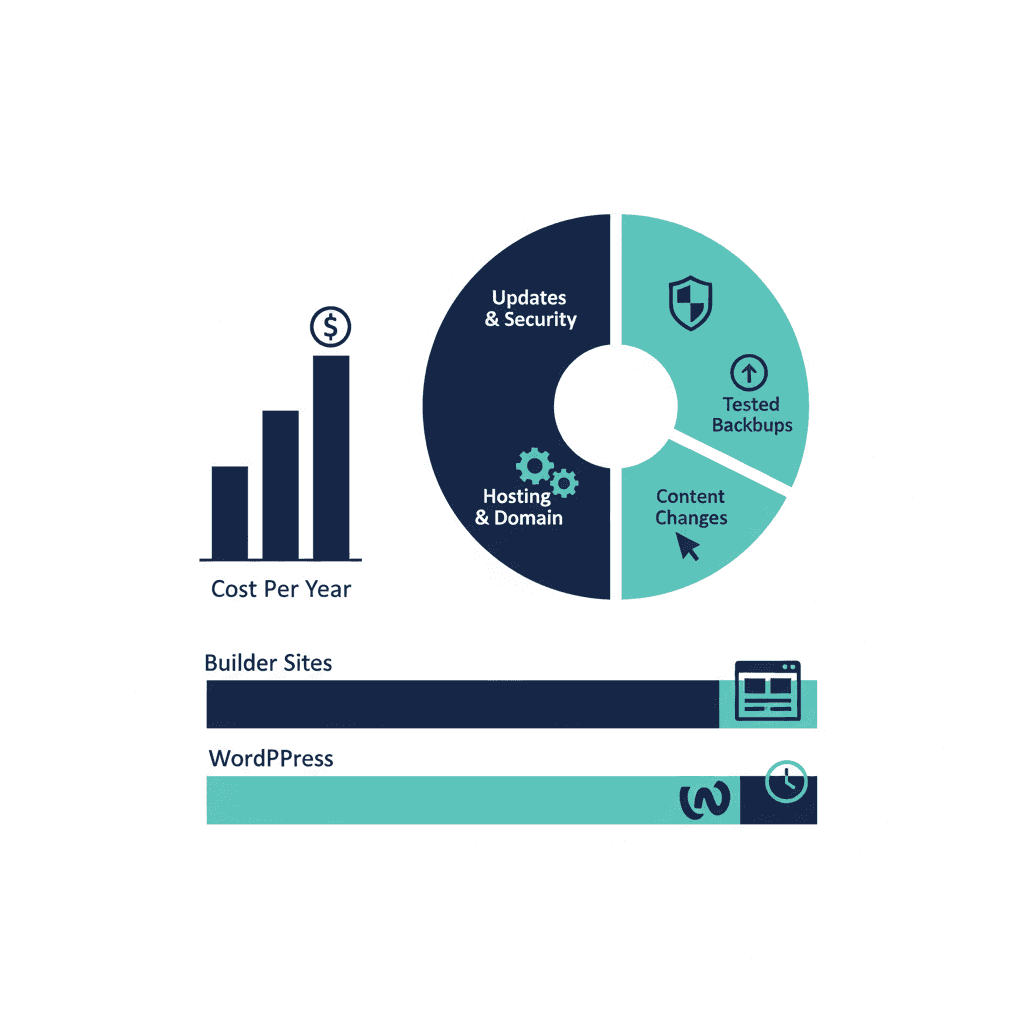
WordPress itself is free, which is misleading. A properly maintained business site — quality hosting, an SSL certificate, security monitoring, plugin updates, and periodic backups — runs $150 to $500+ per month once you account for hosting and either your own time or a maintenance retainer. Skipping these costs is how WordPress sites become the security liabilities and slow-loading pages that give the platform a bad reputation.
The most common mistake
Choosing WordPress for its flexibility, then never using it. Businesses that pick WordPress "in case we need custom functionality later" often end up paying for hosting, security, and maintenance on a site that could have run more cheaply and with less ongoing effort on Squarespace or Webflow. WordPress earns its cost when you actually need what it offers — otherwise it's overhead without the benefit.
The honest recommendation
Choose WordPress if you have (or plan to have) a large content operation, need functionality a template platform can't provide, or are building something that will genuinely grow in complexity over the next few years. If your needs are simpler, the ongoing management cost is real money spent on flexibility you're not using.
Frequently asked questions
How much does a WordPress website really cost?
Once you add proper hosting, security, and ongoing maintenance, expect $150–$500+ per month for a business-critical site — meaningfully more than the platform's own licensing (which is free) suggests on its own.
Do I need technical skills to run a WordPress site?
Basic content updates don't require coding. But hosting configuration, security patching, and plugin management are ongoing technical responsibilities — either you or someone you pay needs to own them.
Is WordPress better than Webflow or Squarespace?
Not universally — see the full comparison in [WordPress vs Webflow vs Squarespace in 2026](/blog/wordpress-vs-webflow-vs-squarespace-2026). WordPress wins on customisation and content scale, at the cost of more ongoing management.
Yash
Founder & Principal Consultant, Ynexgen
Yash leads Ynexgen, helping small and mid-sized businesses turn technology into a stronger foundation for growth — 7+ years across Salesforce CRM, websites, and AI adoption.