The three most common questions we get about website platforms always come from the same place: someone has just realised they need to either build or rebuild their website, and they've done enough research to know that WordPress, Webflow, and Squarespace all exist, but not enough to know which one they should actually use.
Here's the version that doesn't waste your time.
Want your answer in 60 seconds? The free website platform picker asks the six questions that actually decide it and tells you which platform fits — plus what to watch out for. No signup.
The fastest summary
Squarespace is for businesses that want a professional-looking website they can maintain themselves, without thinking about hosting, security, or plugins. Monthly cost: $16–$99. No technical knowledge required.
Webflow is for businesses that need professional design quality and genuine SEO control, are willing to pay a designer or learn the platform, and want more flexibility than Squarespace allows. Monthly cost: $14–$39 for standard sites.
WordPress is for businesses that need full customisation, a large content operation, or complex functionality, and are willing to manage hosting, security, and plugins — or pay someone to do it. Monthly cost: $150–$500+ when you add proper hosting, security, and maintenance.
A custom-built website — hand-coded with modern HTML and a framework like Next.js — is the fourth option nobody puts in these comparisons, and for one type of business it beats all three: the business that will keep extending its site over the years. One-time build: $1,500–$8,000 depending on scope, then $0–$300 per year to host. No platform fees, no plugin licences, no ceiling.
Where people go wrong
The most common mistake is choosing WordPress because it's "industry standard" and then discovering that the ongoing maintenance is more than they bargained for. WordPress is genuinely powerful, but it's also genuinely complex. Plugins conflict, updates break things, and security vulnerabilities require active management. None of that is a problem if you have a developer or budget for managed hosting. It's a real burden if you don't.
The second most common mistake is choosing Squarespace for a B2B marketing site because it's easy, then running into its SEO limitations when they try to rank for competitive terms. Squarespace's built-in SEO tools cover the basics well. But if organic search is core to your growth strategy, Webflow or WordPress give you more precise control.
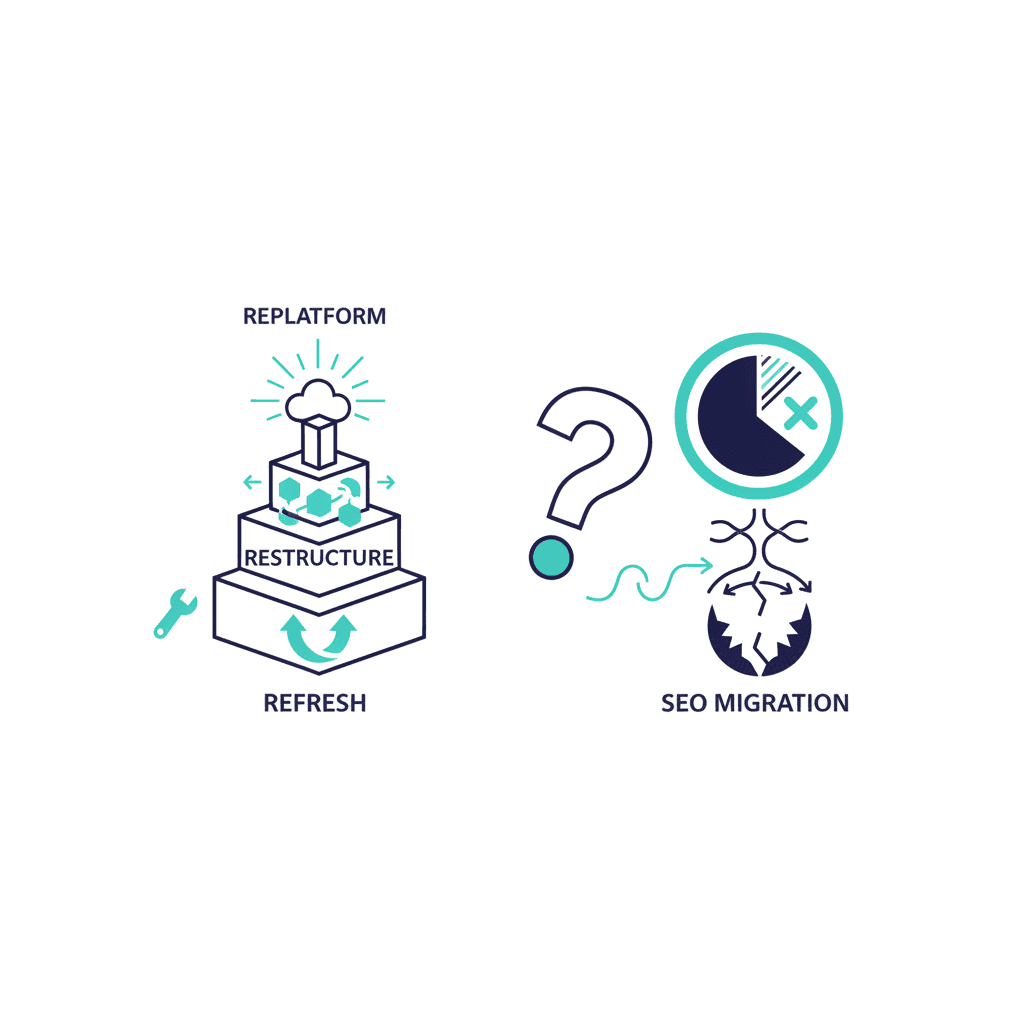
The third mistake is quieter: picking any platform, customising it hard for two years — plugins, workarounds, embedded code blocks — and ending up paying custom-development prices for a site that still fights you. If you already know you'll want a customer portal, booking flow, member area, or deep integrations later, starting with a codebase you can extend is usually cheaper than renovating a platform that was never meant to do those things.
Platform by situation
Choose Squarespace if: You're a local service business, consultant, or small retailer who wants a clean, professional website that looks after itself. You'll update content occasionally but don't want to become a website administrator.
Choose Webflow if: You're a B2B or SaaS company that takes content marketing seriously, want a design that stands out, and either have a designer on the team or are willing to invest in one. Webflow sites consistently outrank Squarespace sites on competitive terms because of the additional on-page control.
Choose WordPress if: You need custom functionality that no visual builder can deliver — membership systems, complex e-commerce, multi-language sites, or deep third-party integrations. Or you're running a large editorial operation where the plugin ecosystem (particularly for SEO) gives you genuine leverage.
Choose a custom build if: You have a developer or agency relationship (or want one), search performance matters to your growth, and you treat the website as a product you'll keep building on — new features, portals, and integrations added over time instead of a rebuild every three years. A hand-coded site is also the fastest option outright, which pays off directly in Core Web Vitals and conversion.
The real cost comparison
Squarespace: $192 to $1,188 per year, all-inclusive.
Webflow: $168 to $468 per year for standard sites, all-inclusive.
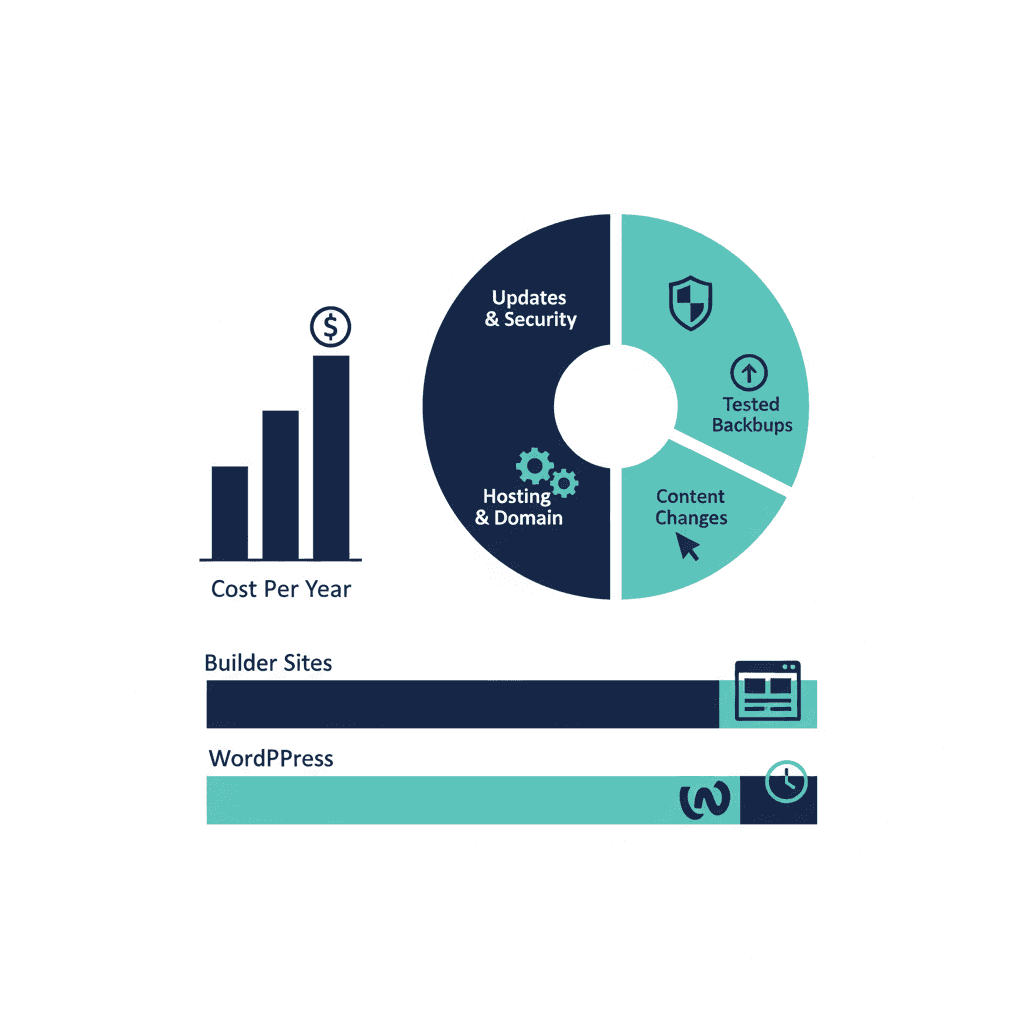
WordPress: looks cheap at first ($60 to $100 for hosting), but a properly maintained WordPress site with a security plugin, backup solution, caching plugin, SEO plugin, form plugin, and managed hosting typically runs $1,800 to $6,000 per year. The price isn't the problem — the maintenance overhead is.
Custom build: the model is inverted — $1,500 to $8,000 once (scope-dependent: a focused brochure site sits at the low end, custom features push it up), then $0 to $300 per year for hosting. Over three years, a custom site often costs less than a properly maintained WordPress site — and future features extend the same codebase instead of starting over.
There is no bad choice here. There are only bad fits for specific situations. The business that chooses Squarespace because it matches their needs and actually launches is better off than the one that chooses WordPress because it sounds more serious and never finishes building it.
Frequently asked questions
Which platform is easiest to update content on yourself?
Squarespace, by a significant margin. Its editor is genuinely drag-and-drop with guardrails that prevent you from breaking the layout. Webflow requires design knowledge for anything beyond text changes. WordPress is manageable but requires familiarity with its admin panel and plugin ecosystem.
Is WordPress still worth using in 2026?
For businesses that need a large content site, complex custom functionality, or tight SEO control, yes. For a standard service business website, WordPress introduces maintenance overhead (hosting, security, plugin updates) that Webflow or Squarespace handle for you automatically.
What does a Webflow website actually cost per month?
Webflow site plans run $14 to $39 per month for standard sites. E-commerce plans range from $29 to $212 per month. Hosting, SSL, CDN, and backups are included in all plans — unlike WordPress where these are purchased separately.
Can I move my website from Squarespace to WordPress later?
Yes, but it requires manual work — Squarespace's export tools are limited and most content needs to be rebuilt. It's worth choosing carefully upfront. If you think you'll need WordPress-level customisation in two years, build on WordPress now rather than migrating later.
When is a custom-coded website better than WordPress, Webflow or Squarespace?
When you'll keep extending the site — customer portals, booking flows, member areas, deep integrations — or when speed and SEO performance are core to growth. A custom build costs $1,500–$8,000 once and then $0–$300 per year to host, so over three years it often costs less than a maintained WordPress site, and new features extend the same codebase instead of fighting a platform's limits.
Yash
Founder & Principal Consultant, Ynexgen
Yash leads Ynexgen, helping small and mid-sized businesses turn technology into a stronger foundation for growth — 7+ years across Salesforce CRM, websites, and AI adoption.