When people hear "get an AI chatbot for your business," they picture the chat bubble on the website. Fair enough — that's the part customers see. But the part you'll actually live in is the dashboard: the screen that shows what the bot did while you were doing something else.
We put a full sample dashboard online so you can explore one without buying anything: open the demo dashboard. It uses made-up data for a fictional home-repair company. This post walks through it, panel by panel, in plain English.
The numbers at the top
 Four numbers, no jargon. This is the whole health check.
- Conversations — how many people talked to your bot this month.
- Leads captured — how many left a name and contact detail. This is the number that pays for the bot.
- Answered without a human — how much work never reached your inbox. Here, 92%.
- Average first response — 2.1 seconds. Compare that with how long a web enquiry usually waits.
Every conversation, in one list
 Every chat gets an outcome label. The full transcript is one click away.
Four outcome labels do the explaining:
- Lead captured — the visitor left contact details.
- Answered — question handled, nothing needed from you.
- Handed to human — something sensitive (here, an invoice complaint) got passed to a person. That's by design, not failure.
- Follow-up scheduled — the visitor went quiet, so the bot queued reminders.
Your leads, scored and sorted
 Hot means "call this person today." The bot already collected what they want.
Each lead arrives with a name, contact detail, what they asked about, and a temperature — Hot, Warm, or New. The status column tells you what's already happened: "Call booked — Thu 10 AM" means the bot did the whole job.
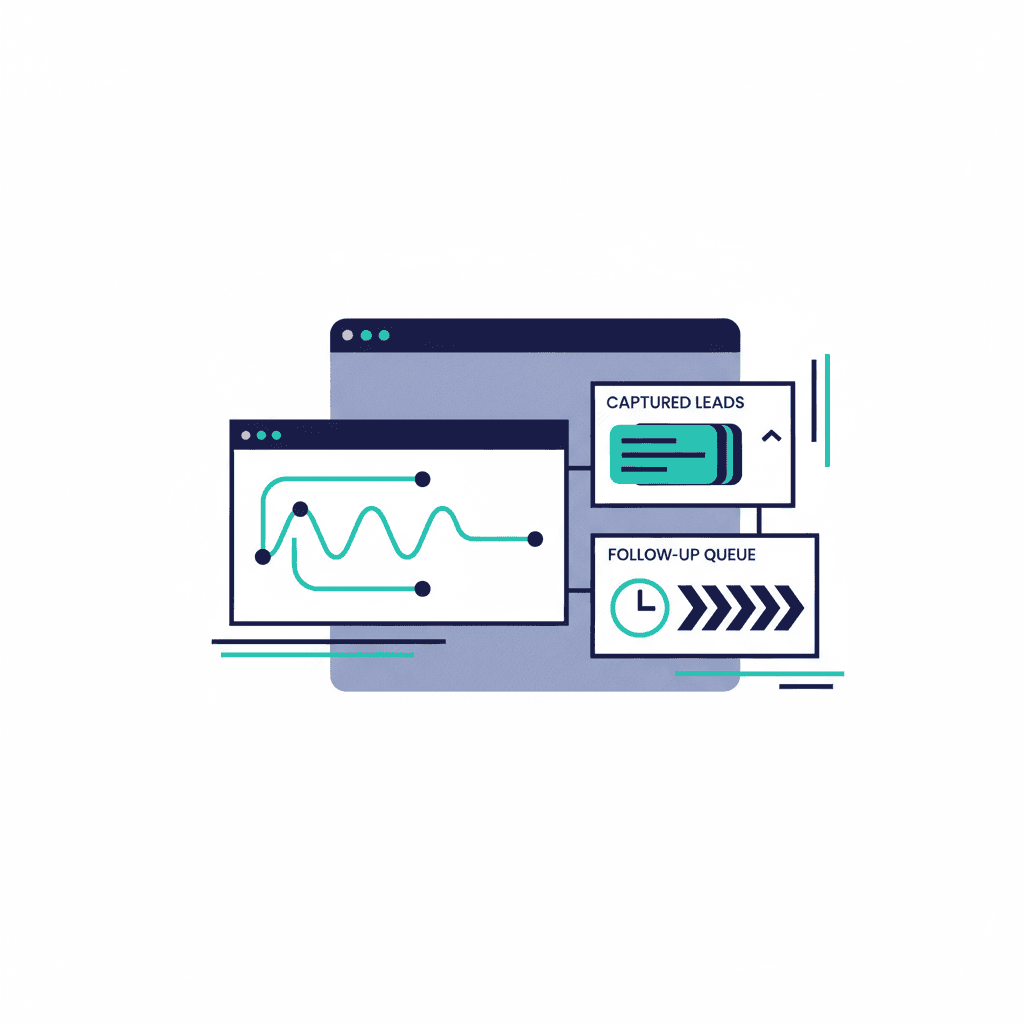
The follow-up queue — the part humans forget
 This panel is why nothing goes cold. Message 3 of 5 goes out tomorrow at 9 AM whether or not anyone remembers.
Research keeps showing that most sales take five or more touches, and most businesses stop after one. This queue is the fix: each quiet lead gets a gentle sequence — email, text, email — spread over days, with an opt-out in every message. Here's the full logic behind those sequences if you want it.
What the bot is allowed to know
 The bot answers from this list and nothing else. That's the accuracy guarantee, made visible.
This panel matters more than it looks. The assistant can only answer from the sources listed here — your pages, your price list, your policies. If the answer isn't in there, it says "I don't know" and offers a human. When your prices change, the sources sync and the bot updates. No retraining, no drama.
There's also a settings panel — tone of voice, which email gets handoffs, business hours, and a daily usage cap so costs stay predictable. You change those like you'd change a phone setting.
See it for yourself
The sample dashboard is free to explore: ynexgen.com/ai-chatbot-demo/admin. And the chatbots that feed it are live on the demo page — you can play a customer and watch a "Lead captured" outcome happen from the other side. We also wrote a 2-minute walkthrough of that demo with screenshots.
A build with this dashboard starts around $900 and takes 2–3 weeks. If you'd like to know what it looks like pointed at your business, ask us anything — it's free.
Frequently asked questions
Do I need technical skills to use a chatbot dashboard?
No. If you can read a table, you can use it: conversations with plain-English outcome labels, a list of captured leads with contact details, and a queue showing which follow-up goes out next. Settings change like phone settings.
How do I know the chatbot is answering correctly?
The dashboard shows exactly which approved sources the bot draws from — your pages, price list and policies — and every transcript is reviewable. If an answer isn't in its sources, it says "I don't know" and offers a human.
What happens to complicated or sensitive questions?
They're handed to a human on purpose. The conversation gets a "Handed to human" label and lands in your inbox with the full transcript, so you reply with context instead of starting cold.
Can I try the dashboard before buying anything?
Yes — a full sample dashboard with fictional data is free to explore at ynexgen.com/ai-chatbot-demo/admin, and the live chatbots that would feed it are at ynexgen.com/ai-chatbot-demo.
Yash
Founder & Principal Consultant, Ynexgen
Yash leads Ynexgen, helping small and mid-sized businesses turn technology into a stronger foundation for growth — 7+ years across Salesforce CRM, websites, and AI adoption.