You don't need to imagine what AI lead follow-up looks like. We put a working one on our website, free to play with, no signup: the live AI chatbot demo. This post walks you through it, screenshot by screenshot, so you know exactly what to expect before you try it — or before you decide to get one for your own business.
The whole thing takes about two minutes.
Step 1: Pick a demo and read your role
Open the demo page and scroll to the chat window. There are three demos — one where you play a customer, one trained on this website, and one where you play an employee. Each has a short line telling you who you're pretending to be.
 You start here. Pick a tab, and the box above the chat tells you your role.
For this walkthrough, stay on Lead Follow-Up. You're a customer of a made-up home repair company called BrightNest. Your tap is leaking.
Step 2: Ask what a real customer would ask
You can type anything, or just click one of the suggested questions. We clicked "My kitchen tap is leaking — how much would a fix cost?"
 Look at the answer. It gives a real price range, then asks where you are and how urgent it is.
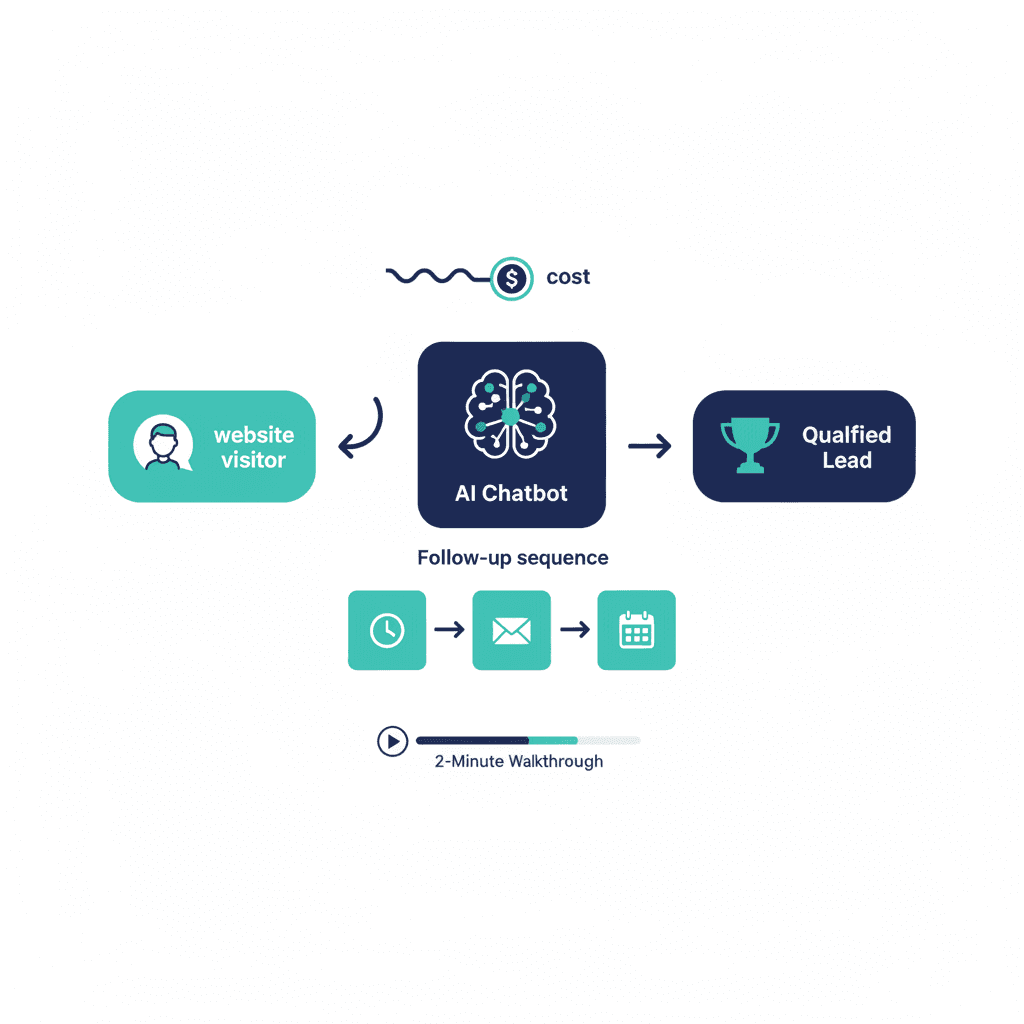
Notice two things. First, the answer came back in about two seconds — at any hour, on any day. Second, the bot didn't just answer. It asked for your area and urgency. That's called qualifying a lead, and it's what a good salesperson would do. The difference is this one never gets busy, tired, or forgetful.
Step 3: Ask the question that matters — "what if I go quiet?"
Most leads don't buy on the first conversation. They say "let me think about it" and disappear. This is where most businesses lose the deal — we wrote a whole post about that gap.
So we asked the bot directly: what happens if I stop replying?
 This is the heart of it: the follow-up happens automatically, and you can say "stop" anytime.
That's AI lead follow-up in one screenshot. A recap email within the hour. A friendly text the next day. A final check-in a few days later. Nobody on your team has to remember to do any of it.
Step 4: The honest ending
Every demo conversation stops after 5 of your messages. When you hit the limit, you see this:
 The demo caps at 5 messages to keep our costs sane. Your own chatbot would have no such limit.
We're pointing this out on purpose: the cap is a safety rail we built, and every chatbot we ship has rails like it — usage caps, abuse filters, and honest "I don't know" answers. If a company selling you AI can't show you its guardrails, that's a red flag.
Step 5: Try the version trained on a real website
Click the Website Concierge tab. This one has read this actual website — the services, the process, the blog. Ask it what to read next and it answers with real links:
 It cites its sources. Your version would do this with your pages, your prices, your policies.
This is the same idea your customers would experience on your site: answers that come from your real content, not from the internet's imagination.
What one of these costs
The short version: a website Q&A chatbot starts around $500 and goes live in 1–2 weeks. Lead follow-up with contact capture and automatic sequences starts around $900. The full setup with CRM integration starts around $1,500. Running costs are typically $10–40 a month, with hard caps so there are no surprise bills. The demo page has the full breakdown — including the five steps from first call to launch.
And if you want to see the other side — what you would look at day to day as the owner — we made a plain-English tour of the chatbot dashboard too.
Go play with it: ynexgen.com/ai-chatbot-demo. Then, if you're curious what this would look like for your business, ask us — it's free.
Frequently asked questions
Is the AI chatbot demo really free to try?
Yes. Open ynexgen.com/ai-chatbot-demo and start typing — no signup, no email, no credit card. Each conversation is capped at 5 messages, which is enough to see it qualify you and explain its follow-up plan.
What does the AI actually do when a lead stops replying?
It runs a polite, scheduled sequence automatically: typically a recap email within the hour, a short text the next day, and a final check-in a few days later. Every message includes an opt-out, and replies go straight to you.
How much does an AI follow-up chatbot cost?
A website Q&A chatbot starts around $500 (live in 1–2 weeks). Lead follow-up with contact capture and automated sequences starts around $900 (2–3 weeks). Running costs are usually $10–40/month with hard usage caps.
Will it work for my kind of business?
The demo plays a home-repair company, but the pattern fits any business where enquiries go cold — clinics, agencies, trades, consultants, e-commerce. The bot is trained on your content and your prices, so answers sound like you.
Yash
Founder & Principal Consultant, Ynexgen
Yash leads Ynexgen, helping small and mid-sized businesses turn technology into a stronger foundation for growth — 7+ years across Salesforce CRM, websites, and AI adoption.