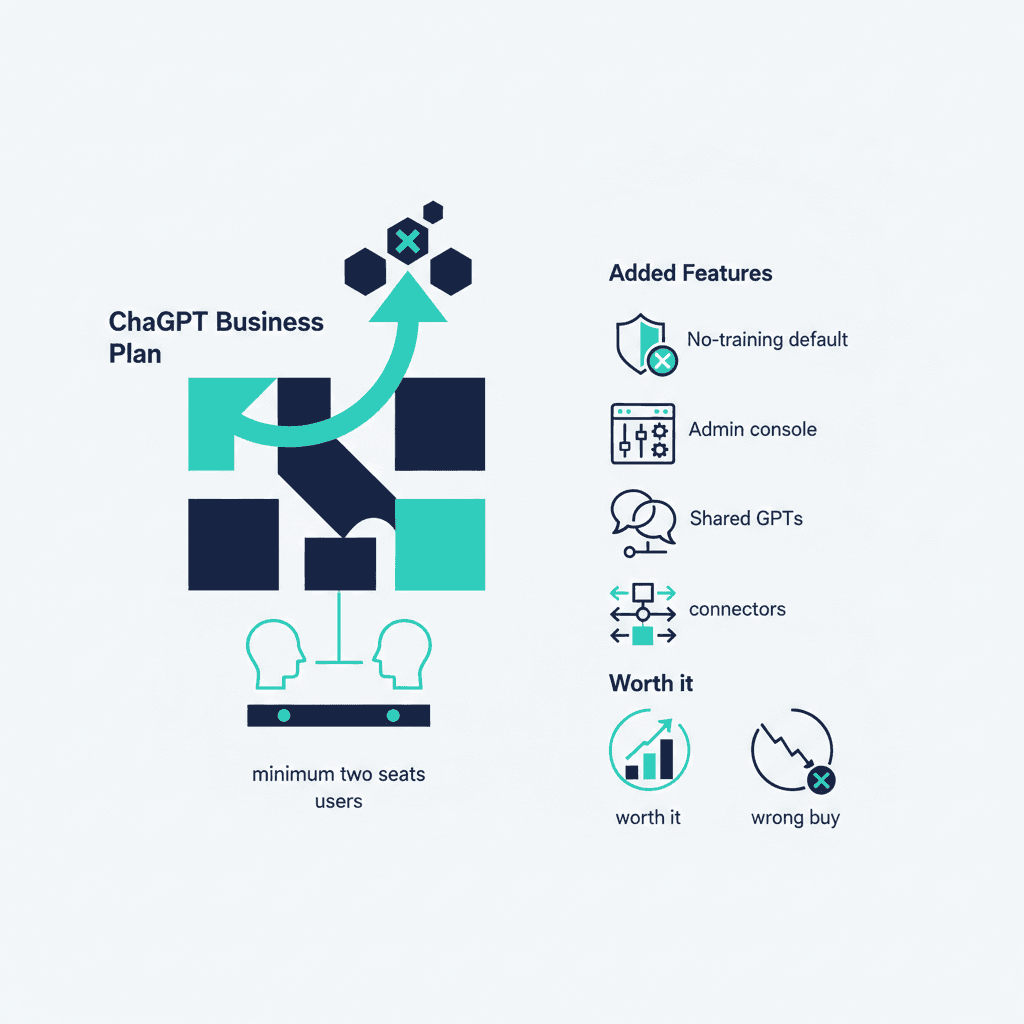
The ChatGPT Business plan costs $25 per user per month billed annually ($30 month-to-month), minimum two seats — it's the plan formerly called ChatGPT Team, renamed in 2025. Over the individual Plus plan ($20), you're paying for: your data excluded from model training by default, an admin console with SSO and user management, shared projects and custom GPTs, connectors to your company tools, and higher usage limits. For most SMBs with 2–20 people using AI daily, it's the right buy; here's the honest breakdown of when it isn't.
ChatGPT plans compared (list pricing)
| Plan | Price | Who it's for |
|---|---|---|
| Free | $0 | Trying it |
| Plus | $20/user/mo | Individuals; no admin, no org data controls |
| Business | $25/user/mo (annual) | Teams of 2+; admin console, no-training default, shared workspaces |
| Enterprise | Custom | Larger orgs: SCIM, compliance API, longer context, custom data residency |
What Business actually gets you over Plus
- Data control by default. On Business, your conversations aren't used to train models unless you opt in. On Plus, it's an individual setting each employee has to find and flip — a compliance gap if customer data flows through prompts.
- Admin basics. Add/remove seats when people join or leave, SSO, usage visibility. The day someone quits, this stops being boring.
- Shared work. Team-shared custom GPTs and projects — your proposal-drafting GPT stops living in one person's account.
- Connectors. Hooking ChatGPT to Drive, SharePoint and similar sources so answers draw on your files — the shallow end of the ChatGPT integration spectrum.
When Business is the wrong buy
- One or two power users, no shared data concerns: Plus is fine; save the delta.
- You need API automation, not seats. Building AI into your workflows is API integration, priced per token, not per chair — a different budget line entirely.
- You're all-in on Google Workspace. Compare Gemini's bundled plans first — you may already be paying for most of what you'd buy here.
- Regulated industry / 100+ seats: that's the Enterprise conversation (compliance API, data residency, SCIM).
The adoption trap (the real cost)
The subscription is the cheap part. Teams that buy seats without changing any workflow see usage spike for two weeks and settle at 20%. The fix isn't training videos — it's picking three concrete tasks (first-draft proposals, meeting-notes-to-CRM, support macro drafting) and building the habit around them. Our take on what ChatGPT is actually good for in a business is the right starting list, and if you're choosing between vendors first, start with ChatGPT vs Claude vs Gemini for business.
Rolling AI out to a team and want the tool choice, seats math and first three use cases scoped by someone vendor-neutral? Book a free consultation — it's what our AI consulting practice does all day.
Frequently asked questions
How much does the ChatGPT Business plan cost?
$25 per user per month billed annually, or $30 month-to-month, with a two-seat minimum — it's the plan formerly called ChatGPT Team. Enterprise pricing is custom and adds compliance tooling, SCIM and data residency options.
What's the difference between ChatGPT Plus and Business?
Plus ($20) is an individual plan with no organizational controls. Business adds an admin console with SSO and seat management, excludes your data from model training by default, and enables shared projects, shared custom GPTs and connectors to company tools — the things that matter once more than one employee uses it.
Is ChatGPT Business worth it for a small business?
For 2–20 people using AI daily on company information, usually yes — the no-training default alone closes a compliance gap Plus leaves open. It's the wrong buy when you have one power user (Plus is fine), when you need API automation rather than seats, or when you're on Google Workspace and haven't yet used the Gemini features you already pay for.
Yash
Founder & Principal Consultant, Ynexgen
Yash leads Ynexgen, helping small and mid-sized businesses turn technology into a stronger foundation for growth — 7+ years across Salesforce CRM, websites, and AI adoption.