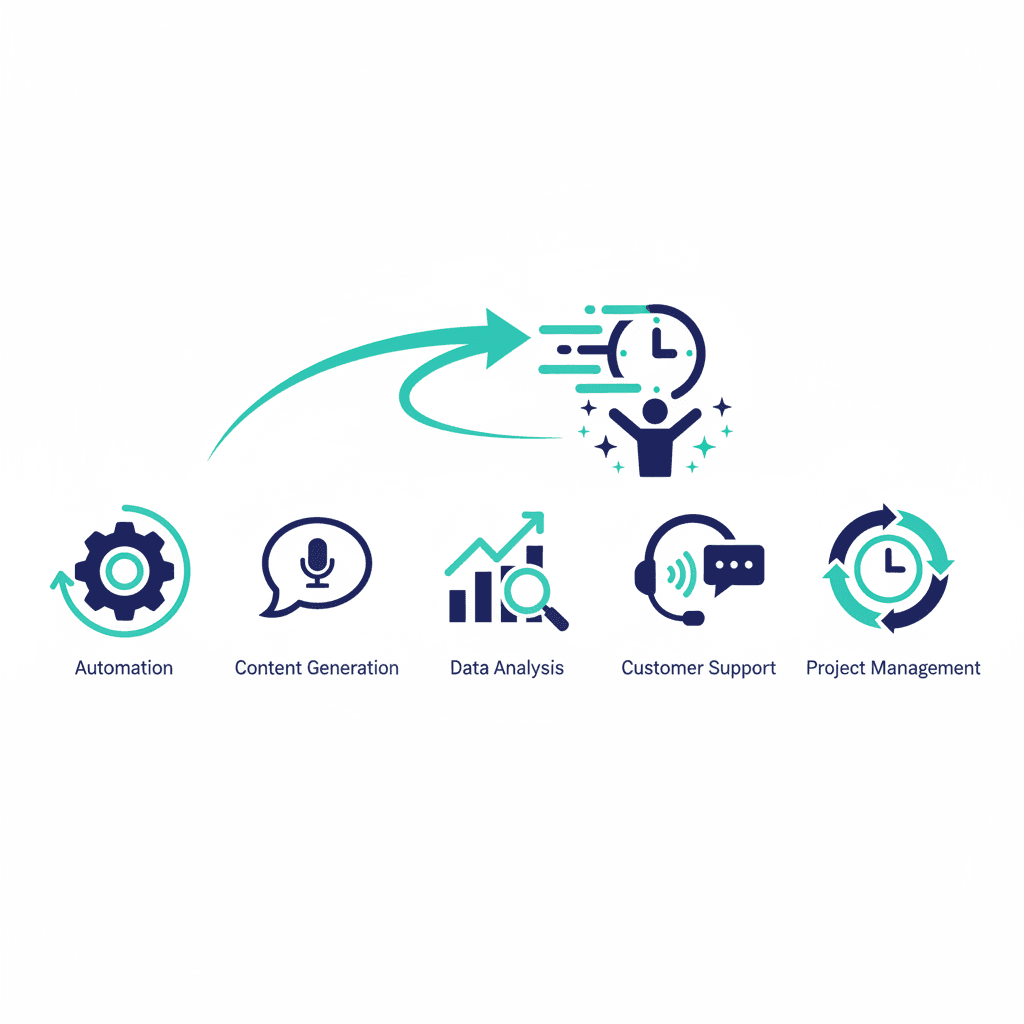
AI can feel overwhelming and abstract. But for a small business, the value is simple: it removes the repetitive, low-value work that quietly eats your week. Here are five categories of tools that pay for themselves quickly, with specific options to start with.
1. AI writing assistants (roughly 2–3 hours/week saved)
ChatGPT, Claude, and Gemini (if you run on Google Workspace) can all draft emails, proposals, product descriptions and social posts in minutes. Treat them as a fast first draft you edit — not a replacement for your judgement. This alone can save hours of staring at a blank page each week. Both have free tiers usable for light use; paid plans (~$20/month) are worth it once you're using them daily.
2. Meeting notes and transcription (roughly 1–2 hours/week saved)
AI note-takers (Otter.ai, Fireflies, or the built-in transcription in Zoom/Google Meet) join your calls, transcribe them and produce a summary with action items. No more scrambling to remember what was agreed — and no more lost follow-ups. Most run $10–20/user/month, and the time saved on writing up notes alone usually covers the cost within the first week.
3. Customer support assistants (roughly 2–4 hours/week saved)
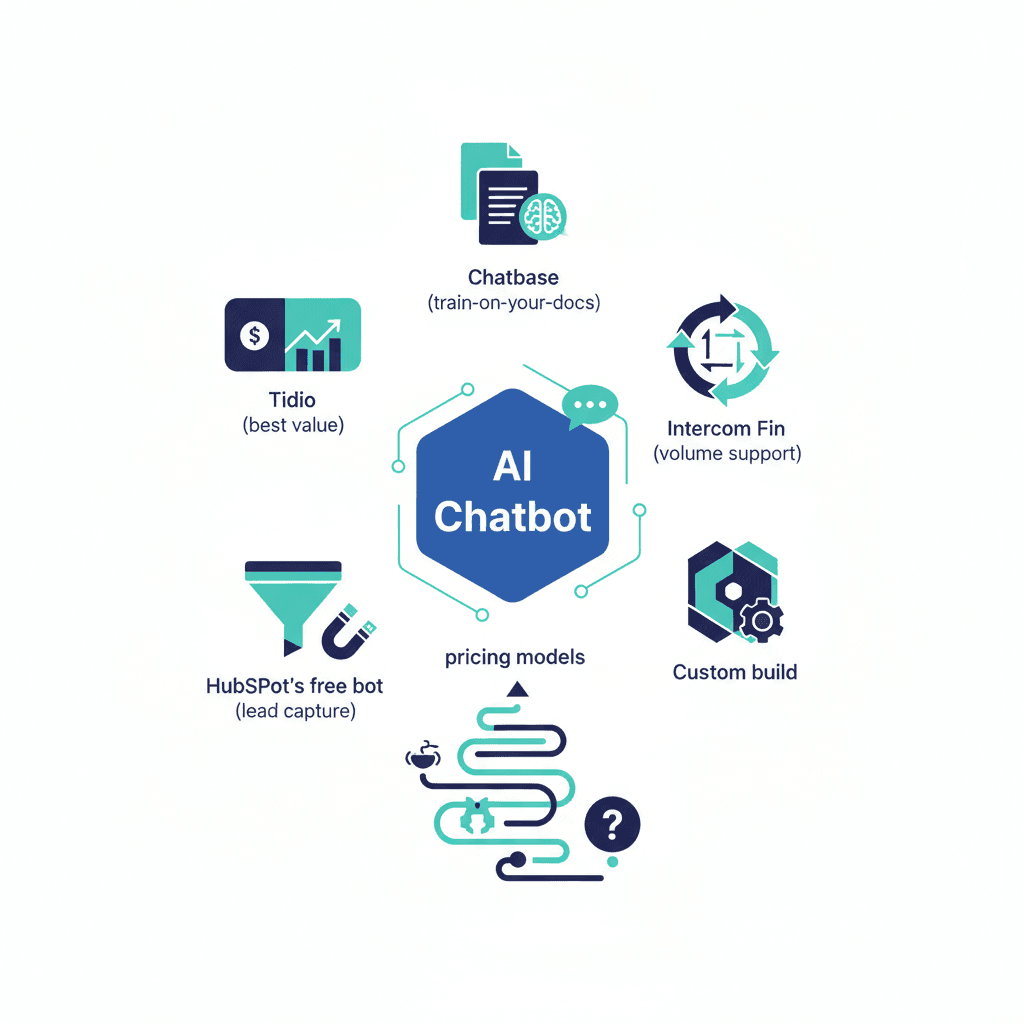
An AI chatbot trained on your FAQs and policies can answer common questions instantly, day or night, and hand off the tricky cases to a human. See Tier-One Customer Support Automation for what this actually looks like in practice — the time savings scale with your inbound support volume, so this matters more the more repetitive questions you get.
4. Smart inbox and scheduling (roughly 1 hour/week saved)
AI features in email and calendar tools draft replies, sort priorities and find meeting times automatically. Small time savings individually, but they add up across every single day and every email thread.
5. Document and data extraction (roughly 2–3 hours/week saved)
AI can read invoices, forms and PDFs and pull the data into your systems — work that used to be hours of manual typing. Especially powerful paired with your CRM. See AI Invoice and Document Data Extraction for the specifics.
What these tools won't do
None of these replace judgement on anything genuinely ambiguous, high-stakes, or relationship-dependent. An AI-drafted proposal still needs a human to check the numbers and tone before it goes out; an AI chatbot still needs a clear escalation path for anything it can't confidently answer. The time savings above assume a human stays in the loop reviewing output — skipping that step is where these tools go wrong.
How to start without overwhelm
Pick the one task that annoys you most this week and find an AI tool for just that. Measure the time saved. Once it's working, add the next one. Adopting AI is a habit, not a big-bang project. See AI Tools Small Business Owners Are Actually Worth Paying For for the fuller picture beyond these five.
Frequently asked questions
Do I need technical skills to use these tools?
No. The tools above are built for non-technical users. The hard part is usually choosing the right tool and fitting it into your workflow.
Is my business data safe with AI tools?
It depends on the tool and plan. Business-tier plans typically don't train on your data. Always check the provider's data policy.
Yash
Founder & Principal Consultant, Ynexgen
Yash leads Ynexgen, helping small and mid-sized businesses turn technology into a stronger foundation for growth — 7+ years across Salesforce CRM, websites, and AI adoption.