An NPSP data migration is not a copy-paste — it's a re-mapping, because NPSP's Household model and Nonprofit Cloud's Person Account model store constituents in structurally incompatible ways. This data work is the part of the migration that drives most of the timeline (typically 2–6 weeks of mapping and staged loads) and a large share of the cost. Here's what it actually involves.
Why it's a migration, not a copy
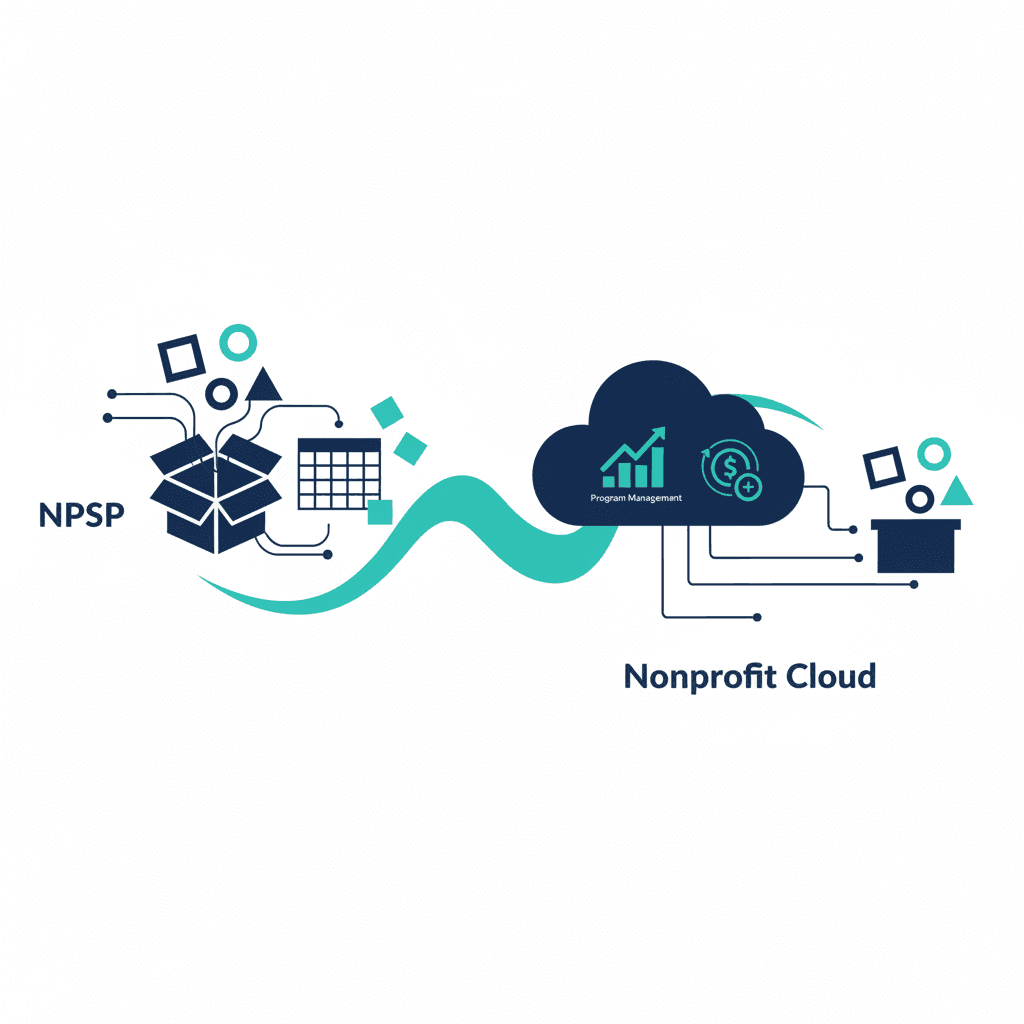
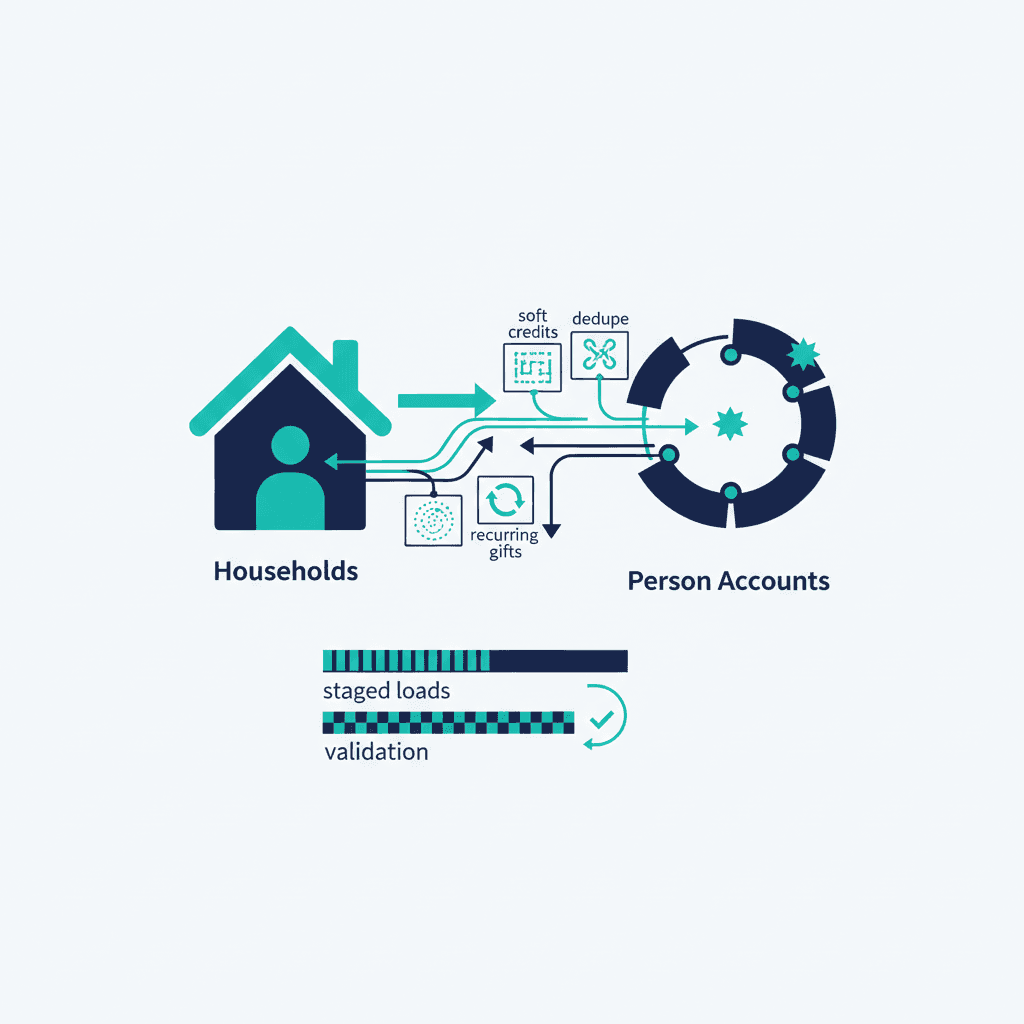
In NPSP, a donor is a Contact grouped under a Household Account. In Nonprofit Cloud, that same donor becomes a single Person Account record. You cannot move the data one-to-one, because the container (the Household) doesn't exist the same way on the other side. Every downstream object that referenced the old structure — gifts, relationships, soft credits, rollups — has to be re-pointed at the new one.
The core mapping
| NPSP | Nonprofit Cloud | Notes |
|---|---|---|
| Contact + Household Account | Person Account | Two records collapse into one |
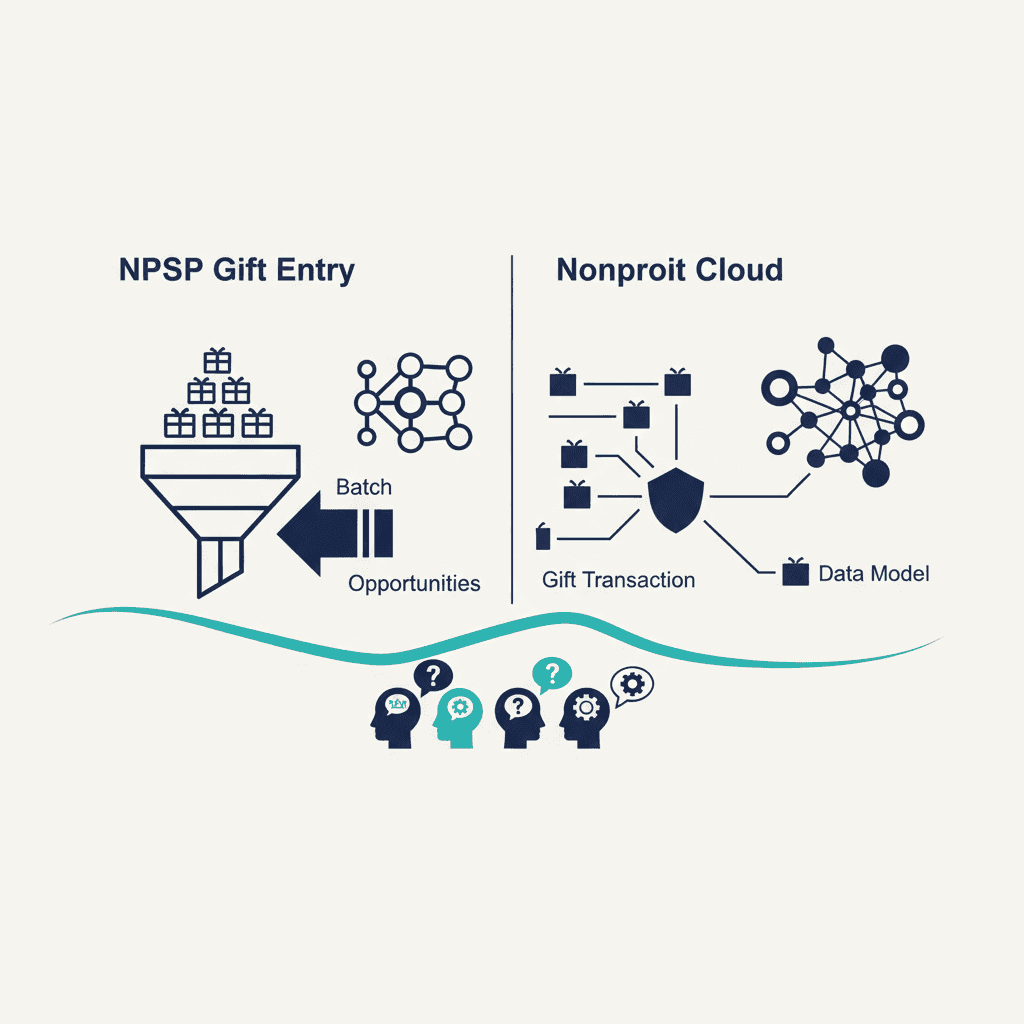
| Opportunity (donation) | Gift/Opportunity on the new model | Re-parented to the Person Account |
| Recurring Donation | Recurring gift structure | Schedule and linkage re-mapped |
| Relationships | NPC relationship model | Different objects/behavior |
| Soft Credits | NPC soft-credit model | Re-expressed, not copied |
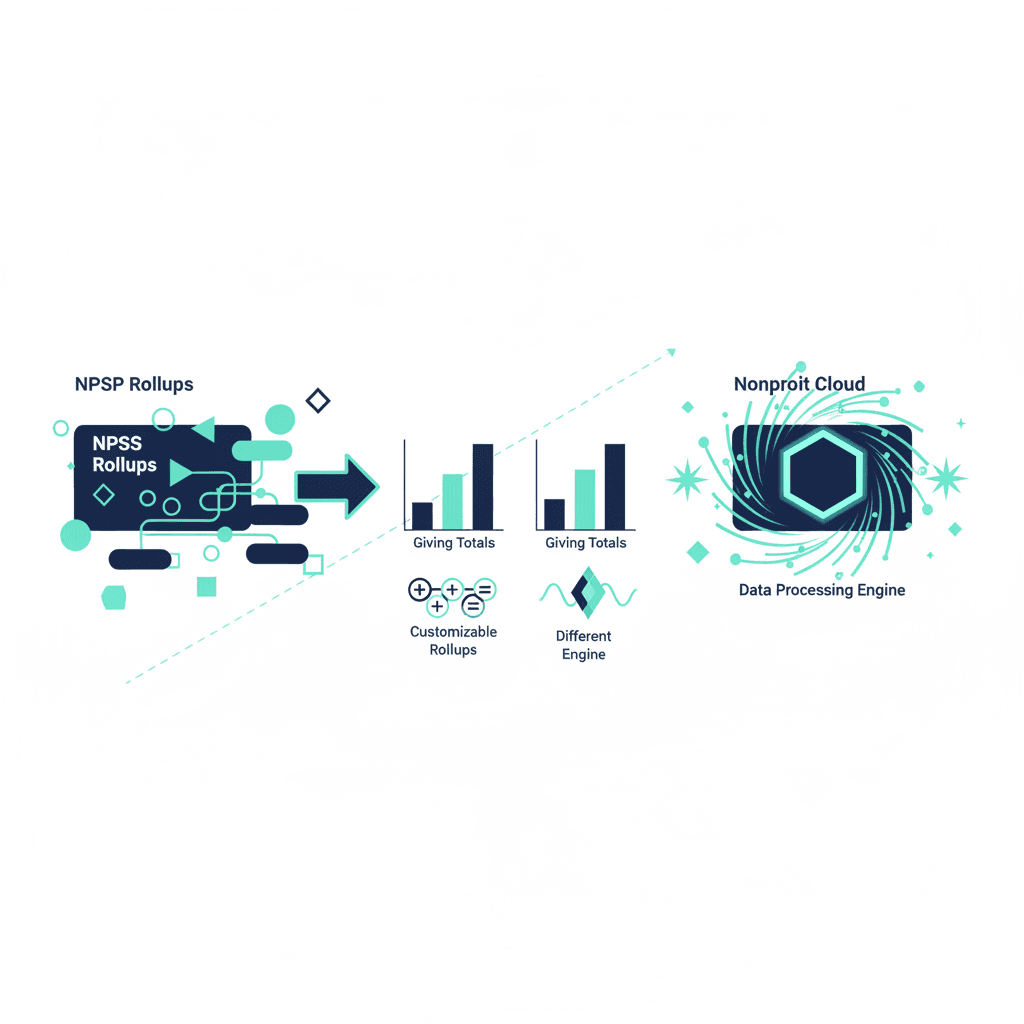
| Household rollups | Recalculated in new architecture | Totals re-derived, then validated |
The parts that need the most care
- Households and giving units. Decide how "who gives together" is represented once the Household container is gone — this is a design decision, not a mechanical one.
- Soft credits. Spouse credit, employer matching, and influencer credit each map differently; get the rules explicit before loading.
- Recurring donations. Active schedules must survive the move without double-charging or lapsing.
- Deduplication. De-dupe in NPSP before migrating — importing duplicates into a fresh org just moves the problem and corrupts your rollups.
Testing and validation
Never big-bang the import. The reliable pattern is:
- Migrate in staged loads (accounts/people first, then gifts, then relationships).
- After each load, reconcile record counts and total giving against the numbers you documented in the readiness checklist.
- Spot-check high-value donors end to end — does their full giving history, soft credits included, look right?
- Only cut over once the numbers reconcile.
Tools
Data loads typically use Salesforce's Data Loader or a dedicated migration tool, plus spreadsheets for the mapping definitions. The tooling is the easy part; the mapping decisions are where experience matters — which is the main reason to weigh who runs your migration. If you'd rather not own the reconciliation risk, nonprofit data migrations are core to our Salesforce consulting practice.
Zooming out from Salesforce: the general nonprofit data migration playbook applies the same stages to any donor-database move.
Frequently asked questions
How does NPSP data migration to Nonprofit Cloud work?
It's a re-mapping, not a one-to-one copy. A donor stored as a Contact under a Household Account in NPSP becomes a single Person Account in Nonprofit Cloud, and every object that referenced the old structure — gifts, relationships, soft credits, rollups — is re-pointed. Data is moved in staged loads and validated against documented totals.
What's the hardest part of NPSP data migration?
Re-expressing what the Household model gave you for free: giving units, soft credits (spouse, employer match, influencer), and household rollups. These are design decisions in the Person Account world, not mechanical copies, so they need explicit rules before any data is loaded.
Should we deduplicate before or after migrating?
Before. De-dupe in your NPSP org first — importing duplicate contacts into a fresh Nonprofit Cloud org just moves the problem and corrupts your rollups and giving totals. Clean data also makes reconciliation after each staged load far easier.
Yash
Founder & Principal Consultant, Ynexgen
Yash leads Ynexgen, helping small and mid-sized businesses turn technology into a stronger foundation for growth — 7+ years across Salesforce CRM, websites, and AI adoption.