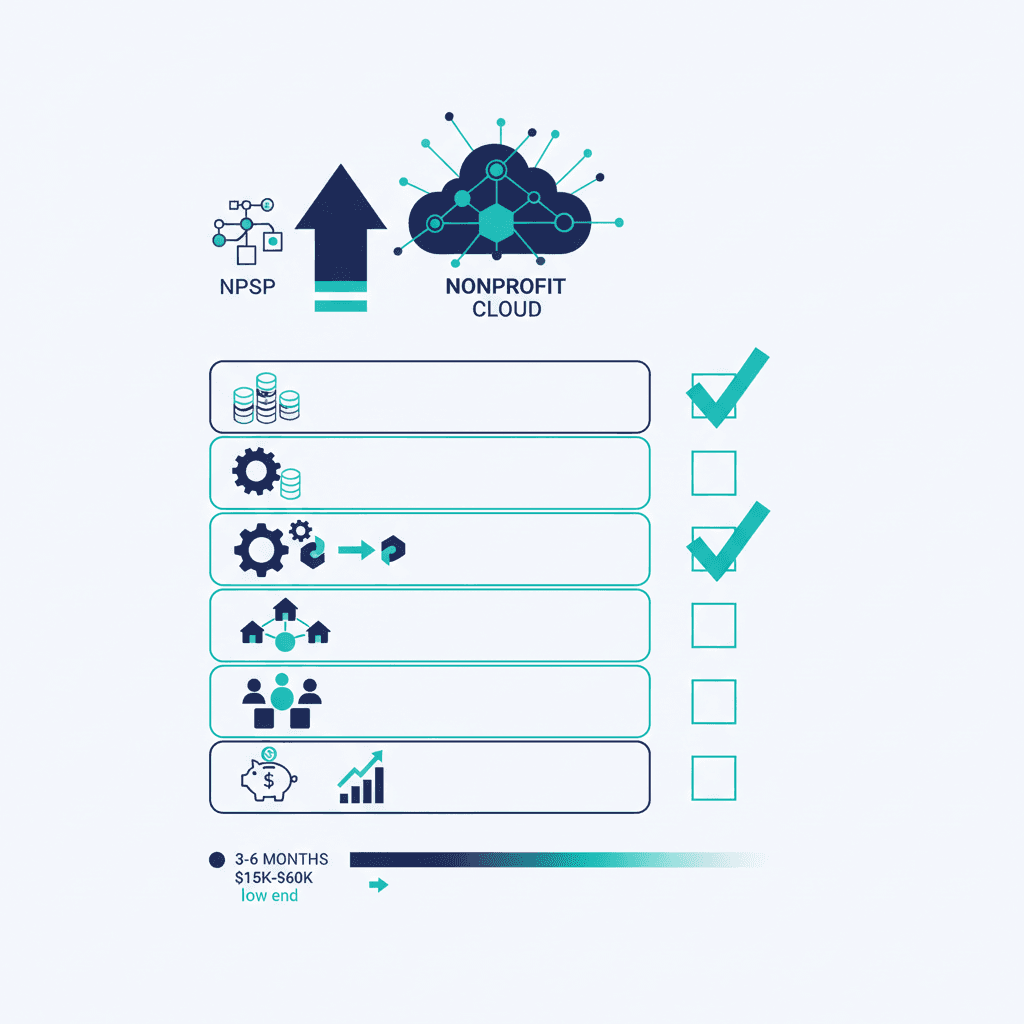
Before you migrate from NPSP to Nonprofit Cloud, work through this readiness checklist. Organizations that clear it typically move in the 3–6 month, $15,000–$60,000 range; organizations that skip it discover the gaps mid-project, when fixing them is slowest and most expensive. Use this as your pre-flight — the more boxes you can honestly tick, the smoother and cheaper the move.
Prefer an instant verdict? The NPSP → Nonprofit Cloud readiness check scores your org in six questions and tells you: migrate now, plan, or wait.
1. Data
- You know your record counts (contacts, accounts, opportunities, recurring donations).
- Duplicates have been identified and a de-dupe plan exists.
- Legacy/unused data is flagged for archive rather than migration.
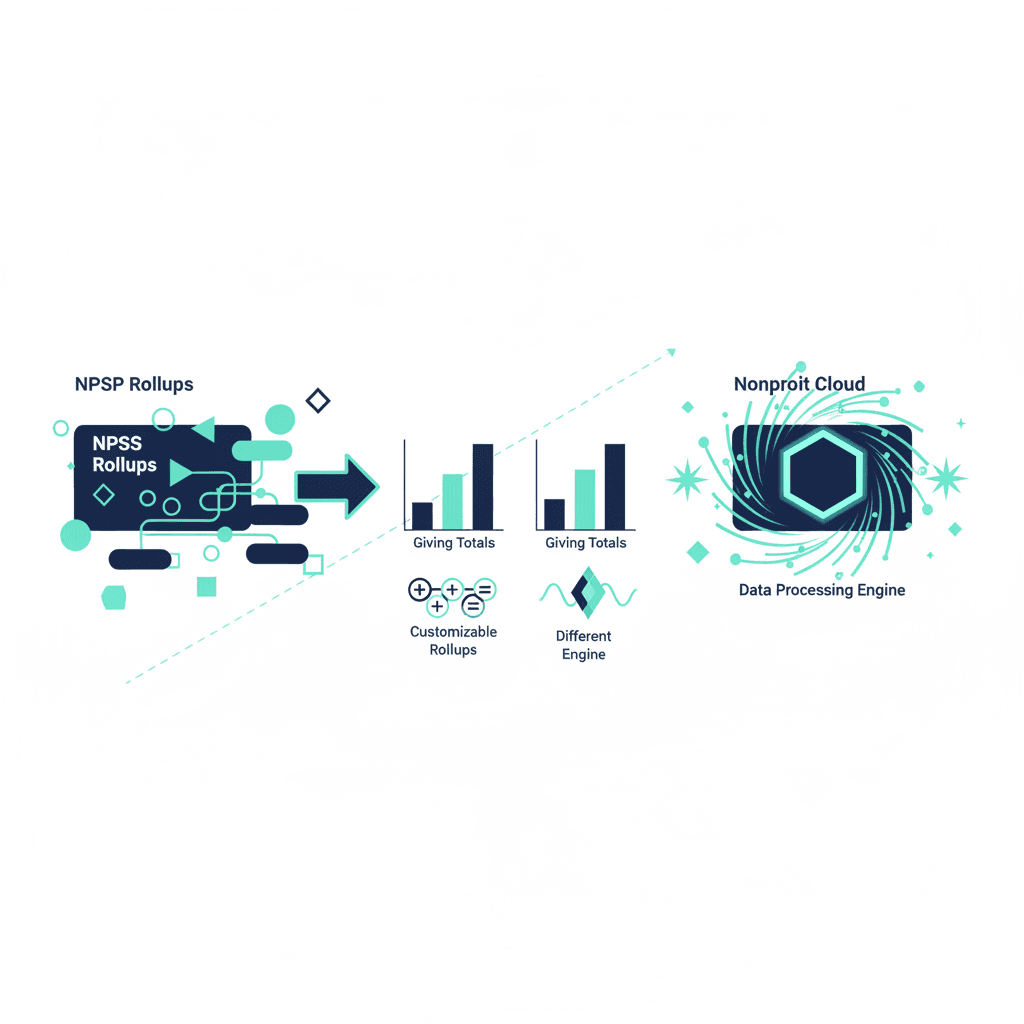
- Giving totals you'll validate against post-migration are documented now.
Dirty data is the number-one cause of migrations running over on time and budget. Cleaning it before kickoff is the highest-leverage prep you can do.
2. Customizations
- Custom objects, fields, validation rules and Apex are inventoried.
- Each is marked keep / replace / retire.
- Reports and dashboards in active use are listed (and unused ones aren't).
3. Integrations
- Every connected system is listed: payments, email, events, accounting/QuickBooks.
- Each one has been verified to support Nonprofit Cloud (or a replacement is identified).
- You know which integrations are mission-critical vs. nice-to-have.
4. Account model
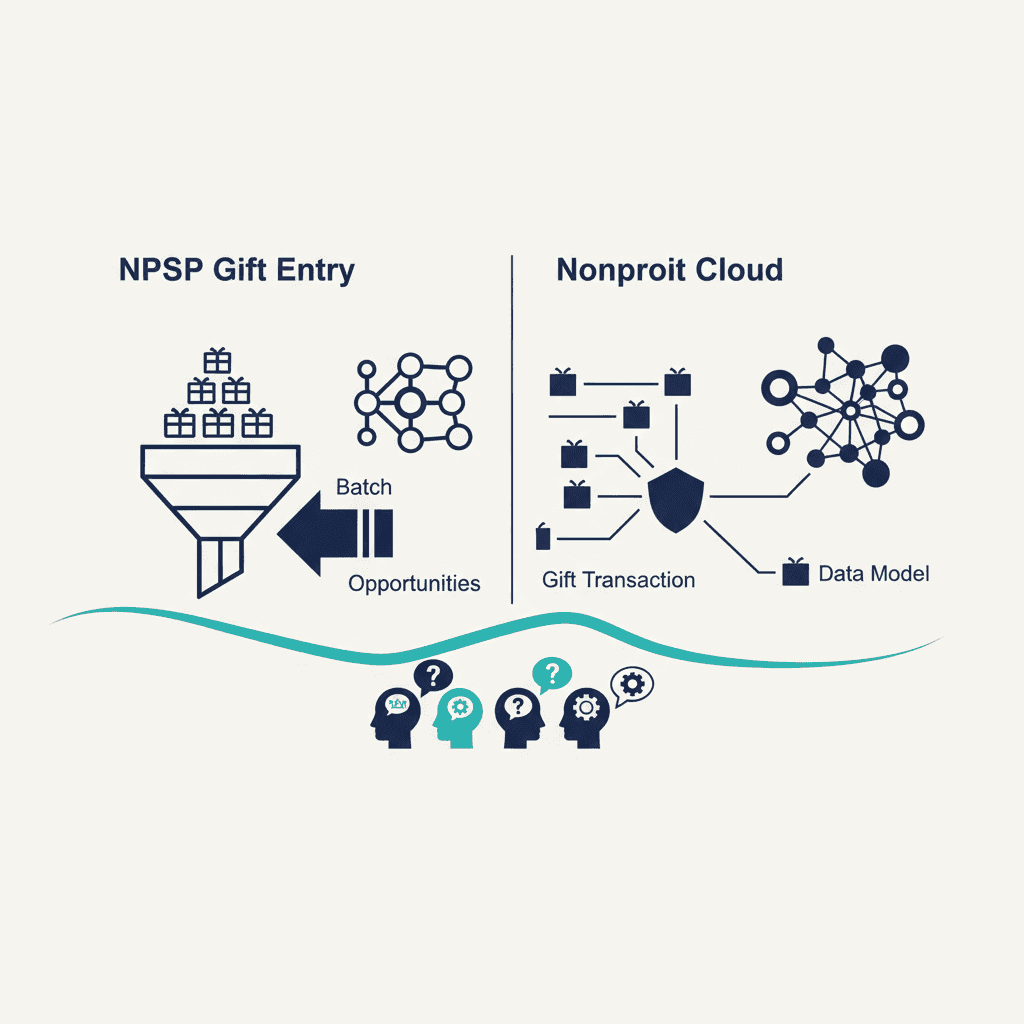
- You understand that Households become Person Accounts and this is the biggest change.
- Soft credits, relationships and household rollups are noted as re-mapping work.
5. Team and budget
- An internal project owner is named.
- Staff have capacity in the target window (or a partner carries the build).
- Budget is scoped to the right tier for your org's complexity.
- Training and go-live support are in the plan, not an afterthought.
Scoring yourself
- Mostly ticked: you're genuinely ready — you'll land in the lower half of the cost and time ranges.
- Half ticked: you're a plan, not a project — close the gaps first, especially data and integrations.
- Mostly unticked: don't start yet. Do the prep, or you'll pay for it mid-migration.
Still deciding whether to go at all? Read should you migrate from NPSP now or wait. Ready to move and want help vetting who does it? See how to choose a migration partner — or talk to our Salesforce consulting team.
Frequently asked questions
What should be on an NPSP migration readiness checklist?
Data (record counts, de-dupe plan, giving totals to validate against), customizations (keep/replace/retire inventory), integrations (verified NPC support), the account-model change (Households to Person Accounts), and team and budget (named owner, capacity, scoped budget, training in the plan).
How do I know if my nonprofit is ready to migrate?
Score yourself against the checklist: mostly ticked means you're ready and will land in the lower half of the cost and time ranges; half ticked means close the gaps first (especially data and integrations); mostly unticked means do the prep before starting or you'll pay for it mid-migration.
What's the most important prep before migrating from NPSP?
Data cleanup. Dirty data — duplicates, dead campaigns, unused custom fields — is the number-one cause of migrations running over on time and budget, and cleaning it before kickoff is the single highest-leverage thing you can do to lower cost.
Yash
Founder & Principal Consultant, Ynexgen
Yash leads Ynexgen, helping small and mid-sized businesses turn technology into a stronger foundation for growth — 7+ years across Salesforce CRM, websites, and AI adoption.