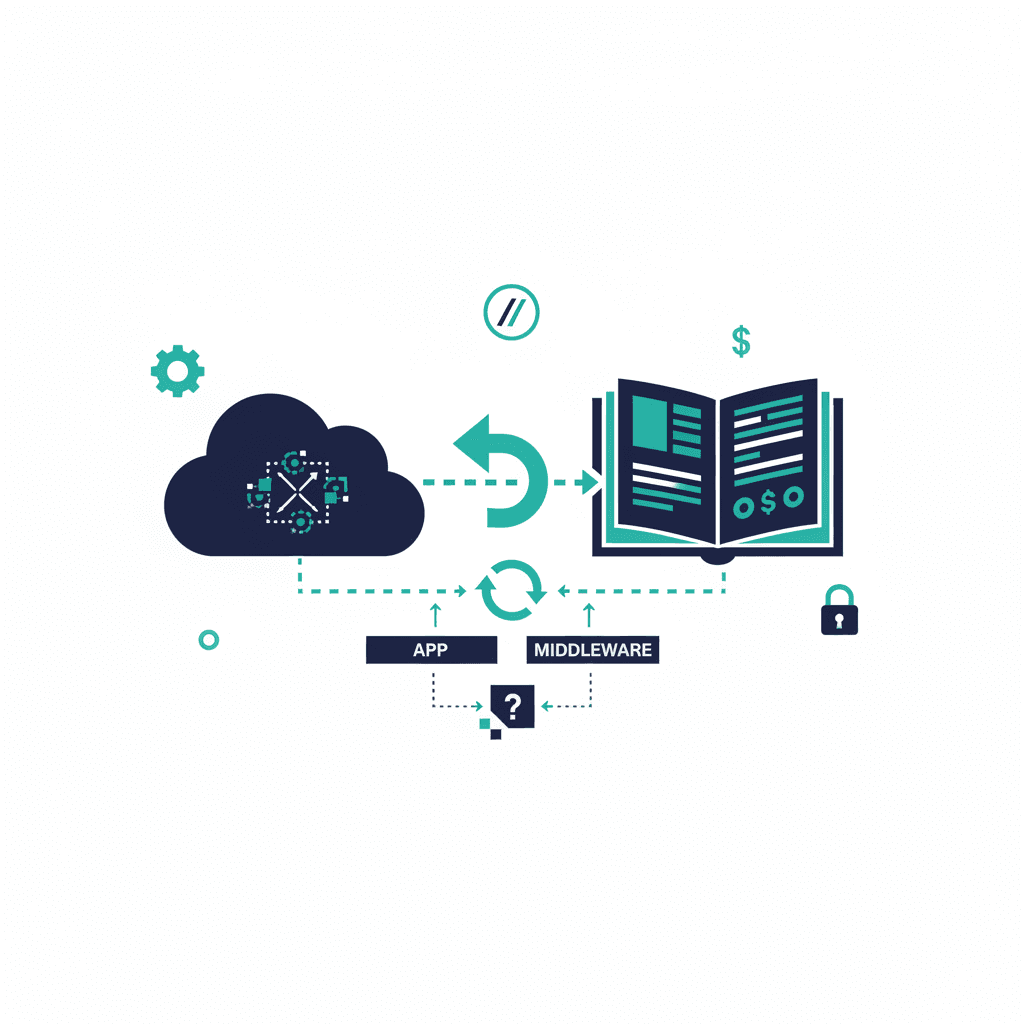
Connecting NPSP and QuickBooks lets donation data in Salesforce flow into your accounting books without re-keying it — the practical goal is that a gift recorded in NPSP shows up as income in QuickBooks, reconciled and categorized correctly. There's no free native connector; most nonprofits use a third-party app (commonly $50–$300+ per month) or a middleware tool, and a smaller number sync manually. Here's the complete picture, because the answers scattered across community forums rarely give you one.
Why nonprofits connect NPSP and QuickBooks
Salesforce (with NPSP) is your system of record for donors and gifts; QuickBooks is your system of record for the books. Without a connection, someone re-enters every donation into QuickBooks by hand — slow, error-prone, and a reconciliation headache at year-end and audit time. The integration exists to make the fundraising number in Salesforce and the income number in QuickBooks agree without manual double-entry.
Your integration options
| Approach | How it works | Roughly costs | Best for |
|---|---|---|---|
| AppExchange connector | Purpose-built app syncs NPSP → QuickBooks Online | $50–$300+/mo | Most nonprofits wanting a supported, low-maintenance sync |
| Middleware (Zapier, Make, Breadwinner, etc.) | General integration platform maps records between the two | $20–$150+/mo | Simple flows, or orgs already using the platform |
| Custom API integration | Built directly against both APIs | Project fee ($3k–$15k+) | Complex fund accounting or high volume |
| Manual / CSV | Periodic export from NPSP, import to QuickBooks | Staff time only | Very small orgs, low donation volume |
What actually syncs
A typical setup maps:
- Donations (NPSP Opportunities) → income in QuickBooks, categorized by fund or program.
- Donors (Contacts/Accounts) → customers so income is attributed.
- Payments and refunds so the books match reality.
What usually does not sync automatically: pledges vs. payments timing, in-kind gifts, and complex fund-accounting splits. Decide these deliberately.
Common pitfalls
- Fund accounting mismatch. Nonprofits track restricted vs. unrestricted funds; QuickBooks does this with classes or locations. If your connector doesn't map to them, your restricted-fund reporting breaks.
- Duplicate donors. If NPSP has duplicate contacts, they become duplicate QuickBooks customers. De-dupe in Salesforce first.
- Double-counting pledges. Syncing both the pledge and the payment as income inflates revenue. Map one.
- Reconciliation drift. Without a scheduled reconciliation check, small sync failures compound silently.
Does the integration survive an NPC migration?
This is the question the forums never answer: if you later migrate from NPSP to Nonprofit Cloud, your QuickBooks connector will need to be re-pointed and re-tested against the new org, because donations move from NPSP's custom objects to Nonprofit Cloud's Person Account model. Confirm your connector supports Nonprofit Cloud before you migrate — it's one of the integrations that affects the migration timeline and cost.
If you'd rather have this set up and reconciled properly the first time, integration work like this is part of our Salesforce consulting practice.
Frequently asked questions
How do I integrate NPSP with QuickBooks?
Most nonprofits use a purpose-built AppExchange connector ($50–$300+/month) that syncs NPSP donations into QuickBooks Online as income. Alternatives are middleware like Zapier or Make ($20–$150+/mo), a custom API integration (a $3k–$15k+ project), or manual CSV export for very small orgs. There's no free native connector.
What data syncs between NPSP and QuickBooks?
Typically donations (NPSP Opportunities) map to income categorized by fund or program, donors map to QuickBooks customers, and payments and refunds sync so the books match. Pledges-vs-payments timing, in-kind gifts, and complex fund-accounting splits usually need deliberate handling and don't sync automatically.
Does the QuickBooks integration survive an NPC migration?
No — it needs to be re-pointed and re-tested. When you migrate to Nonprofit Cloud, donations move from NPSP's custom objects to the Person Account model, so your connector must support Nonprofit Cloud and be reconfigured. Verify NPC support before migrating.
Yash
Founder & Principal Consultant, Ynexgen
Yash leads Ynexgen, helping small and mid-sized businesses turn technology into a stronger foundation for growth — 7+ years across Salesforce CRM, websites, and AI adoption.