The short answer: most NPSP organizations should plan an NPSP to Nonprofit Cloud migration — typically a 3–6 month, $15,000–$60,000 project — but not all of them should start now. NPSP still works and remains supported; Salesforce's investment (including all of its AI roadmap) is going into Nonprofit Cloud (NPC). This guide covers the differences, who should migrate now vs wait, the 9-step process, timelines, costs, and the pitfalls that derail migrations — everything in one place.
Not sure you should migrate at all? The free NPSP → Nonprofit Cloud readiness check scores your org against the criteria below and gives an honest verdict — migrate now, plan, or wait. No signup.
What Changes When You Move to NPC
For this guide, one architectural change matters above all others: NPSP is a managed package using custom objects and Household Accounts, while Nonprofit Cloud — renamed Agentforce Nonprofit in December 2025 — is a native product using standard objects and Person Accounts. The two models are structurally incompatible, which is what makes this a migration project rather than an upgrade — and what drives most of the work in the steps below.
Everything else — features, costs, ecosystem maturity, and which product suits which kind of organization — is covered in the full head-to-head: NPSP vs Nonprofit Cloud.
Why Consider Migrating to NPC?
- Native architecture removes dependency on a managed package, simplifying upgrades and customization.
- Future investment from Salesforce is concentrated on NPC, including new features and AI capabilities.
- Unified data model aligns nonprofits with the broader Salesforce ecosystem and Industries Cloud framework.
- Improved reporting and program management through purpose-built objects for case management, grantmaking, and outcomes.
Is Your Org a Candidate to Migrate Now?
For most organizations this is a when-and-how question, not a whether question: NPSP remains supported, but Salesforce's roadmap — including its AI investment — is NPC. The strongest cases for migrating sooner:
- You're launching a new Salesforce org. Start on NPC directly. There is no legacy to unwind, and you get the platform Salesforce is actively building on.
- Your NPSP instance is heavily customized and hard to maintain. You are already paying a migration's price in admin drag and workarounds — and every year of waiting adds to it. Migrating converts that recurring cost into a one-time project.
- You're working around capability gaps. If program management, case management, or grantmaking lives in spreadsheets beside NPSP, NPC covers those natively.
- You want what's coming next. New Salesforce features for nonprofits — including AI capabilities — land on NPC, not NPSP.
Waiting is the right call in a narrower set of cases: NPSP runs smoothly and covers everything you need, or a truly mission-critical AppExchange app or payment processor doesn't yet support NPC. Verify each critical app individually — vendor support has broadened considerably since NPC launched, so an integration that blocked you a year ago may not block you today.
Two things that feel like blockers but usually aren't:
- Limited team capacity. That decides who runs the project, not whether it happens — carrying the build while your team keeps operating is exactly what a migration partner is for.
- Messy data. Cleanup has to happen either way, and a migration is the best forcing function for data hygiene you will ever get.
The shift from the Household model to Person Accounts is the single most significant structural change and drives most of the data mapping work. If the timing question is the one you're stuck on rather than the process, should you migrate from NPSP now or wait works through it as a decision framework.
Step-by-Step NPC Migration Process
- Assess your current NPSP org. Audit your data, customizations, integrations, automations, and reports. Document what is actively used versus legacy clutter.
- Define your data model mapping. Map NPSP objects and fields to their NPC equivalents. Pay close attention to constituents, relationships, gifts, and recurring donations.
- Choose a migration approach. Most organizations migrate to a new NPC org rather than converting in place, because the underlying architecture differs fundamentally. Plan a clean build with migrated data.
- Clean your data. Deduplicate records, standardize formats, and archive outdated information before migration. Migration is the ideal moment for data hygiene.
- Build and configure the NPC org. Set up objects, page layouts, gift entry, fundraising, and any program management features your organization needs.
- Migrate data in stages. Use tools like Data Loader, Salesforce migration utilities, or partner accelerators. Migrate in a sandbox first, validate, then move to production.
- Rebuild automations and reports. Recreate Flows, validation rules, dashboards, and reports against the new data model rather than copying old logic verbatim.
- Test thoroughly. Validate data integrity, donation processing, recurring gifts, and integrations with staff before go-live.
- Train your team and go live. Provide role-based training, prepare support resources, and plan a cutover window with a rollback option.
Scheduling the Project
Plan on three to six months for most organizations, and budget extra for data cleaning and testing — the two phases that consistently overrun. One scheduling constraint is specific to nonprofits and worth knowing before you set a date: you should not cut over your fundraising database during giving season, close to fiscal year end, or during audit fieldwork, which leaves most organizations two viable go-live windows a year.
Both are covered in detail in how long an NPSP to Nonprofit Cloud migration takes, alongside a phase-by-phase breakdown and how to work backwards from a target go-live date. For a number against your own org, the free Salesforce implementation timeline estimator includes a Nonprofit Cloud option.
Common Migration Challenges
- Account model conversion from Households to Person Accounts requires careful relationship mapping — Person Accounts explained and the data-mapping walkthrough cover this in depth.
- Integration gaps where an AppExchange app or payment processor may not yet fully support NPC — verify each one before committing.
- Recurring donations need explicit remapping, not a straight copy — see what actually migrates between NPSP's Recurring Donation object and Nonprofit Cloud's Gift Commitment model.
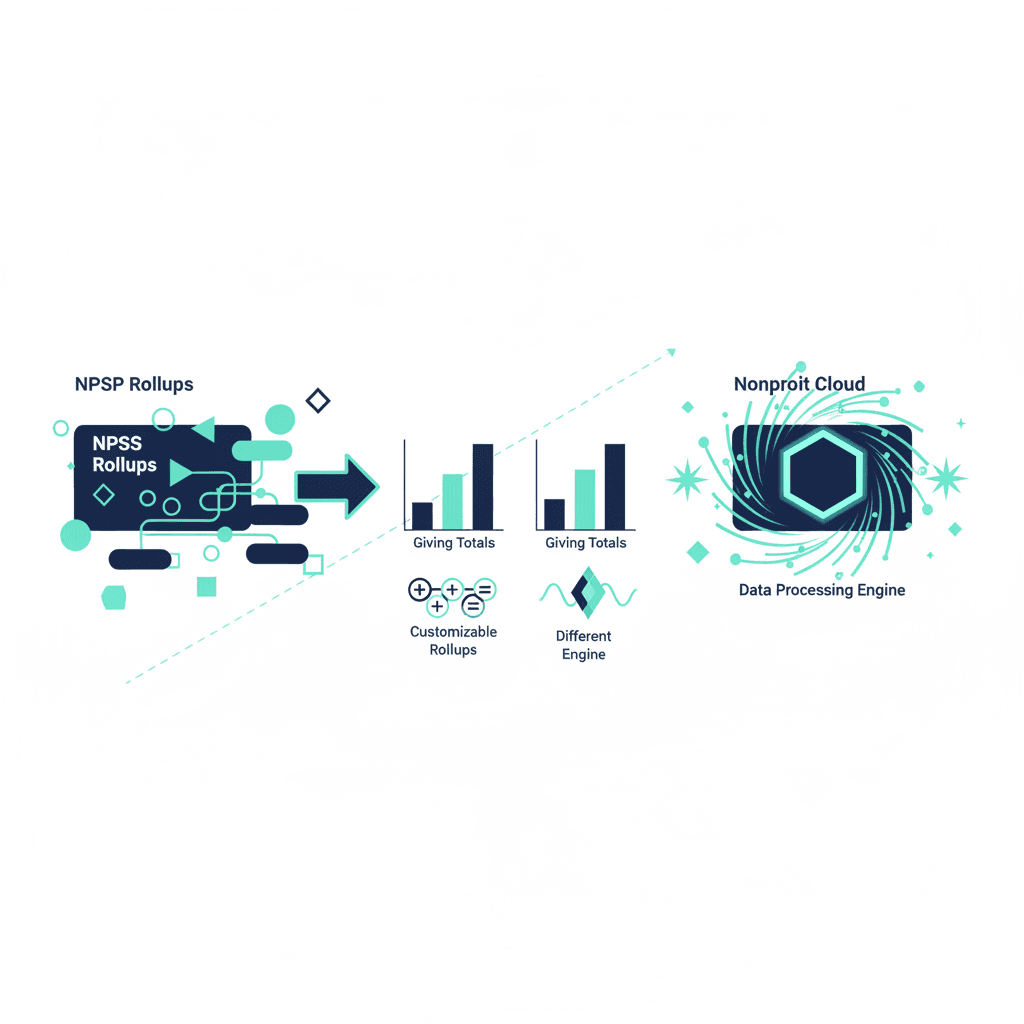
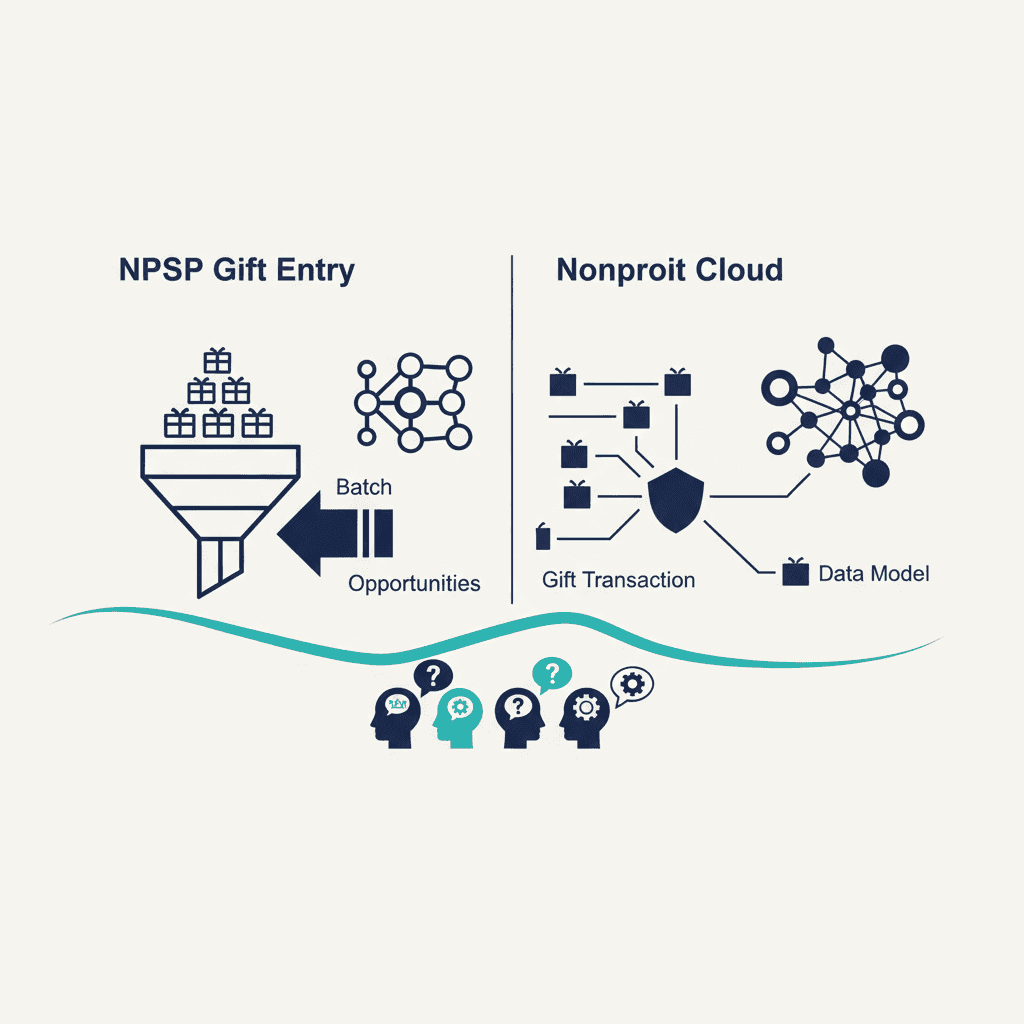
- Gift-entry batches and rollups need rebuilding, not exporting — see what changes for gift entry and how giving totals are calculated differently.
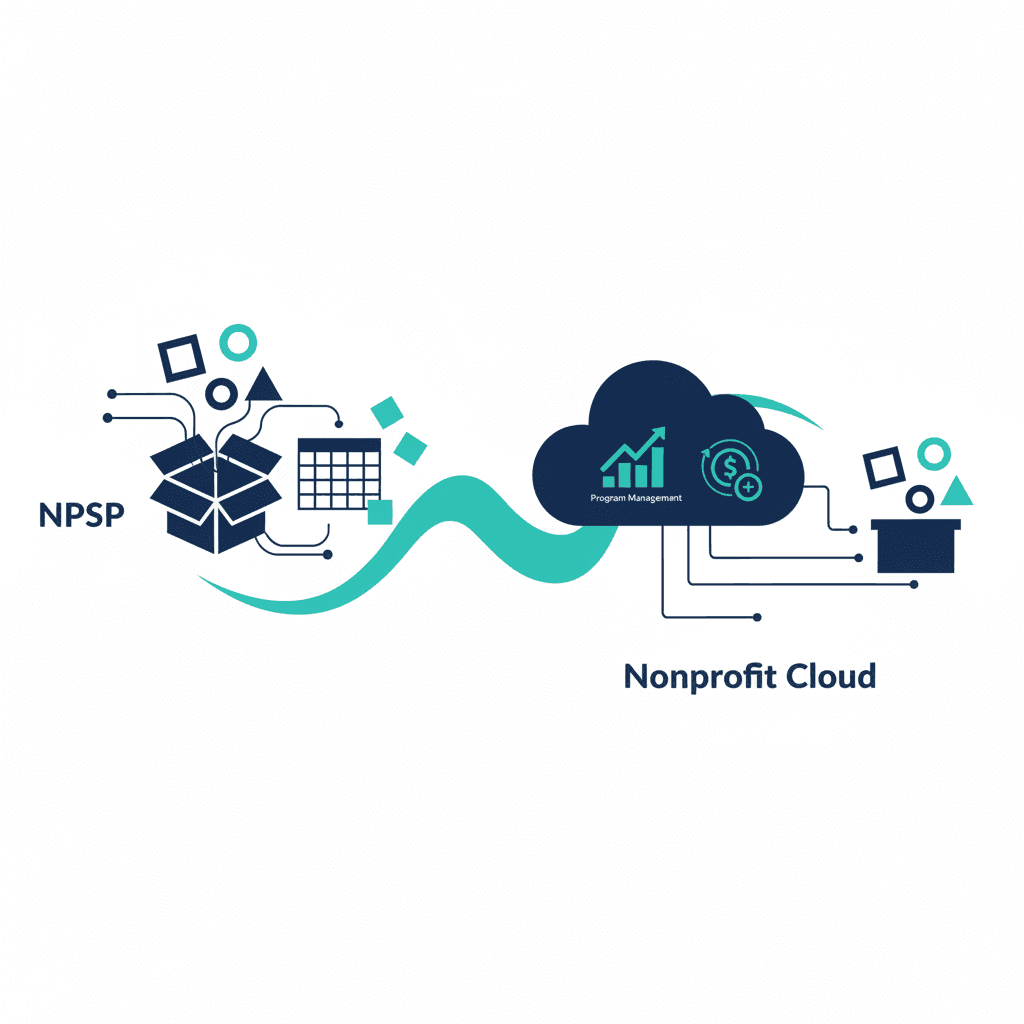
- Program and grant tracking is a net-new capability for most NPSP orgs, not a migration — see what Nonprofit Cloud adds that NPSP doesn't have.
- Automation rebuild rather than direct transfer, since Flows and rules must be reauthored.
- Change management as staff adapt to new interfaces and processes.
Tips for a Successful Migration
Start with a clear inventory and stakeholder alignment — the migration readiness checklist is a good pre-flight. Treat the project as an opportunity to simplify rather than replicate every legacy customization. Work in a sandbox, validate at each stage, and consider engaging a certified Salesforce nonprofit partner for complex orgs — especially if internal capacity is the constraint holding you back. Finally, invest in training so adoption succeeds after go-live.
Conclusion
Migrating from NPSP to Nonprofit Cloud is a significant but strategic move that positions your nonprofit for Salesforce's future investment and a more modern data architecture. Success depends on thorough assessment, careful data mapping, disciplined testing, and strong change management. For most organizations the question is when and how, not whether — evaluate your readiness, plan in phases, and migrate when the signals above line up with your goals. For the broader cost context behind a migration like this, see How Much Does Salesforce CRM Cost?.
Frequently asked questions
Should I migrate from NPSP to Nonprofit Cloud?
Migrate sooner if you're launching a new Salesforce org, your NPSP instance is heavily customized and hard to maintain, or you need NPC-native program and case management. Wait only if NPSP runs smoothly with no capability gaps, or a truly critical app doesn't yet support NPC. Limited capacity or messy data are sequencing problems a partner can absorb, not reasons to stay put.
Is NPSP being discontinued?
No — NPSP continues to be supported and Salesforce has not announced an end-of-life date. What has changed is where investment goes: new features and AI capabilities land in Nonprofit Cloud, which makes migration a when-and-how question for most organizations rather than an emergency.
How long does an NPSP to Nonprofit Cloud migration take?
A small, clean implementation can take a few weeks; a large, heavily customized org with multiple integrations can take several months. Data cleaning and testing consistently take longer than expected, so budget for them explicitly.
What's the hardest part of an NPSP to NPC migration?
The account model conversion: NPSP's Households become Person Accounts in NPC, which requires careful relationship mapping and drives most of the data work. Second hardest is verifying that every critical AppExchange app and payment processor supports NPC before committing.