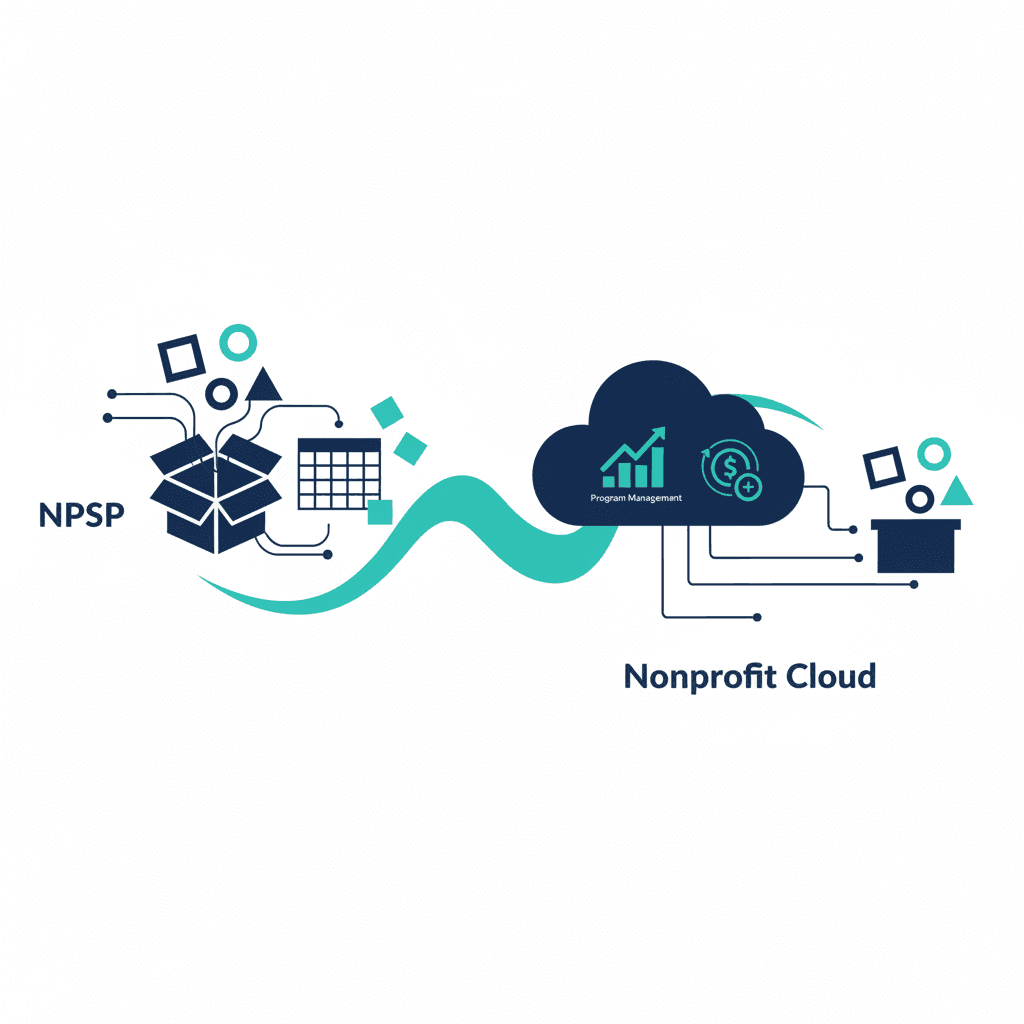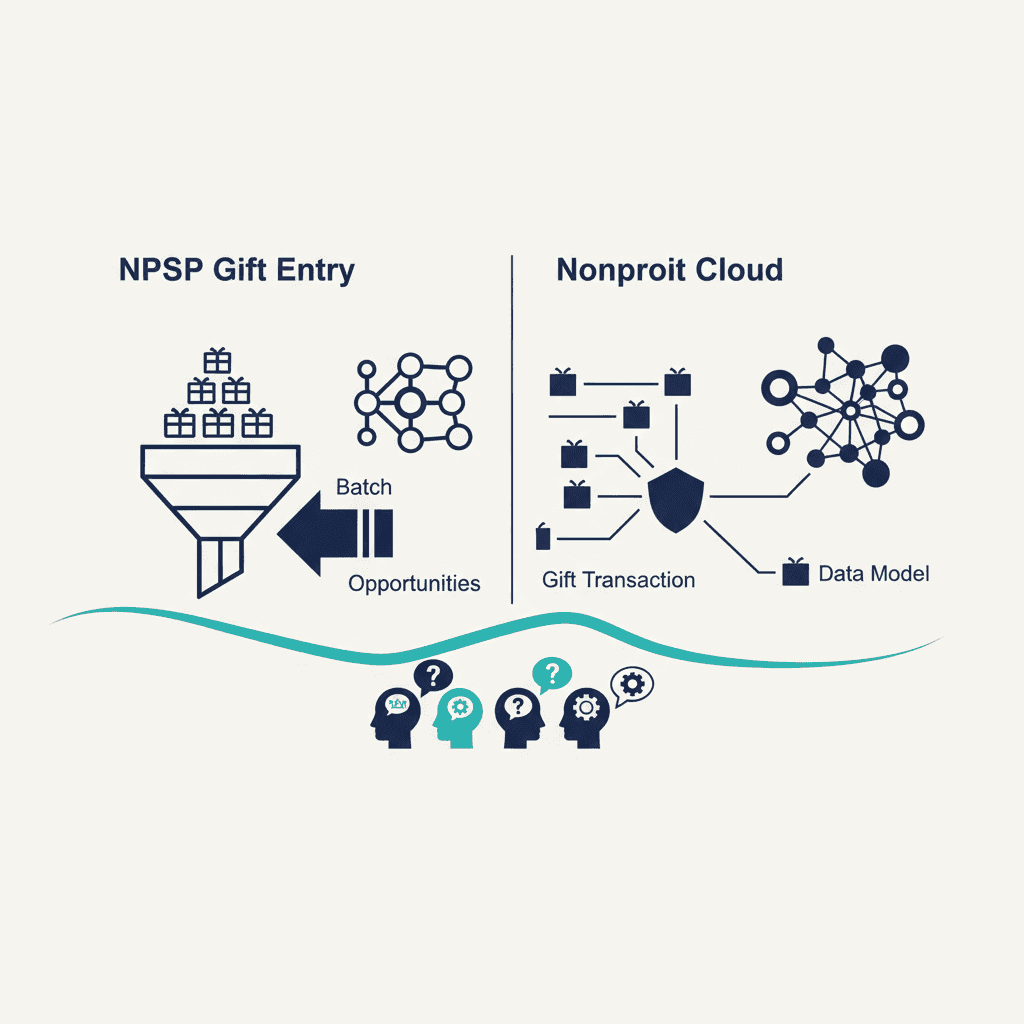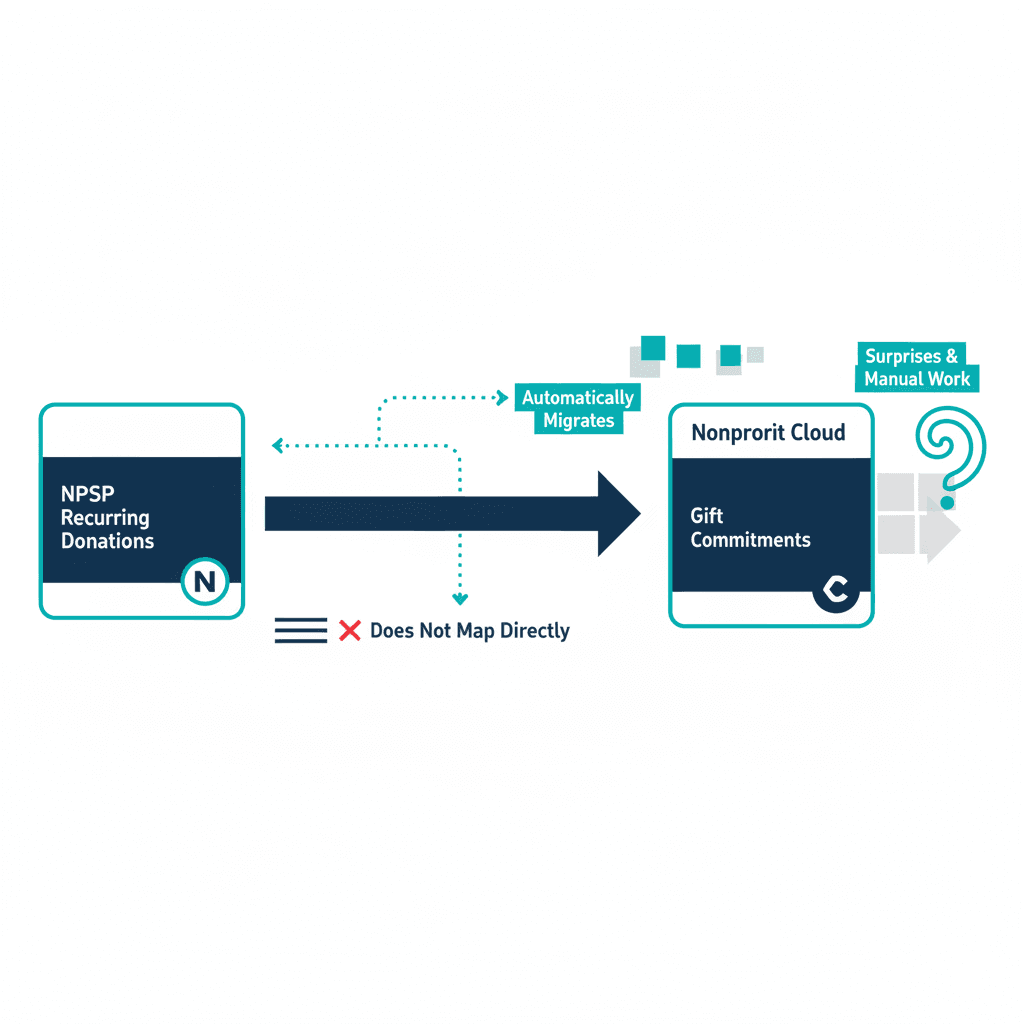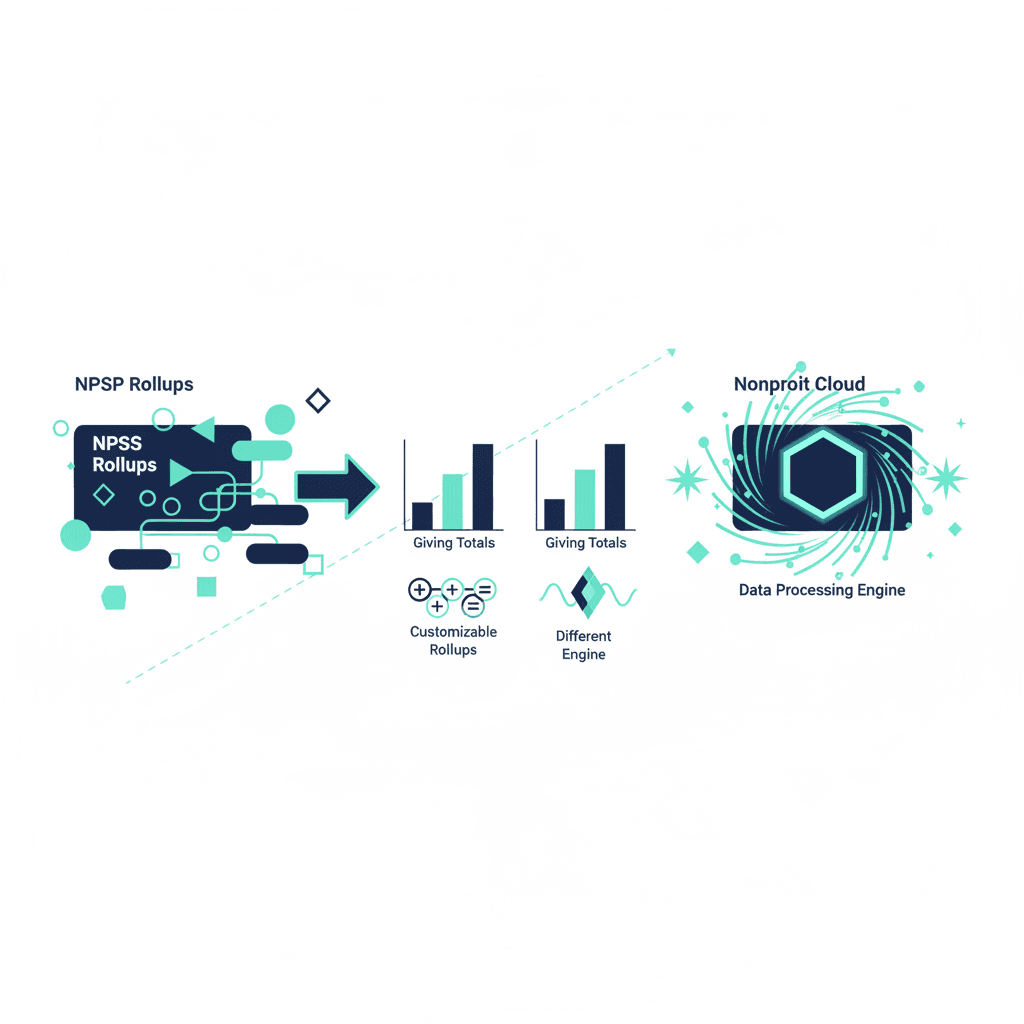
Not necessarily wrong — but potentially different, and worth checking rather than assuming. NPSP and Nonprofit Cloud both give you numbers like a donor's total lifetime giving or largest single gift, but they calculate them with completely different engines. If a migration reproduces the logic faithfully, the numbers match. If it doesn't, a dashboard can look "off" in ways that are hard to trace back to the cause — which is why this is worth understanding before migration day, not after a board member asks why a total changed.
How NPSP does it: Customizable Rollups
NPSP calculates donor summaries — total gifts, average gift amount, largest gift, gifts this fiscal year, and dozens more — through Customizable Rollups, which summarize Opportunity and Payment records up to the Contact or Account. NPSP ships with roughly 90 of these built in, and admins can define custom ones with their own fields and filters for whatever the organization needs to track beyond the defaults. It's flexible, and after years of use, most established NPSP orgs have accumulated a mix of standard and custom rollups specific to how they report.
How Nonprofit Cloud does it: the Data Processing Engine
Nonprofit Cloud doesn't use NPSP's rollup mechanism at all. Instead it runs donor-summary calculations through the Data Processing Engine (DPE) — a batch-processing tool built to run joins, filters, and aggregations across large datasets, functioning close to a lightweight ETL tool inside Salesforce. Salesforce ships pre-built DPE calculations for common cases like Donor Gift Summary, and the engine is built to handle transaction volumes well beyond what NPSP's rollup mechanism was originally designed for — relevant if your organization has a large, long history of gift records.
Why this matters for a migration
The concept doesn't change — a donor's lifetime giving is still their lifetime giving — but the mechanism calculating it does, and that has two practical consequences:
- Standard rollups map reasonably cleanly. Total gifts, largest gift, last gift date and similar defaults have clear DPE equivalents, since both products need the same common summaries.
- Custom rollups need individual review, not a blanket carry-over. If your organization built custom rollups with specific filter logic (excluding certain gift types, restricting to certain campaigns, custom date ranges), each one needs to be deliberately reproduced as its own DPE calculation. Assuming they'll "just work" the same way is how a lifetime-giving total quietly shifts by a few gifts and nobody notices until a report looks wrong.
A migration is also a reasonable moment to audit which custom rollups your organization actually still uses for reporting or automation, and retire the ones nobody's looked at in years rather than migrating everything by default.
What this means for planning
Add a rollup audit to the same checklist as recurring donations and gift entry in your migration cost and timeline planning — list every custom rollup currently in production use, and treat each as a small, individually-verifiable task rather than a bulk migration step. Orgs running mostly standard rollups have little to redo; orgs with years of custom reporting logic should budget real time here.
The NPSP vs Nonprofit Cloud comparison covers the broader architectural picture, and a consultation can review your current rollup setup directly.
Frequently asked questions
What are Customizable Rollups in NPSP?
They're the mechanism NPSP uses to summarize Opportunity and Payment data — total gifts, average gift amount, largest gift, gifts this fiscal year — up to the Contact or Account. NPSP ships with roughly 90 of these out of the box, and admins can define additional ones with custom fields and filters for whatever a org needs to track.
How does Nonprofit Cloud calculate the same totals?
Through its Data Processing Engine (DPE) rather than NPSP's rollup mechanism — a batch-processing tool built to handle large datasets, running joins, filters, and aggregations across gift and donor records. Salesforce ships pre-built DPE calculations for common summaries like Donor Gift Summary, and it's built to scale to nonprofit orgs with far larger transaction volumes than NPSP's rollup engine was originally designed for.
Will migrating change the numbers on my donor reports?
It can, if a custom NPSP rollup used filters or logic that don't have a direct DPE equivalent — the totals themselves shouldn't change conceptually (a donor's lifetime giving is still their lifetime giving), but exactly which gifts get included or excluded by a specific rollup's rules needs to be reproduced deliberately in the new engine, not assumed to carry over.
Do I need to rebuild every custom rollup during migration?
Every rollup your organization actually relies on for reporting or automation needs an audit, yes — but this is a good moment to prune ones nobody's looked at in years rather than migrate them by default. Standard rollups (total gifts, largest gift, last gift date) have clear DPE equivalents; unusual custom ones with specific filter logic need individual attention.
Yash
Founder & Principal Consultant, Ynexgen
Yash leads Ynexgen, helping small and mid-sized businesses turn technology into a stronger foundation for growth — 7+ years across Salesforce CRM, websites, and AI adoption.