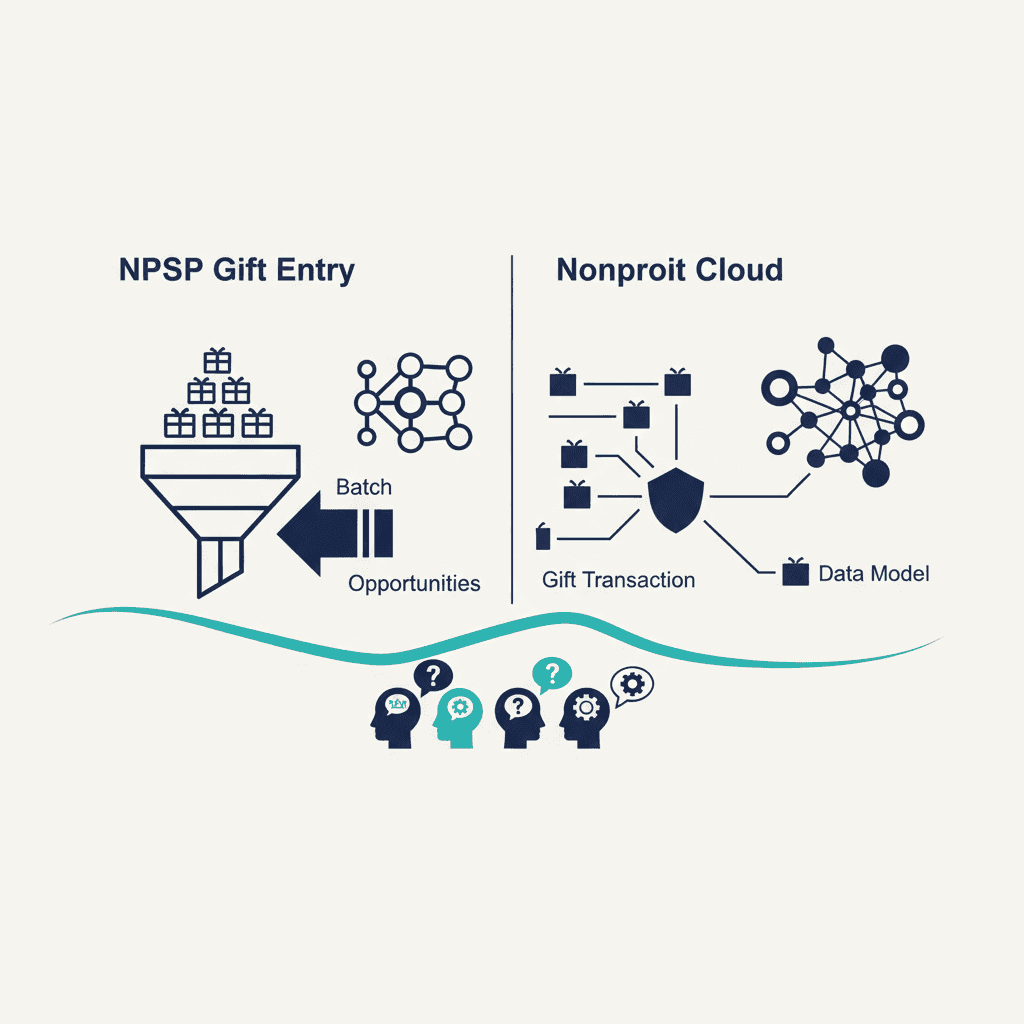
No — despite the shared name, NPSP's Advanced Gift Entry and Nonprofit Cloud's Gift Entry don't run on the same data model. Both let a data-entry team batch multiple gifts in quickly, but NPSP builds each gift as an Opportunity tied to a Contact or Account, while Nonprofit Cloud builds it as a Gift Transaction against its own Party and Gift Commitment objects. For day-to-day entry the workflow feels familiar; for whoever configures or migrates the system, it's a different tool wearing a similar name.
How NPSP does it: Advanced Gift Entry, built on Opportunities
NPSP's current gift-entry tool is Advanced Gift Entry, also referred to as Batch Gift Entry — it replaced the older Batch Data Entry tool, which Salesforce retired in 2020. It lets staff enter or import gifts in batches, with configurable templates and default field values, and each gift lands as a standard Opportunity record. Because it sits on top of NPSP's existing Contact/Account/Opportunity model, it inherits whatever customizations, validation rules, and Customizable Rollups already exist for Opportunities in your org.
How Nonprofit Cloud does it: Gift Entry on the Party/Gift Transaction model
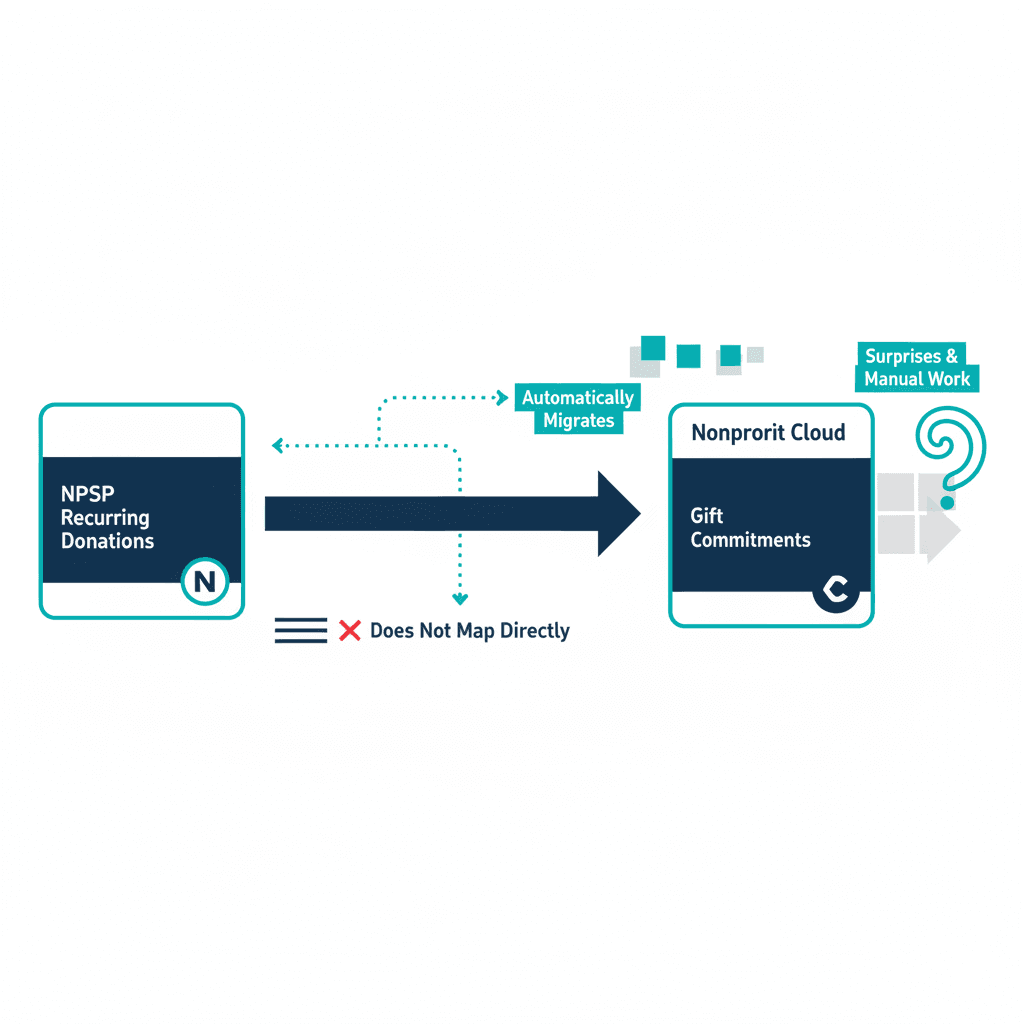
Nonprofit Cloud's Gift Entry looks similar on the surface — batch templates, quick entry, defaults — but writes to a different object structure: gifts land as Gift Transaction records, tied to Gift Commitments where relevant (for recurring gifts) and to Nonprofit Cloud's Party data model rather than standard Accounts and Contacts. This is part of why Nonprofit Cloud includes all of NPSP's core gift-tracking capability while also supporting more granular donation handling underneath — the object model was rebuilt around donation transactions specifically, not adapted from the general-purpose Opportunity object.
What actually transfers, and what doesn't
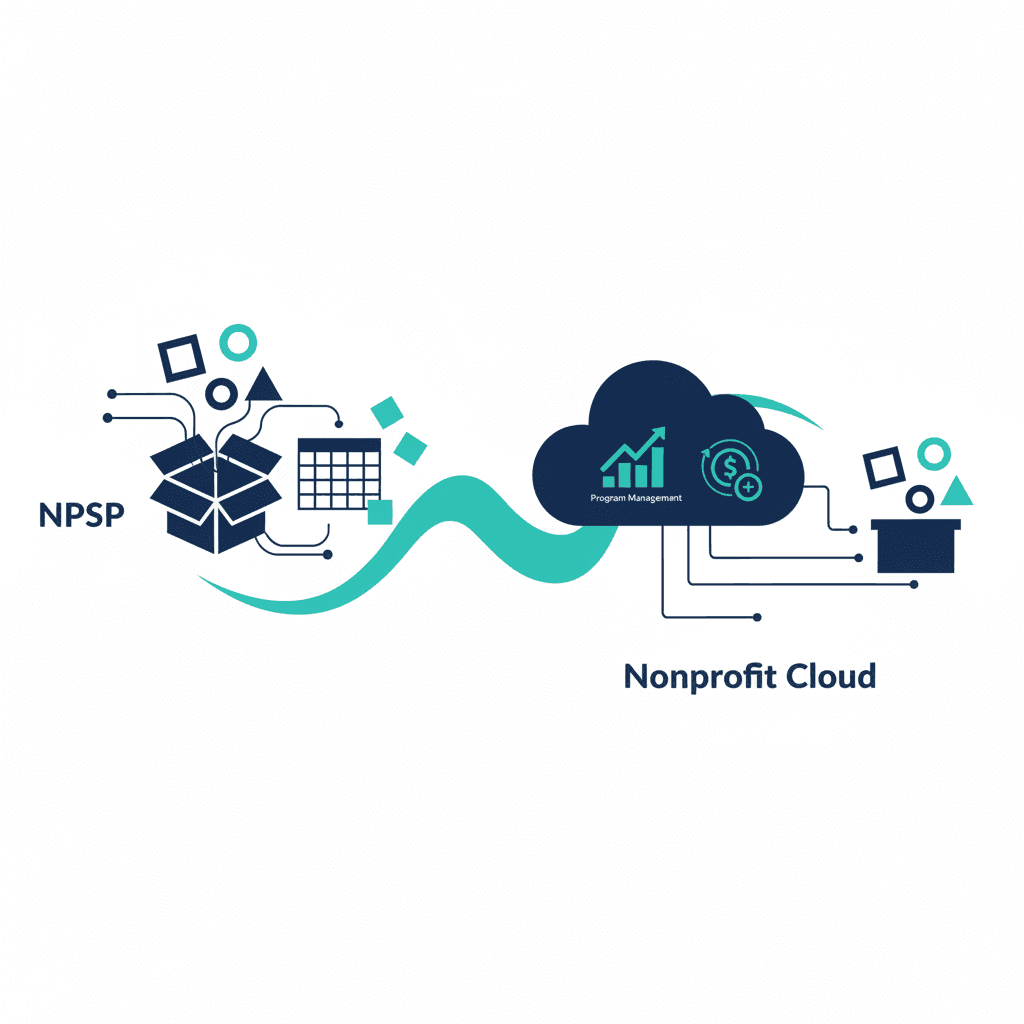
- Historical gift data migrates — past gifts become historical Gift Transaction (or Opportunity, depending on your migration approach) records; the donor and gift history itself isn't lost.
- Gift-entry batch templates and configuration do not transfer directly. Because the target objects differ, templates, field mappings, and default values need to be rebuilt in Nonprofit Cloud's Gift Entry setup rather than exported and reimported.
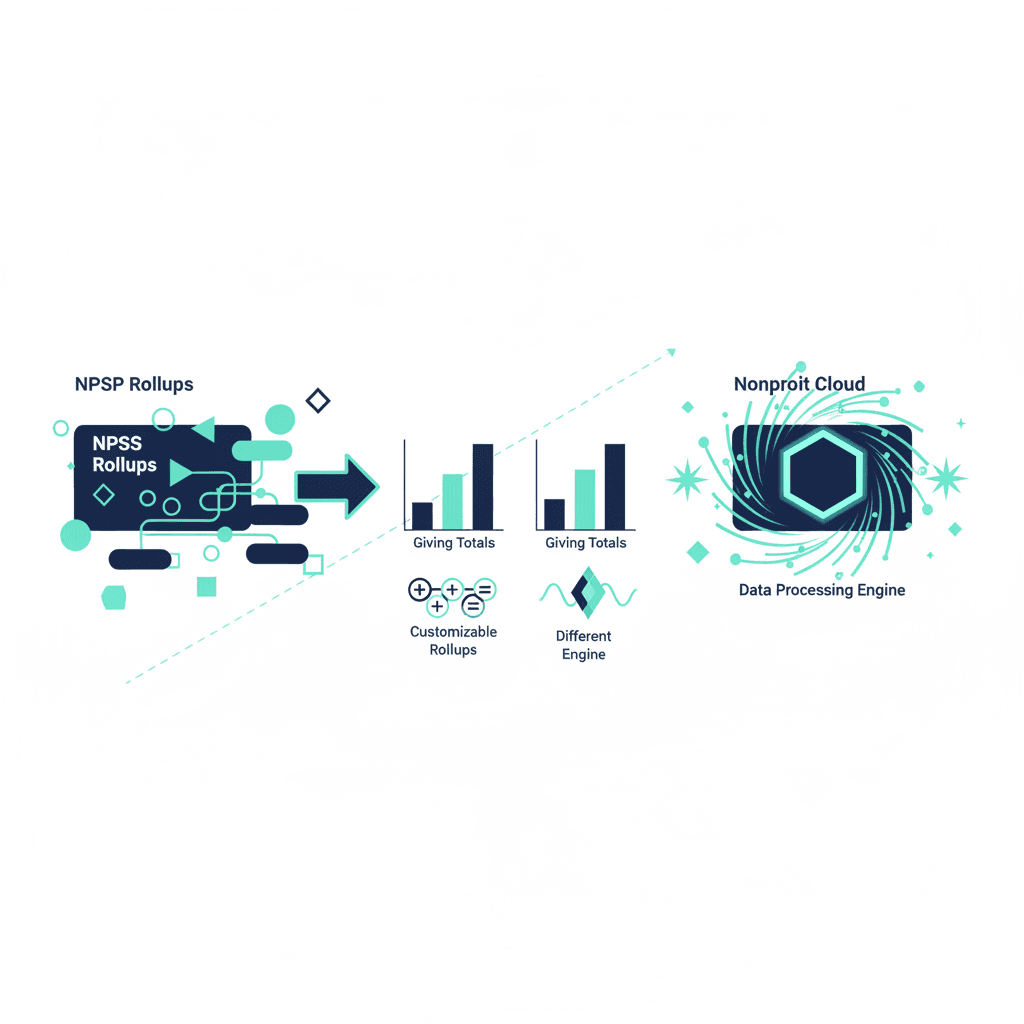
- Rollups behave differently underneath. NPSP's Customizable Rollups (nearly 90 out of the box, plus custom ones you can define) are built for the Opportunity model; Nonprofit Cloud instead uses its Data Processing Engine for donor-summary calculations, built to handle larger datasets natively. If your org relies on specific custom rollups today, audit them before migrating — they need Nonprofit Cloud equivalents, not a straight carry-over.
- Day-to-day entry staff need workflow retraining, not conceptual retraining. Entering a gift, applying it to a campaign, batching several together — the actions are the same; the screens, field names, and some validation behavior underneath are not.
What this means for planning a migration
Treat gift-entry configuration as its own line item alongside recurring donations in your migration cost and timeline estimate — it's rebuild work, not a checkbox. If your org has heavily customized gift-entry batches or unusual Customizable Rollups, budget more time here specifically; a vanilla NPSP setup with standard rollups has comparatively little to rebuild.
The NPSP vs Nonprofit Cloud comparison covers the broader picture, and a consultation is the fastest way to get a straight read on how much of your specific gift-entry setup carries over.
Frequently asked questions
Is Nonprofit Cloud's Gift Entry the same tool as NPSP's Advanced Gift Entry?
No — they share a name and a job (batch-entering gifts quickly) but not a data model. NPSP's Advanced Gift Entry creates Opportunity records against Contacts and Accounts. Nonprofit Cloud's Gift Entry creates Gift Transaction records against its own Party and Gift Commitment objects. The workflow feels similar to a data-entry clerk; what's happening underneath is different.
What happened to NPSP's older Batch Data Entry tool?
It was retired in 2020, replaced by Batch Gift Entry, which NPSP still uses today (also called Advanced Gift Entry once fully configured). If your org is on a very old NPSP setup and unsure which one it's running, that's worth checking before scoping a Nonprofit Cloud migration — it affects how much of the current gift-entry configuration transfers as a reference versus needing to be rebuilt from scratch.
Do saved gift-entry templates and batches migrate to Nonprofit Cloud?
Not directly. Because the underlying objects differ (Opportunity-based in NPSP vs. Gift Transaction-based in Nonprofit Cloud), gift-entry batch templates, field mappings and default values need to be rebuilt in Nonprofit Cloud's Gift Entry configuration rather than exported and imported. Historical gift *records* migrate as data; the entry *tooling* configuration does not.
Will my data-entry team need retraining?
Yes, but the retraining is workflow-level, not conceptual — entering a gift, applying it to a campaign, and batching multiple gifts together are still the core actions. What changes is the underlying object names and some of the automation behind them (Nonprofit Cloud's Data Processing Engine handles rollups differently than NPSP's Customizable Rollups), which matters more for whoever configures the system than for day-to-day entry staff.
Yash
Founder & Principal Consultant, Ynexgen
Yash leads Ynexgen, helping small and mid-sized businesses turn technology into a stronger foundation for growth — 7+ years across Salesforce CRM, websites, and AI adoption.