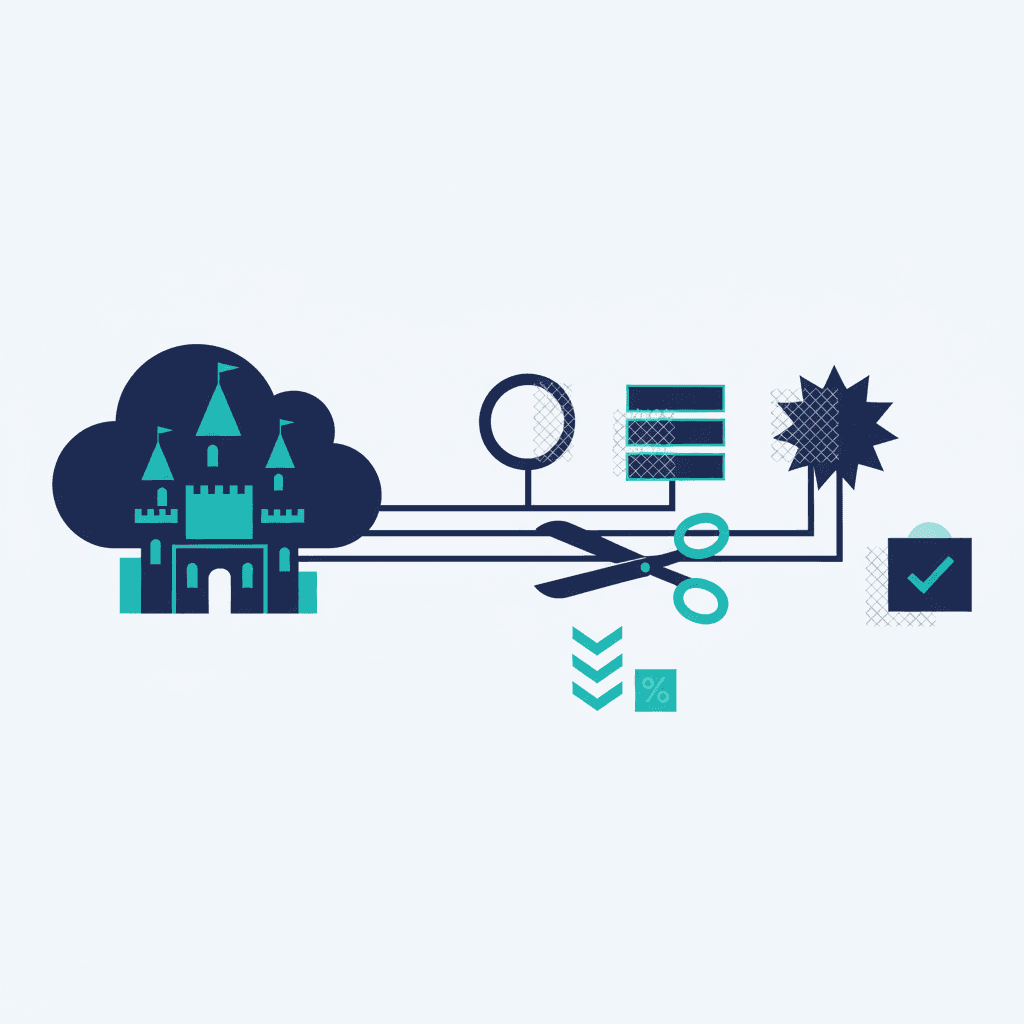
Most SMBs pay Salesforce for far more than they use — over-spec'd editions, unused licenses, and add-ons nobody adopted. A right-sizing review often cuts 15–40% off the bill without losing anything you actually rely on. Here's where the waste hides and how to find it.
Where the money leaks
- Empty seats. Licenses assigned to people who left or never logged in. This is the fastest win.
- Over-spec'd edition. Paying for Enterprise or Unlimited when your actual usage fits a lower tier.
- Unadopted add-ons. CPQ, extra Data Cloud, marketing modules bought in a burst of ambition and never turned on.
- Duplicate tools. Paying for a Salesforce capability and a third-party tool that does the same job.
If you're early and this list stings, it may be a sign you bought more Salesforce than you were ready for.
The right-sizing review
- Pull a login report. Anyone inactive 60–90 days is a license to reclaim or reassign.
- List every SKU on your contract and match each to actual usage data.
- Map add-ons to adoption. No usage = cancel at renewal.
- Check for tool overlap with your other subscriptions.
- Right-size the edition if your feature usage fits a lower one.
Downgrade vs cancel vs consolidate
Reclaim empty seats immediately (internal). Cancel unused add-ons at renewal (they're usually annual). Consolidate overlapping tools onto whichever you use best. Downgrading an edition is the biggest lever but needs care — verify you're not using an edition-locked feature first. This is where knowing your true Salesforce cost pays off.
Keeping it lean
Right-sizing isn't one-time. A quarterly login-and-SKU review — the kind a fractional admin runs as routine — keeps the bill matched to reality. And remember the flip side: cutting cost only helps if the org is actually adopted; an unused $10k org and an unused $6k org are both waste. A health check covers licensing alongside adoption; our Salesforce practice does right-sizing as part of optimization retainers.
Frequently asked questions
How can I reduce my Salesforce bill?
Reclaim licenses from inactive users, cancel unadopted add-ons at renewal, consolidate tools that duplicate a Salesforce capability, and right-size an over-spec'd edition. A right-sizing review commonly cuts 15–40% without losing anything you actually use.
How do I find unused Salesforce licenses?
Pull a login report: anyone inactive for 60–90 days is a license to reclaim or reassign. Then match every SKU on your contract to real usage data, and check add-ons against adoption. Empty seats are the fastest saving.
Should I downgrade my Salesforce edition?
Possibly — it's the biggest lever, but verify first that you're not using an edition-locked feature. Reclaim seats and cut unused add-ons immediately; downgrade an edition only after confirming your actual feature usage fits the lower tier.
Yash
Founder & Principal Consultant, Ynexgen
Yash leads Ynexgen, helping small and mid-sized businesses turn technology into a stronger foundation for growth — 7+ years across Salesforce CRM, websites, and AI adoption.