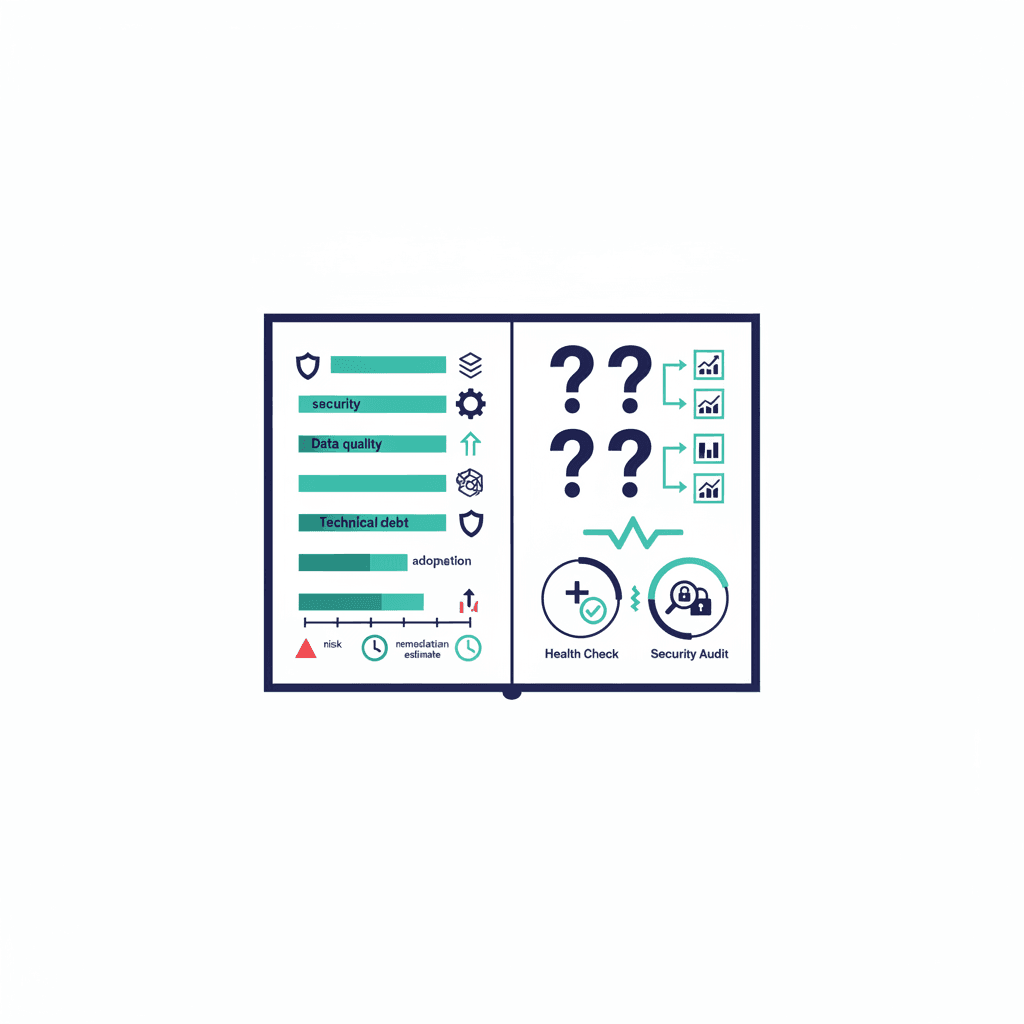
A Salesforce org assessment report — the deliverable from an org health check — should give you scored findings across security, data quality, automation, technical debt and adoption, each tied to a risk and a remediation estimate. If what you received is a wall of raw metrics or a thinly-veiled sales proposal, you didn't get an assessment. Here's what a real one contains, how to read it, and how it differs from Salesforce's built-in Health Check score.
What a real assessment report contains
- Security posture — profile/permission sprawl, users with admin rights who shouldn't have them, stale integrations with full access, and your standing against Salesforce's baseline.
- Data quality — duplicate rates on core objects, field-completeness on the fields your reports depend on, and record ownership by departed users.
- Automation inventory — every Flow, workflow rule and trigger, flagged for conflicts, failures and the deprecated technologies still running (a major slice of technical debt in inherited orgs).
- Customization & debt — unused fields (typically 30–50% in mature orgs), abandoned managed packages billing you monthly, and code coverage health.
- Adoption — login rates, feature usage, and where teams have quietly retreated to spreadsheets.
- Prioritized remediation roadmap — each finding scored by risk × effort, sequenced, with hour estimates. This page is what you actually paid for.
How to read one (the three questions)
- What can hurt us this quarter? Security findings and failing automations come first — everything else is chronic, these are acute.
- What's making every project slower? The debt items (unused fields, tangled automations) tax every future change; that's the economic case for cleanup, not tidiness.
- What's the maintenance reality? The roadmap's recurring items tell you whether you need a project, a fractional admin retainer, or both.
Health check vs security audit vs assessment — the naming confusion
- Salesforce's built-in Health Check (Setup → Health Check) is a free security-settings score against a baseline. Useful, narrow — run it today.
- A security audit goes deep on one dimension: permissions, sharing, integration access, compliance. Get one when handling regulated data.
- An org assessment / health check engagement (this report) covers the whole org — security plus data, automation, debt and adoption. It's the right instrument for "we inherited this org", "everything feels slow", or pre-Agentforce readiness, where data and knowledge quality decide success.
What it should cost — and a fair warning
Pricing and scope for the engagement itself are covered in what an org health check costs; expect the report 1–3 weeks after access. The warning: insist on the remediation roadmap being executable by anyone — hour estimates and steps, not "engage us to learn more." A report designed to be un-actionable without its author is a brochure.
Sitting on a report you're not sure how to act on — or an org that's never had one? Book a free consultation and bring it; we'll walk the findings with you and sequence the fixes, whether or not we do the work.
Frequently asked questions
What should a Salesforce org assessment report include?
Six things: security posture (permission sprawl, stale integrations), data quality (duplicates, field completeness), a full automation inventory with conflicts and deprecated tech flagged, customization/technical-debt findings, adoption metrics, and — the part you're paying for — a remediation roadmap prioritized by risk and effort with hour estimates.
What's the difference between Salesforce Health Check and an org assessment?
Salesforce's built-in Health Check (in Setup) is a free, narrow security-settings score against a baseline — run it today. An org assessment engagement covers the whole org: security plus data quality, automations, technical debt and adoption, delivered as a scored report with a remediation plan over 1–3 weeks.
When does a business need a security audit instead of a health check?
When the concern is one deep dimension — regulated data, compliance requirements, sharing-model risk, or integration access — a dedicated security audit goes deeper than an assessment's security section. For 'we inherited this org' or 'everything feels slow', the broader assessment is the right instrument.
Yash
Founder & Principal Consultant, Ynexgen
Yash leads Ynexgen, helping small and mid-sized businesses turn technology into a stronger foundation for growth — 7+ years across Salesforce CRM, websites, and AI adoption.