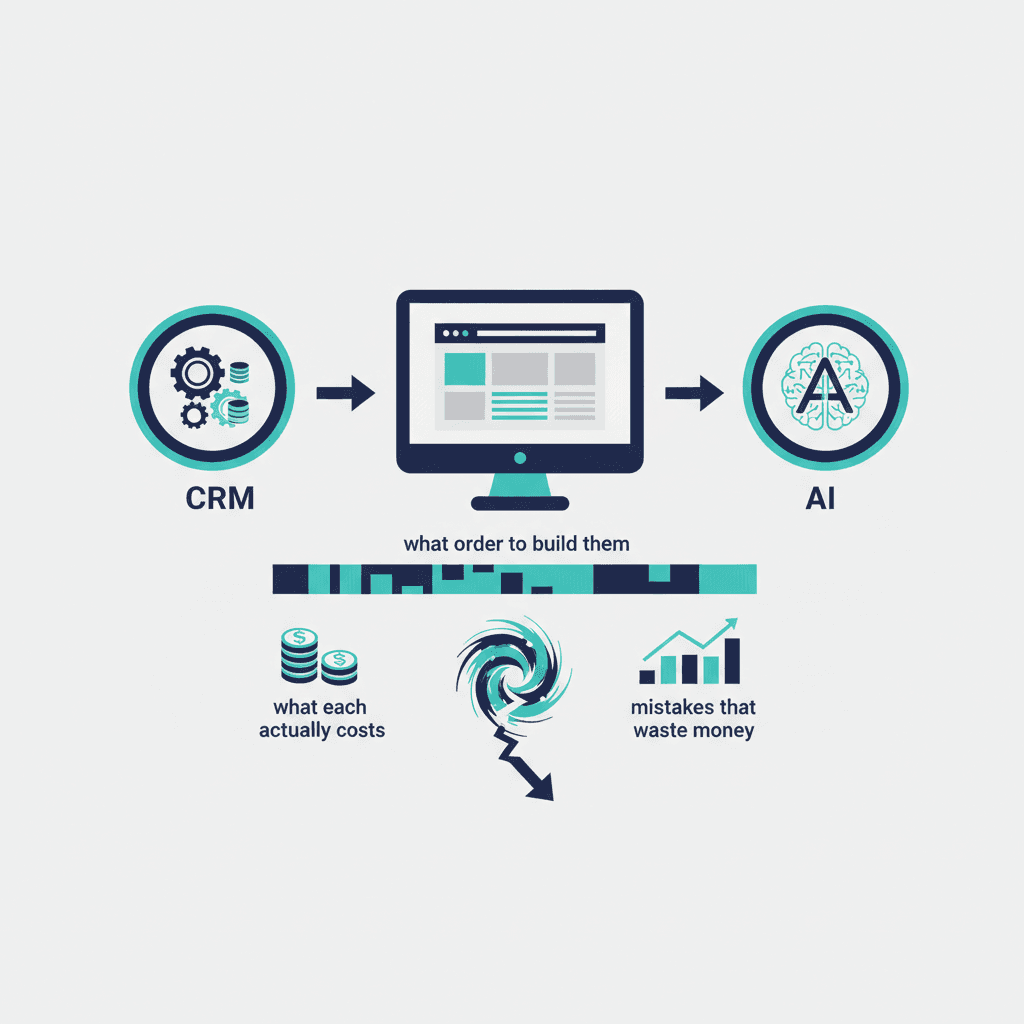
Most growing businesses build technology in a random order — whatever felt urgent that quarter, whatever a vendor happened to pitch, whatever a former employee said worked at their last company. Three systems come up in almost every conversation we have with small and mid-sized businesses: a CRM, a website, and some layer of AI tooling. This guide covers what each one actually does, what it costs in 2026, the mistake we see most often with each, and — the part usually skipped — what order to build them in.
Why these three systems, and why together
A CRM, a website, and AI tooling solve three different problems: remembering your customers, attracting new ones, and removing the repetitive work in between. Businesses that build only one or two of these hit a ceiling. A great website with no CRM behind it generates leads that get lost in someone's inbox. A CRM with no website feeding it stays empty. AI tooling bolted onto a business with no CRM or clear process just automates chaos faster. The three work as a system, not three separate purchases — which is also why sequencing them correctly (covered near the end of this guide) matters more than most businesses assume.
Part 1: CRM — the system of record for your customers
What a CRM actually does
A CRM is the answer to one question: if your best salesperson left tomorrow, would you know who they were talking to, what was promised, and what happens next? For most small businesses without one, the honest answer is no — that information lives in someone's email, someone's memory, or a spreadsheet that's three versions out of date. We go into this in more detail in What is CRM and why does every small business need one?
What it costs
Pricing ranges more than most business owners expect. Zoho CRM Standard starts around $9.40 per user per month; Salesforce's entry tier runs closer to $25 per user per month, with the mid-tier most SMBs actually need closer to $99+. We compare the options directly in Salesforce vs HubSpot and Zoho vs Salesforce for Indian Businesses. Implementation — someone actually configuring it around how your business works — typically costs more than the software subscription itself in year one.
The most common CRM mistake
Buying more CRM than the business is ready to use. We see this constantly with Salesforce specifically: a business buys Enterprise-tier licenses in month one and is still using three basic features in month twelve. See Why Your Business Probably Shouldn't Buy Salesforce Yet for the longer version. The fix is almost always the same: start on the cheapest tier that has the features you'll use in the first 90 days, and upgrade only when you've outgrown it — not before. Whichever CRM you choose, also check what it requires of you for data privacy compliance in your market — see CRM and Website Compliance by Region.
Part 2: Your website — the system that brings people in
What a website needs to do
Not every business needs an elaborate website. Most need a smaller one than they think: something that clearly states what the business does, for whom, and what to do next — a phone number, a form, a booking link. We wrote about this directly in The Website You Need Is Probably Smaller Than You Think. Complexity should be added only when there's a specific business reason for it (an online store, a client portal, a multi-location structure), not by default.
What it costs
In the Indian market, a straightforward business website from a competent freelancer or small agency runs $940–$2,350; mid-market agencies with more comprehensive service run $2,350–$9,400. Full detail is in How Much Does a Website Actually Cost? and Website Development Cost in India in 2026. Timelines typically run 4 to 10 weeks depending on scope — see How Long Does It Take to Build a Business Website?
The most common website mistake
Treating traffic and enquiries as the same metric. A site can get real visitors and generate zero leads if the next step isn't obvious, the page loads slowly, or the contact form is broken. We covered a real example of this in Why Your Website Gets Traffic But No Enquiries. Before spending on more traffic, run our 15-Minute Website Audit — fixing what it flags is usually cheaper and faster than a redesign.
Part 3: AI — the system that removes repetitive work
What AI tooling actually does for an SMB
For most small businesses, practical AI use isn't a chatbot on the website or a flashy new product feature — it's removing repetitive work from existing processes: drafting follow-up emails, summarising meetings, triaging enquiries, formatting reports. See What Is an AI Agent? for a plain-English breakdown of the more advanced end of this.
What it costs
Tool subscriptions are cheap — $20 to $100 a month covers most of what an SMB needs. The real cost is implementation: connecting a tool to your actual workflow and building the habit of using it. Single-workflow AI consulting engagements typically run $2,000 to $8,000; see How Much Does AI Consulting Cost? for the full breakdown.
The most common AI mistake
Buying the subscription and stopping there. A tool nobody has built a habit around is a wasted line item, not a strategy — we covered this at length in Stop Buying AI Tools. Build AI Habits First. The businesses getting real value picked one or two tools and built a specific, recurring habit around each, rather than collecting subscriptions.
What order to build these in
The instinct is usually to start with whichever system feels most urgent — a competitor's slick website, a horror story about a lost deal, a colleague raving about an AI tool. A more reliable order, based on the engagements we've run:
- Fix your process first, on paper, before buying anything. Know how a lead becomes a customer today, even if it's messy. You can't automate or systematise a process you haven't written down.
- CRM second. It's the system everything else feeds into. A website without a CRM just generates leads that get lost.
- Website third, sized to what the business actually needs today, not to an aspirational five-year plan.
- AI last, applied to whichever step in your now-documented, now-supported-by-a-CRM process is the most repetitive and highest-volume.
Skipping ahead — usually straight to AI, because it's the most exciting — is the single most common sequencing mistake we see, and it's the subject of American Small Businesses Are Over-Tooled and Under-Systematic.
A realistic 12-month plan
Months 1–2: Document your current sales/service process. Choose and set up a CRM sized to what you'll actually use.
Months 3–4: Get your team using the CRM consistently before adding anything else — this is the step businesses skip, and it's why so many CRMs sit half-used.
Months 5–7: Build or fix your website, informed by what the CRM has already told you about who your customers are and what they ask for.
Months 8–9: Run an audit of your now-live website and fix what it flags before investing further.
Months 10–12: Identify the single most repetitive, highest-volume task in your process and apply one AI tool to it. Resist adding a second tool until the first one is a genuine habit.
The bottom line
None of these three systems is optional for a business trying to grow past a certain size, but none of them works well in isolation either. The businesses that get the most value aren't the ones who spent the most — they're the ones who built these three systems in an order that let each one support the next.
Frequently asked questions
Do I need a CRM, a website, and AI tools all at once?
No — sequencing matters more than simultaneity. Most businesses should fix their process, add a CRM, then a website, then AI tooling, in that order (see the sequencing section above).
What's the total realistic first-year cost for all three systems?
For a small business, roughly $1,760–$5,880 covering CRM subscriptions, a business website, and light AI tooling — implementation and consulting time is usually the larger cost than the software itself.
Which system has the fastest ROI?
In our experience, website fixes (not rebuilds) tend to show the fastest measurable return, often within weeks, because they usually address an existing but leaking source of demand rather than creating new demand from scratch.
Should a very small business (under 5 people) still build all three?
Yes, but at a much smaller scale — a free or entry CRM tier, a simple 5-page website, and one AI tool applied to one task is enough to start.
What's the biggest single mistake across all three systems?
Buying more than the business is ready to use — an oversized CRM tier, an overbuilt website, or an AI subscription with no defined habit. Scope to what you'll actually use in the next 90 days, then expand.
Yash
Founder & Principal Consultant, Ynexgen
Yash leads Ynexgen, helping small and mid-sized businesses turn technology into a stronger foundation for growth — 7+ years across Salesforce CRM, websites, and AI adoption.