Migrating a nonprofit's data to a new system — donor database, CRM, or cloud platform — is a 2–6 month project whose success is decided by one thing: whether donor and gift history survives intact. Losing relationships, soft credits or recurring-gift schedules in the move damages fundraising for years. Here's the migration playbook that applies to any nonprofit system change, and where the Salesforce-specific paths fit.
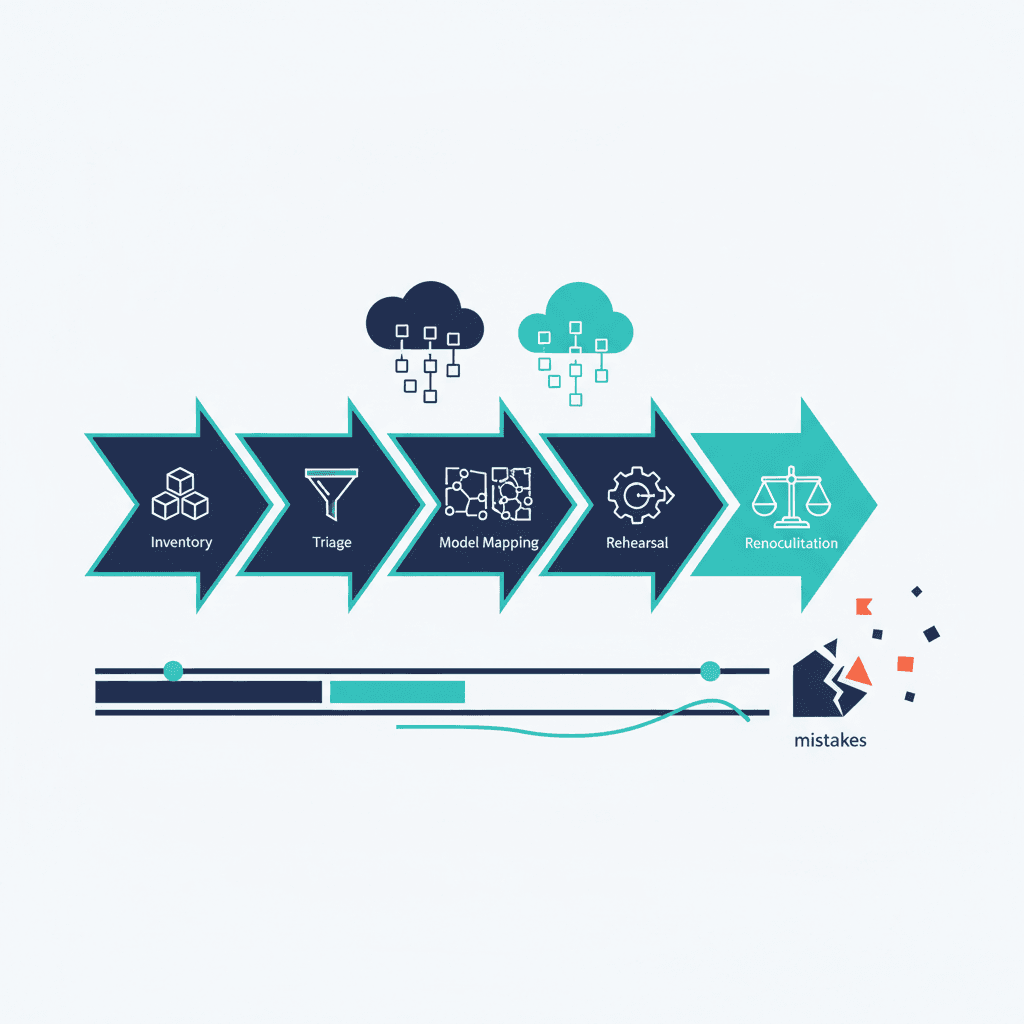
The five stages of any nonprofit data migration
- Inventory what you actually have. Every system holding constituent data: the main database, spreadsheets on people's laptops, the email tool, the payment processor. The migration's scope is this list — and it's always longer than expected.
- Decide what deserves to move. A decade of stale records is a liability, not history. Set rules: active constituents move; lapsed-beyond-X-years get archived, not imported. Migration is the best data-hygiene forcing function your organization will ever get.
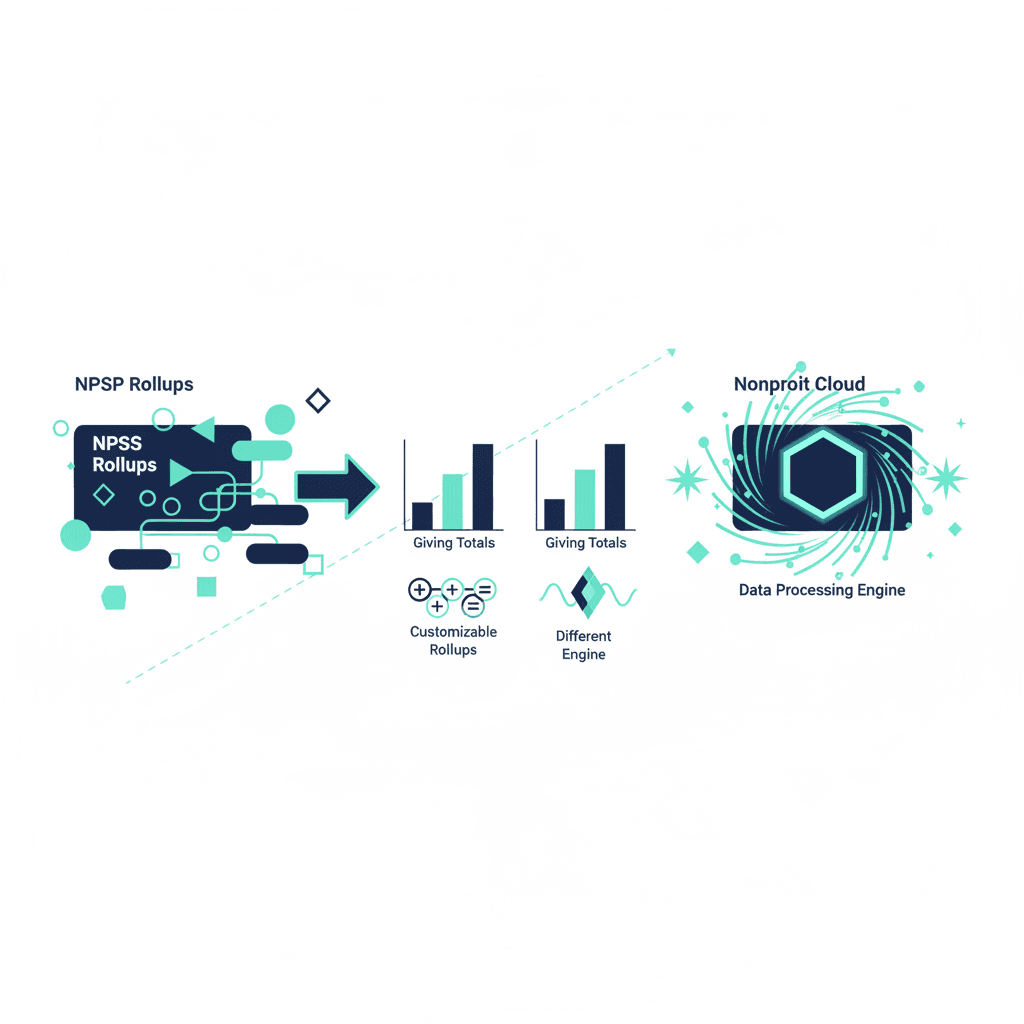
- Map the model, not just the fields. This is where nonprofit migrations fail. Households vs individuals, hard vs soft credits, pledges vs recurring gifts, campaign/fund/appeal hierarchies — the concepts differ between systems, and a field-to-field copy silently corrupts them. (The classic example: mapping NPSP Households to Person Accounts.)
- Migrate in rehearsal first. Full test run in a sandbox, validated by the people who actually use the data — your development director will spot a broken gift history in minutes that a consultant's row-count check missed.
- Reconcile, then cut over. Total gift amounts by year, donor counts, and recurring schedules must match to the rupee/dollar between old and new before go-live, with a rollback window planned.
What it costs and how long it takes
Small, clean datasets move in weeks; a typical mid-size nonprofit with 10–50k constituents should plan 2–6 months and — if using a partner — budget in the range of a Salesforce nonprofit migration: $15k–$60k, scaling with data volume and customization. The migration timeline breakdown shows where those months actually go (hint: data cleanup and testing, always).
Moving to the cloud, specifically
For nonprofits leaving on-premise or legacy desktop software, the destination question matters as much as the migration: in the Salesforce world, new organizations should start on Nonprofit Cloud, not NPSP — Salesforce's investment (including AI like Agentforce for Nonprofits) is going there. If you're already on NPSP, the migrate-now-or-wait decision framework is the place to start, and the free readiness check gives an honest verdict in minutes.
The mistakes that cost donor trust
- Migrating everything ("we might need it") — you inherit every duplicate and error at full fidelity.
- Letting IT run it without fundraising in the room — reconciliation is a development concern.
- Skipping the rehearsal because the timeline slipped — the rehearsal IS the timeline.
- No frozen legacy backup — keep a read-only copy of the old system for a year.
Planning a move and want the mapping and reconciliation handled by people who do it repeatedly? Book a free consultation — our Salesforce practice runs nonprofit migrations end to end, and we'll tell you honestly if your current system just needs cleanup instead.
Frequently asked questions
How long does a nonprofit data migration take?
Small, clean datasets move in weeks; a typical mid-size nonprofit (10–50k constituents) should plan 2–6 months. Data cleanup and testing always take the longest — budget for a full sandbox rehearsal validated by fundraising staff before cutover.
What data should a nonprofit migrate to a new system?
Active constituents, complete gift history with hard/soft credit relationships, recurring-gift schedules, and the campaign/fund structures reporting depends on. Records lapsed beyond your retention rules should be archived, not imported — migrating everything means inheriting every duplicate and error at full fidelity.
What's the biggest risk in nonprofit database migration?
Concept mismatches, not lost rows: households vs individuals, soft credits, and pledges vs recurring gifts work differently across systems, and a field-to-field copy silently corrupts them. Reconcile total gift amounts by year between old and new systems before go-live, and keep a read-only copy of the legacy system for a year.
Yash
Founder & Principal Consultant, Ynexgen
Yash leads Ynexgen, helping small and mid-sized businesses turn technology into a stronger foundation for growth — 7+ years across Salesforce CRM, websites, and AI adoption.